Windows 10 reached EOS (end of support) on October 14, 2025. For more information, see this article.

ابحث في الدعم

Avoid support scams. We will never ask you to call or text a phone number or share personal information. Please report suspicious activity using the “Report Abuse” option.

Learn More

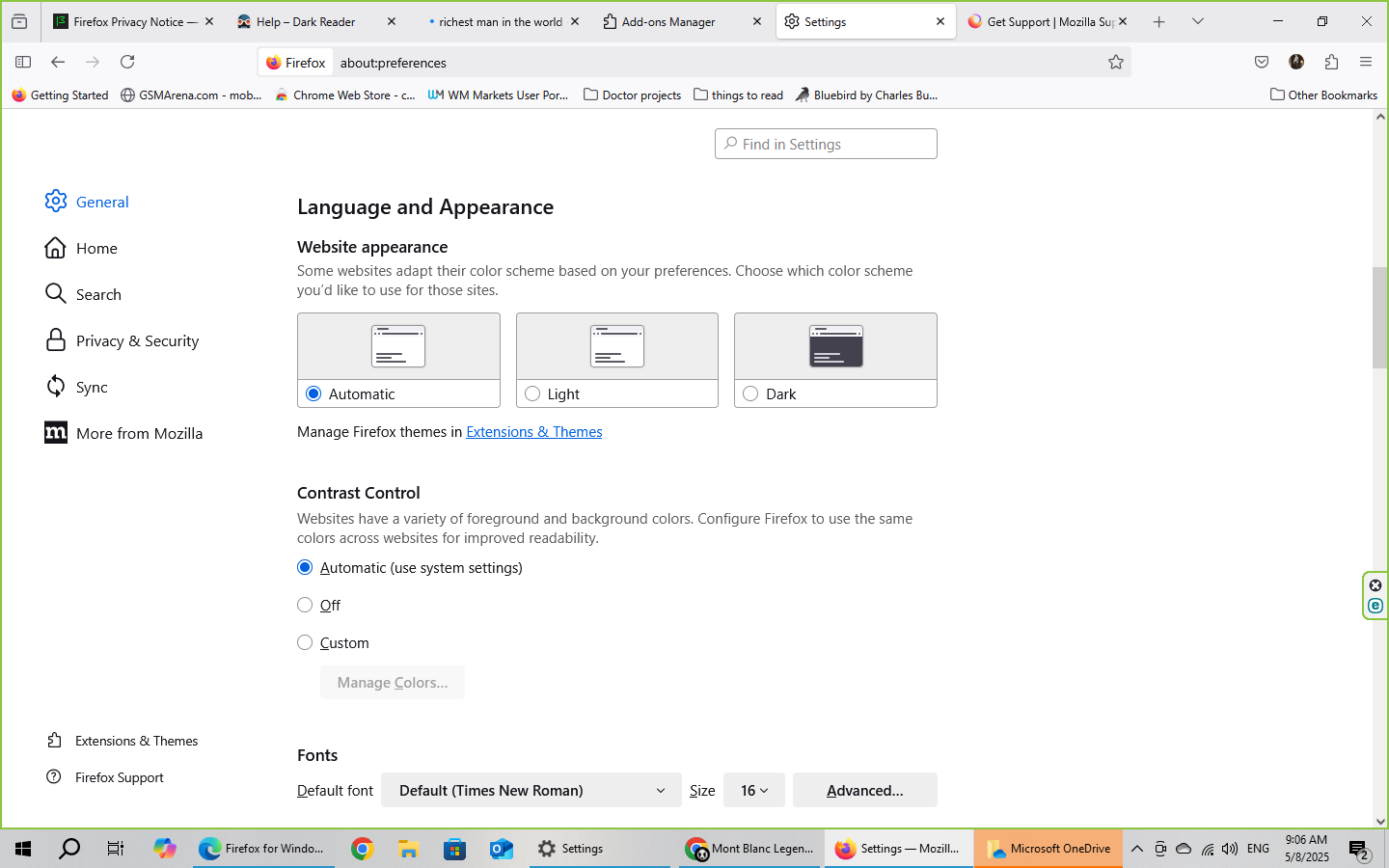
Mozilla desktop version 138 website appearance

  • 1 (رد واحد)
  • 0 have this problem
  • 65 views
  • آخر ردّ كتبه Mark

more options

Hello.

The problem i am having with several latest versions of firefox just on my desktop version is that it always no matter which search engine i am using it forces the websites to switch to dark mode. i have checked the settings several times and in General , Language and appearance , i have put it in light mode and it didn't help, i have put it in automatic mode and even though my system is in light mode and it's morning it didn't help either i have uninstalled and reinstalled mozilla over and over again and it didn't help either.

Moderator's note: Formatting update
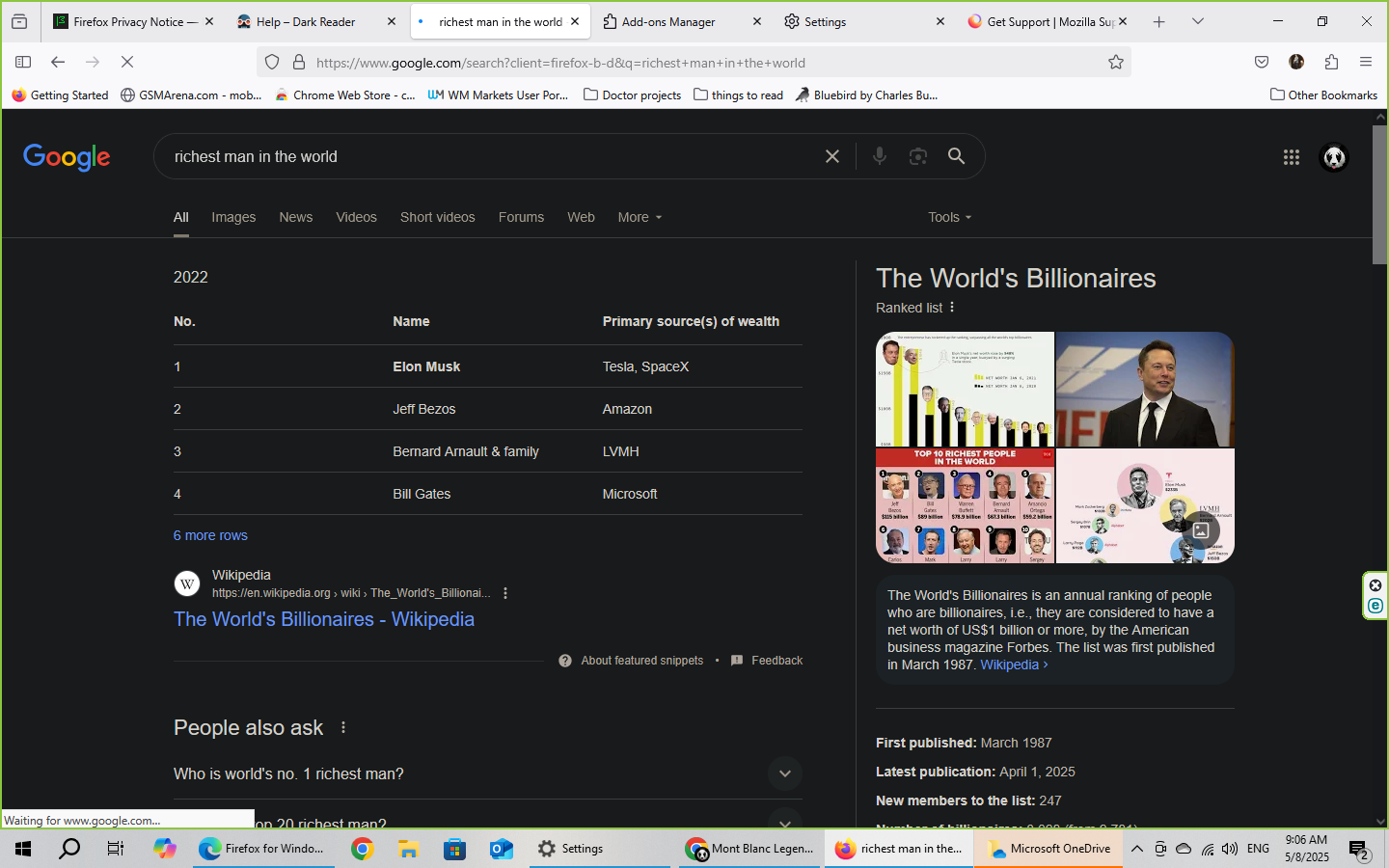
Hello. The problem i am having with several latest versions of firefox just on my desktop version is that it always no matter which search engine i am using it forces the websites to switch to dark mode. i have checked the settings several times and in General , Language and appearance , i have put it in light mode and it didn't help, i have put it in automatic mode and even though my system is in light mode and it's morning it didn't help either i have uninstalled and reinstalled mozilla over and over again and it didn't help either. Moderator's note: Formatting update
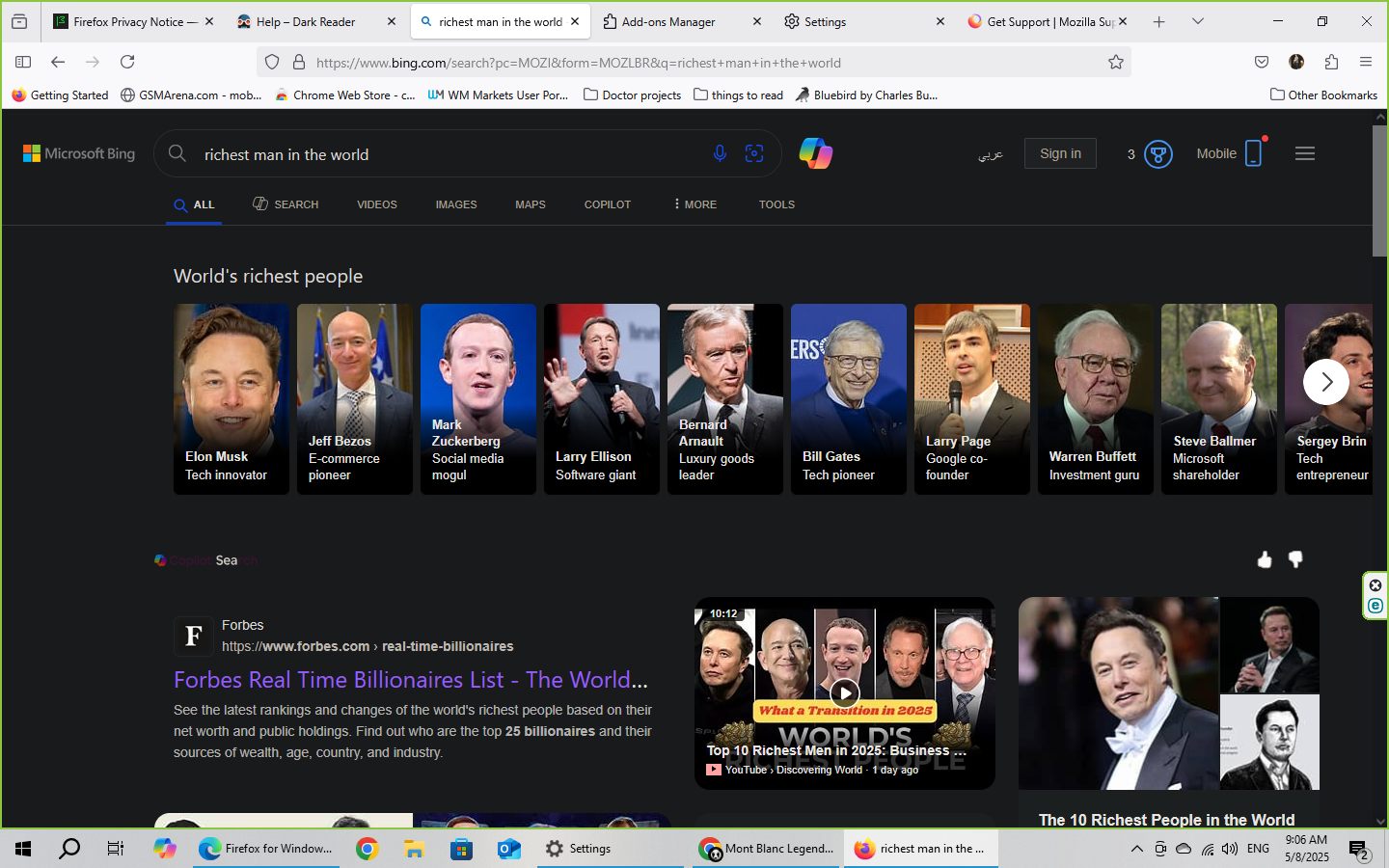
Attached screenshots

Modified by Kiki

All Replies (1)

more options

Did you install Dark Reader? (https://addons.mozilla.org/en-US/firefox/addon/darkreader/)

That will apply dark mode to websites you visit, such as google.com and bing.com.

Additionally, protected pages like about:preferences are not affected by extensions.