


Windows 10 reached EOS (end of support) on October 14, 2025. For more information, see this article.

ابحث في الدعم

Avoid support scams. We will never ask you to call or text a phone number or share personal information. Please report suspicious activity using the “Report Abuse” option.

Learn More

Issues with Website Shortcuts in Firefox

  • 1 (رد واحد)
  • 0 have this problem
  • 89 views
  • آخر ردّ كتبه markwarner22

more options

Dear Firefox Team,

I am using Firefox on my computer and have encountered a few issues:

1. When I delete all the website shortcuts, I am unable to add new website shortcuts. There is no option available to add them back.


2. When I use the "Unpin" option, the shortcut gets deleted completely, instead of just being unpinned. Ideally, the shortcut should remain available after unpinning.


I kindly request you to address these issues in an upcoming update so that users can have a smoother browsing experience.

Thank you.
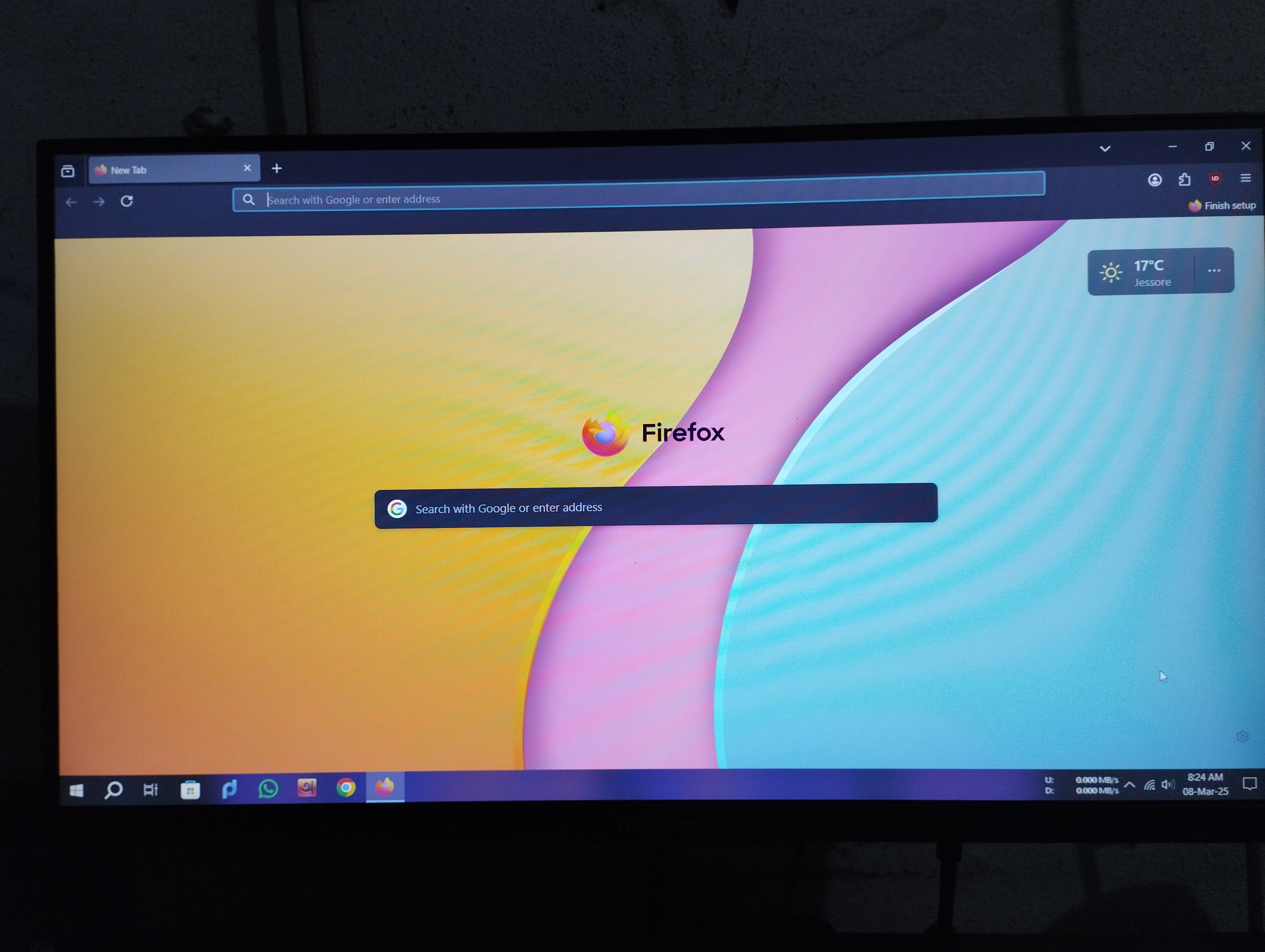
Dear Firefox Team, I am using Firefox on my computer and have encountered a few issues: 1. When I delete all the website shortcuts, I am unable to add new website shortcuts. There is no option available to add them back. 2. When I use the "Unpin" option, the shortcut gets deleted completely, instead of just being unpinned. Ideally, the shortcut should remain available after unpinning. I kindly request you to address these issues in an upcoming update so that users can have a smoother browsing experience. Thank you.
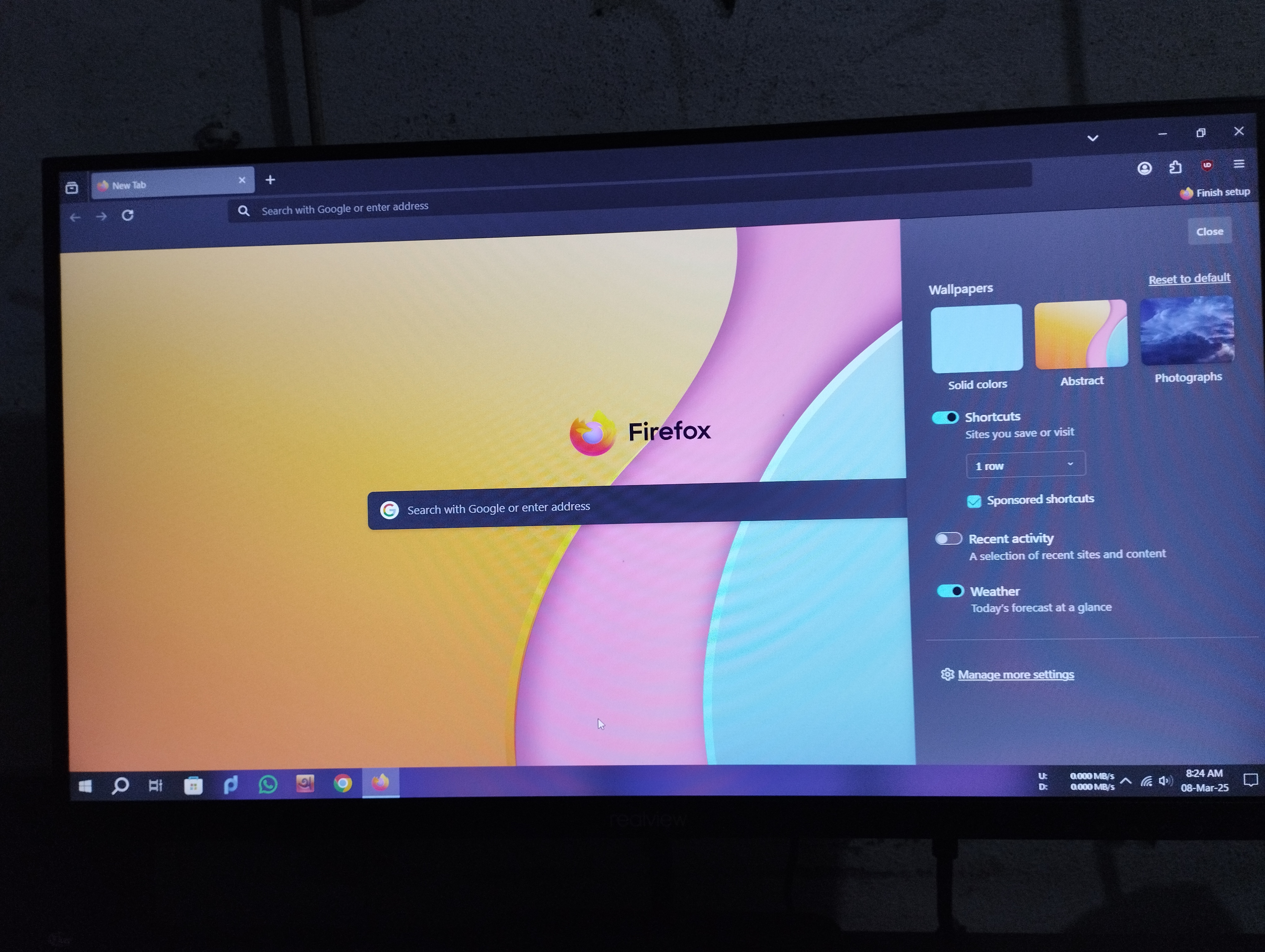
Attached screenshots

All Replies (1)

more options

FYI, this is a user help from not a Mozilla ticket request help section. And when you removed them did you close and restart Firefox again to see what happens?

And have you read this.

https://support.mozilla.org/en-US/kb/add-web-page-shortcuts-your-home-screen