


Session Restore did suddenly not restore windows and tabs
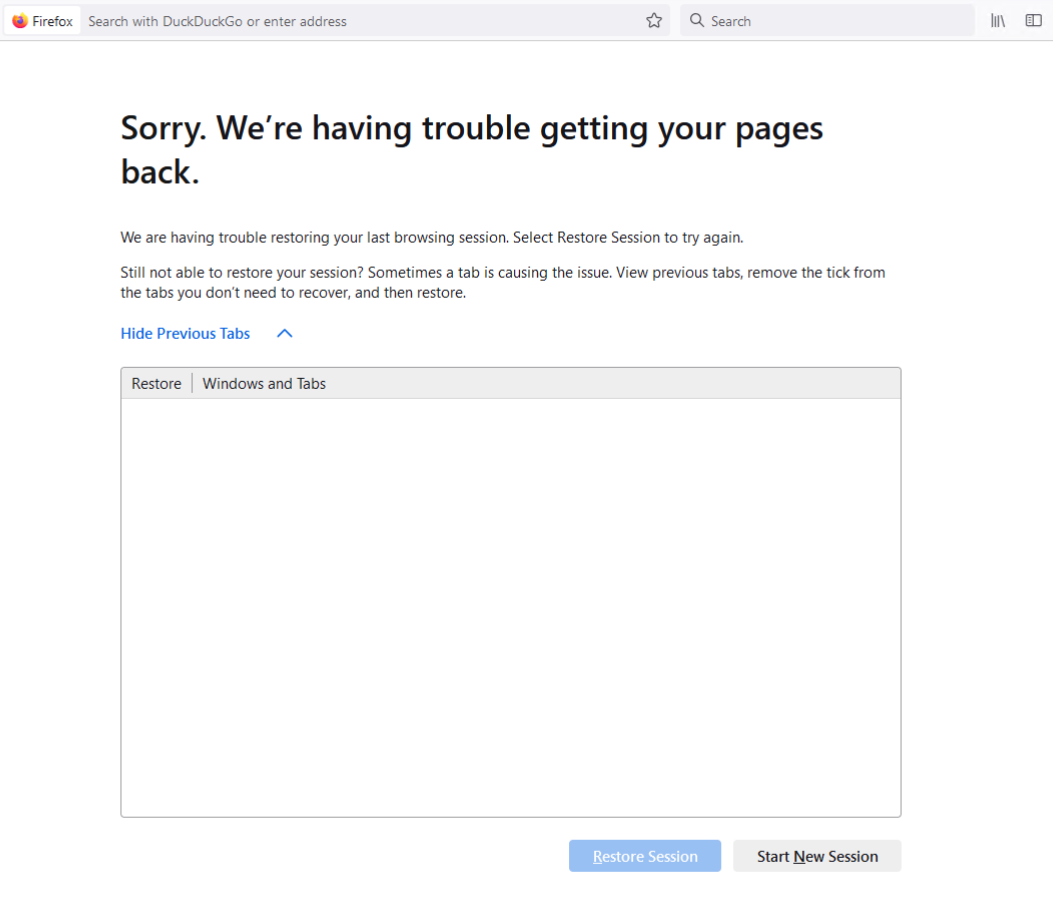
I am currently running Firefox on Windows 11 (24 H2) and today, like I have usually done a lot over the past years I opened Firefox, did some browsing, then I quit the app. When I later opened Firefox (version 130.0.1 (64-bit)) no a single of my open windows got restored.
I have been relying on Previous session being restored. Today however, it did not work, and the option to use "hanburger menu" -> History -> Recently Closed Windows" do not show my windows I had open.
How can I find my old sessions? Can I restore them somehow from backed up data?
الحل المُختار
> Can I restore them somehow from backed up data?
Yes, by going replacing the entire C:\Users\Niklas\AppData\Roaming\Mozilla\Firefox\Profiles directory with a copy from my backup from yesterday I was able to restore most of my sessions (minus a days worth of data).
Read this answer in context 👍 0All Replies (2)
الحل المُختار
> Can I restore them somehow from backed up data?
Yes, by going replacing the entire C:\Users\Niklas\AppData\Roaming\Mozilla\Firefox\Profiles directory with a copy from my backup from yesterday I was able to restore most of my sessions (minus a days worth of data).