


"Firefox can't update to the latest version" popping up again and again (and again)

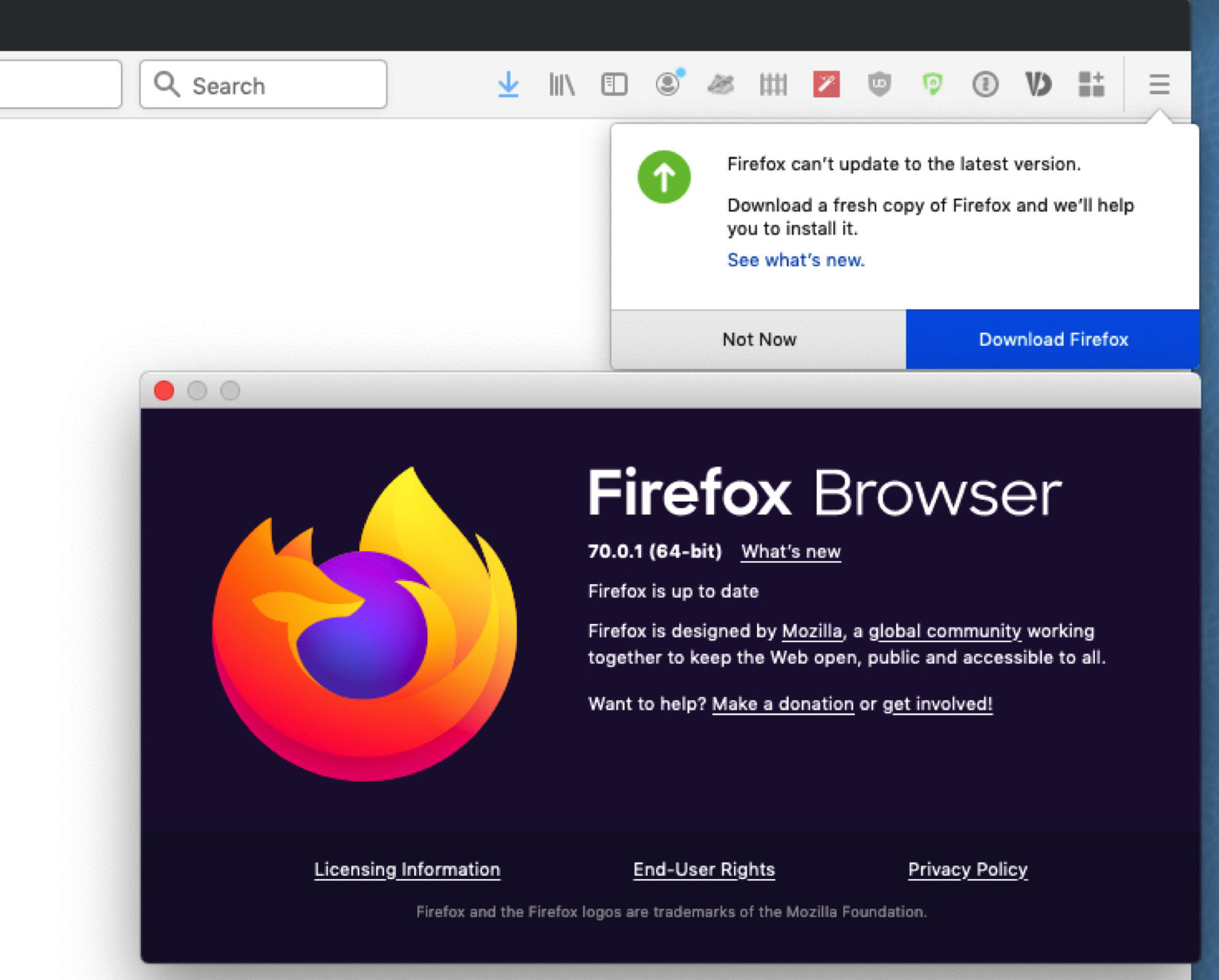
Since updating to Firefox 70 I get every day at least once the message "Firefox can't update to the latest version" - although I have the latest version installed (right now 70.0.1 - see attached screen shot).
How can that be fixed?
(macOS 10.14.6 / Firefox 70.0.1)
Modified by deerfield
All Replies (3)
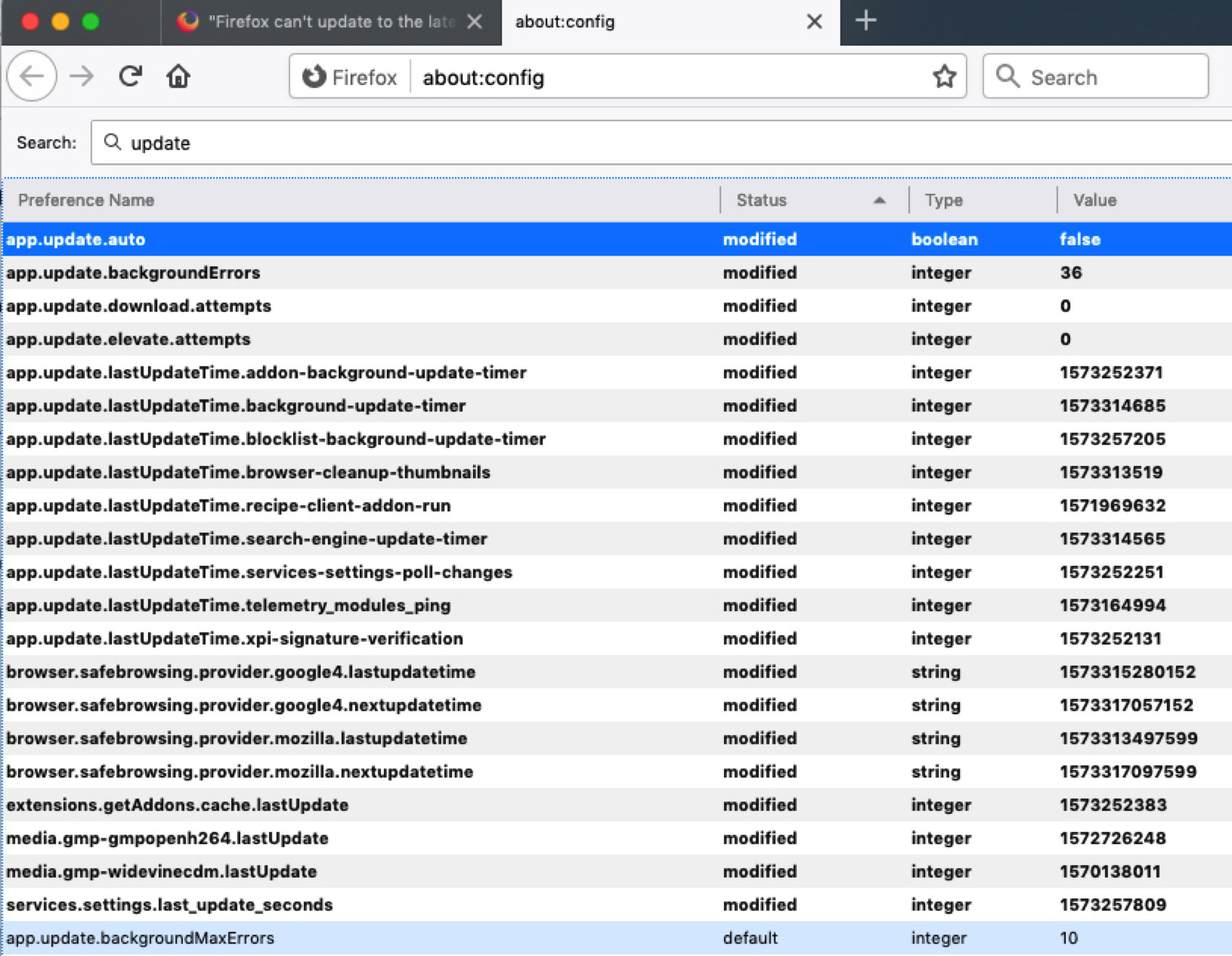
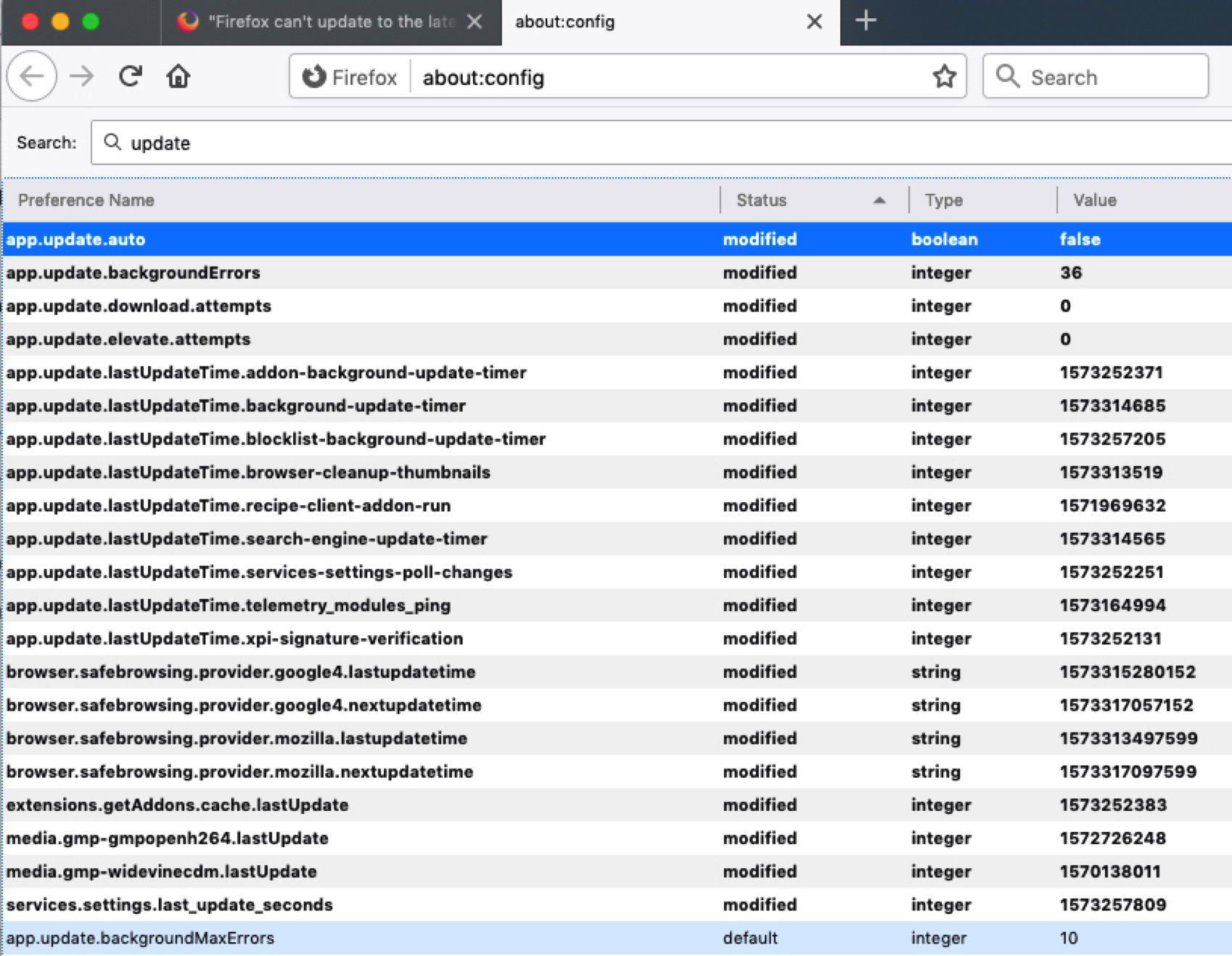
PS: I am also attaching a screen shot from the about:config page with all "modified" items with the term "update" in them. To the best of my knowledge I have nothing modified here myself.
I'm not sure what causes that, but possibly the temporary folder where Firefox stages updates is locked or unable to be used. Hopefully someone who knows the file structure on Mac can point out where that is and you could empty it out and see whether that helps.
Removed post
Modified by McCoy