


I click on the icon for Google+ on sites and the browser shrinks to half the size of the screen

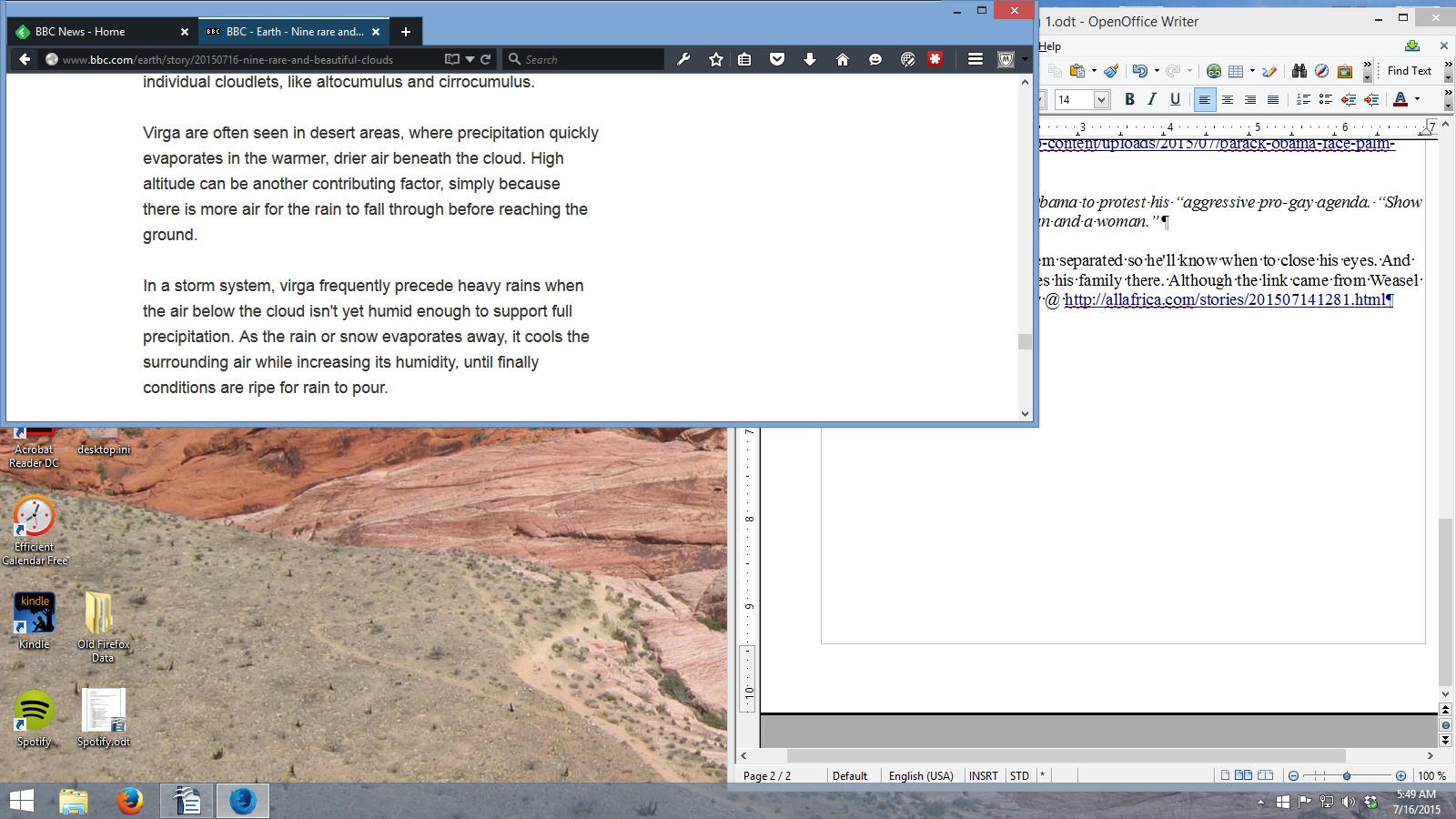
I use Feedly, the RSS reader to visit sites on a daily basis. Feedly has an internal option to click on various sites to add personal discussion to the particular article. Some sites provide the Google+ logo to directly add comments to an article. When I do it in Feedly, I have absolutely no problem. But, when I do it on sites such as National Geographic, the Firefox screen shrinks horizontally to half its size. I have to click the botom edge with my mouse and move it back down to the bottom of the screen.
This is in the developer program which I use with Windows 8.1 as its 64 bit and faster than regular Firefox.
All Replies (3)
Here's a graphic of the screen when this happens.
There might be a compatibility issue in DE, which the Feedly developer needs to attend to before Firefox 41 is released.
See the download page for Feedly - https://addons.mozilla.org/en-US/firefox/addon/feedly/ - for support information. The right-column - "Support Site - and at the bottom in - "Developer’s Comments". You may want to notify the developer of that add-on via the "Support E-mail" link on that page.