


Thunderbird print dialog ignores page range setting

At some point recently, Thunderbird started ignoring the page range I specify in the print dialog box. I regularly have documents that are 4-5 pages, however I only need the first page printed. So in the print dialog, I set it to double sided printing, and to print only pages 1-2. In the past, it would only print a single (double sided) page...recently, it started printing all of the pages, and ignoring the setting I provided. Any help would be appreciated!
所有回覆 (7)

I don't have a solution, but I just did 2 tests, and for me, both print the pages I specify. First test is using Thunderbird 140.12.1esr on Windows 11, printing to three different PDF printers. Second test is Thunderbird 152.0.1 on Windows 10, printing to two different PDF printers.
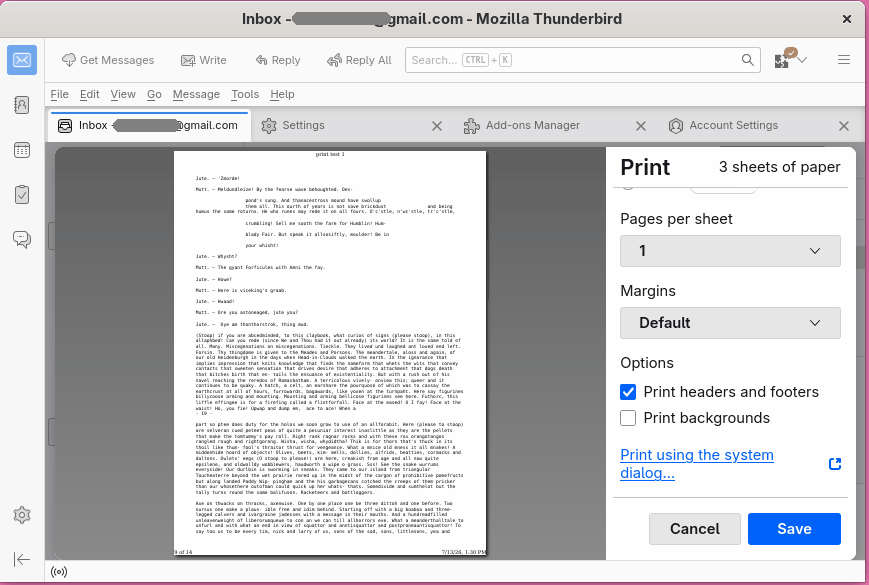
Does it make any different when you use the "Print using the system dialog..." option found at the bottom of Thunderbird's Print dialog?
This makes me wonder if it's an issue with your print drivers. Do you have any other printers, including PDF printers, to try it on.
I am using Thunderbird 152.00 (aarch64), on a Mac/Sonoma. This printing issue only arose recently- in the past, it would print the range I specified.
I just attempted to print a 4 page document, specifying to only print pages 1-2, and to save it as a .pdf (in the dropdown menu of the dialogue box), specifying the 'save as' location. It did not save the document to the specified location, and physically printed out all pages.
There is no 'Print using the system dialog' option at the bottom of the print dialog box. (See attached image for dialog box.)
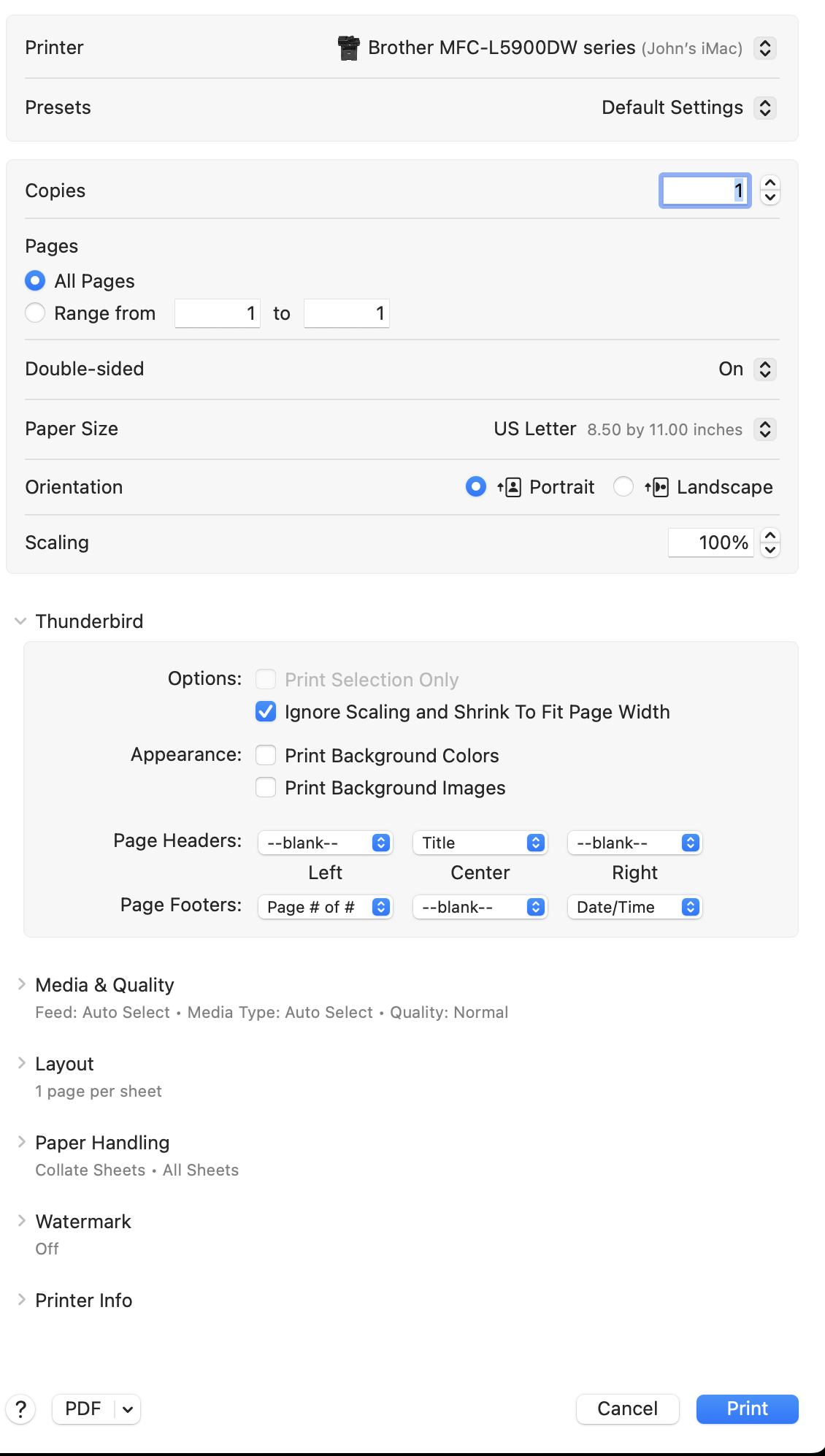
I also have an Arch (VirtualBox) machine running Thunderbird 152.0. It DOES print the specified pages to its built-in PDF printer. Also, it DOES have a "Print using the system dialog" option. What you show resembles the system dialog more than Thunderbird's print dialog.
So, it seems there's something peculiar about your system, but I can't imagine what.
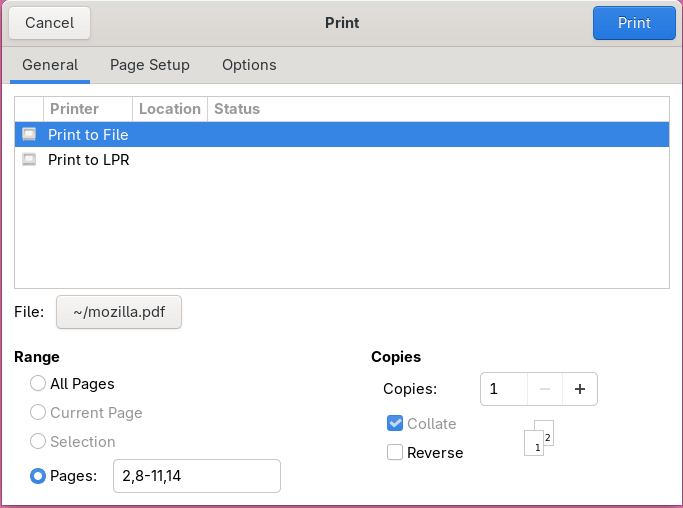
This is a new problem- up until a few weeks ago, Tbird printed documents according to the page range specified. No changes have been made to the OS during this time- it's possible Tbird updated at some point, however.
Any suggestions are welcome and appreciated.
I made sure Arch was fully updated before I made my test.
After updating TB, it appears the print function is now properly regarding the page range setting.
Interesting. Since it worked for me on the same platform, and I haven't heard any other similar reports, I guess we'll probably never know what the real problem was.
Thanks for the update.