


Unable to view images to verify Google image captcha
Hi, I’m a new user of Firefox on iOS and after being impressed with Mozilla/Firefox privacy commitments,, I decided to use it as the default browser on my iOS mobile on the latest Apple’s software update but unfortunately, I’m unable to even visit safe and known websites mainly because everytime I fall prey to the endless google image verification captcha but never been able to see any of their images - bus, cars, hydrants or anything for that matter. This has resulted in disappointment for me as I tried even dialling down on my privacy controls to standard from strict but to no avail. I have consented for the technical team to share the analytics of what has happened and offer a solution. I am also posting it here as I could not see any features where I could directly drop an email to the Mozilla/firefox devs and technical teams . Keep up the hard work you are doing to keep us safe online but please try to get the browser spot on with iOS . Unfortunately I have now changed my default browser as safari and downloaded Firefox focus to offer some browser protection by toggling on the extension.
All have a nice day!
Moderator note: Moved from the Firefox Desktop forum to the Firefox for iOS forum.
由 Denys 於 修改
所有回覆 (12)
Hi, could you share a bit more about your device setup in general? Do you run a lockdown mode or something similar? Using a custom networking profile, VPN, system–level proxy settings, any special/custom DNS etc.?
Why I'm asking is posting this question captured some user agent data, and even that looks suspicious — which browser did you use to post this question if you don't mind sharing? If it was Firefox iOS, would you be willing to visit www.whatsmybrowser.org using that same version, and pasting here the shortcode it gives you in the blue box at top? Thanks.
@jbr thanks for replying to my first post. Yes, I do use a VPN for my own safety and apart from the Firefox browser privacy co trols,I do not have any other system features enabled on my iOS device . I didn’t get what you meant that my user agent data in my initial post was suspicious . for sharing the whats my browser link.i used it and got the below message: Operating system iOS 18.7 IP address 138.199.7.182 help_outline Javascript enabled Yes Cookies enabled Yes Flash version Not installed Java version Not installed Websockets supported Yes WebGL supported Yes Language en-GB Browser size 250 x 467 Screen size 375 x 812 (Retina) Color depth 24 bit AdBlock enabled No
Apologies for the typos. I have also noticed that my letters when I type sometimes get in the wrong column due to a page flicker I get it only when using Firefox browser
I'd need to see the tiny grey fine print below this table that starts with "Your full user agent string is: Mozilla/5.0 (… "
(or you can just paste the link to that report that's generated for you when you visit the page)
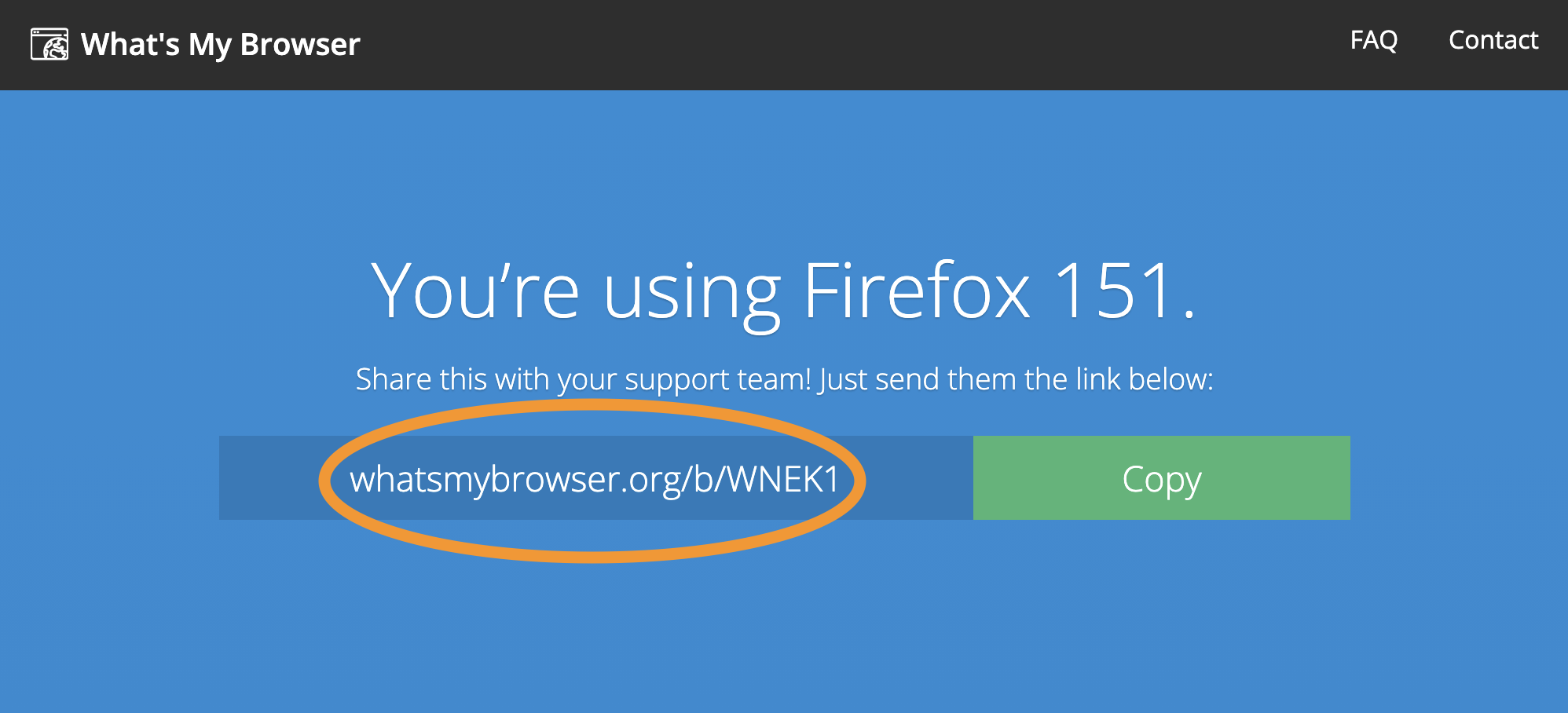
I also should have mentioned that the datacenter you're connecting through points to using something like ProtonVPN which very well might trip up many big platform's bot protections, so make sure to also try browsing without using it if that turns out more successful.
Thanks @jbt . I can understand your point UAE of the VPN maybe the cause . However, I worry more on my real IPbeing exposed when using non- safari browsers. My use of VPN stemmed from my own bitter experience of identity theft . Although reluctant I have also tried being on Firefox without a VPN and same issue persiste. I’m now rarely using Firefox iOS browser and reverted back to safari with private relay without any VPN. Thanks for responding
It would still help understanding how that unexpected fingerprint happens — it's not the first time I've seen it, but we've yet to understand where's that coming from.
If you'd be able to share the link with the results mentioned above: support.mozilla.org/en-US/questions/1590547#answer-1829680 it would help getting an idea how such protections can change the headers sent to the outside world; which then in turn may cause genuine incompatibilities on e.g. security grounds. Thanks!
Thanks for coming back again @jbr . The box says this - “ YOUR WEB BROWSER IS: Firefox 152.4 on iOS 18.7 Apple iPhone ✓ Your web browser is up to date”
And the main issue I worried about is this precisely- my unadulterated IP address to the precise co-ordinates to the area where I live is below this information and hence although I know Firefox and many modern browsers offer good tracking prevention , it really does not make me feel confident for my true Internet providers identity and personal IP laying out in the open . I feel my personal privacy exposed while I understand many are comfortable with that . I don’t know Firefox knowing about my IP as it is my personal choice to download the app . I would be more comfortable if Firefox came with some anonymity with offering IP protection than laying it bare . Hence I said I prefer safari for general browsing when not connected to VPN, hence I feel more comfortable browsing Firefox or other similar apps like brave when connected to a VPN but then as you rightly said it brings out the inaccessibility and captcha issues as we’ve discussed in this thread .
As you asked how I’d like to see how headers are seen by an external world - again I quote on what I’ve said about comfortably browsing on safari(only with private relay) as not a single number on my IP is even accidentally exposed. Due to this I’ve also reduced using some once in a while apps and only access via the web app functionality. Sorry for the lengthy reply. I hope you get my point .
I'm trying to understand the incompatibility the VPN might add, which is why I'm asking the steps above to help inform the interaction.
I'm only investigating user agent headers; your IP is not a factor in this. The box on the site explains that it's only shown to you in case you need to use it for verification if that's your concern. It's not shared in the link. Here's mine: https://www.whatsmybrowser.org/b/QF97I that you can check for verification it does not include anything interesting.
What I need to verify is how this specific content looks for your Firefox iOS: (either using your VPN or not, both would be interesting to know but feel free to pick just what's comfortable for you, or if there's any difference)
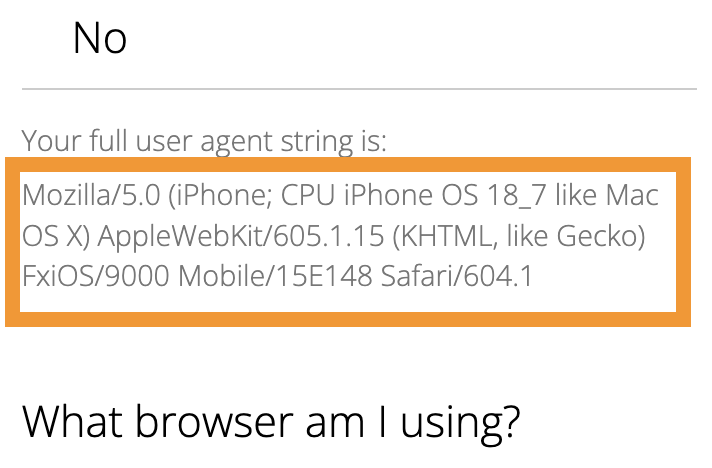
Or generally, I don't need your actual header (and based from that summary you pasted it should be present in the header correctly), my question only is: Do they show you all these three components in that fine print?
1. FxiOS/version
2. Mobile/version
3. Safari/version
or any of these tokens is missing from yours?
(because if you open your Question Details here in the sidebar, and pop up More system details you can see those bits were missing when you submitted the question. That generally would be a compatibility issue. So I'm trying to understand if that's deliberate on the VPN front, a bug in Firefox identification, or an issue with the support system here not acquiring the complete data.)
Thanks, unlike yours my link was showing 3/4th of my IP , so I have just copied and pasted all the remaining scripts which were on that link -
Their Computer Screen 1125 x 2436 pixels - 24 bit Their Browser Window Size 375 x 701 pixels Their "Do Not Track" Header No Using Tor? No THEIR WEB BROWSER'S TECHNICAL DETAILS:
Software TypeWeb Browser Hardware TypePhone Browser version (full)152.4 Operating System version (full)18.7 Mobile Build15E148 Operating PlatformiPhone Operating Platform Vendor NameApple Layout EngineWebKit WebKit version605.1.15 Configured LanguagesEnglish Device Pixel Ratio3 Browser GMT Offset+01:00 Navigator PlatformiPhone No. of logical CPU cores4 Maximum Touch Points5 WebGL VendorApple Inc. WebGL RendererApple GPU ECMA Version11 THEIR USER AGENT:
Mozilla/5.0 (iPhone; CPU iPhone OS 18_7 like Mac OS X) AppleWebKit/605.1.15 (KHTML, like Gecko) FxiOS/152.4 Mobile/15E148 Safari/604.1
Thanks, this is the expected content, so that would not be a reason for incompatibility with services.
Did you capture this while on your VPN, or off? This is how it should look like. If this was presented already while on your VPN, that doesn't seem to be a culprit then.
Thanks @jbr
The parameters I shared were the raw data what I got when I logged on to what’s my browser website using the official main firebox iOS app, braving no use of VPN connection! (This reply is via my safari iCloud + private relay browser) Thanks