


Stop opening private tabs on my Samsung s23
Stop opening private tabs on my cell phone
被選擇的解決方法
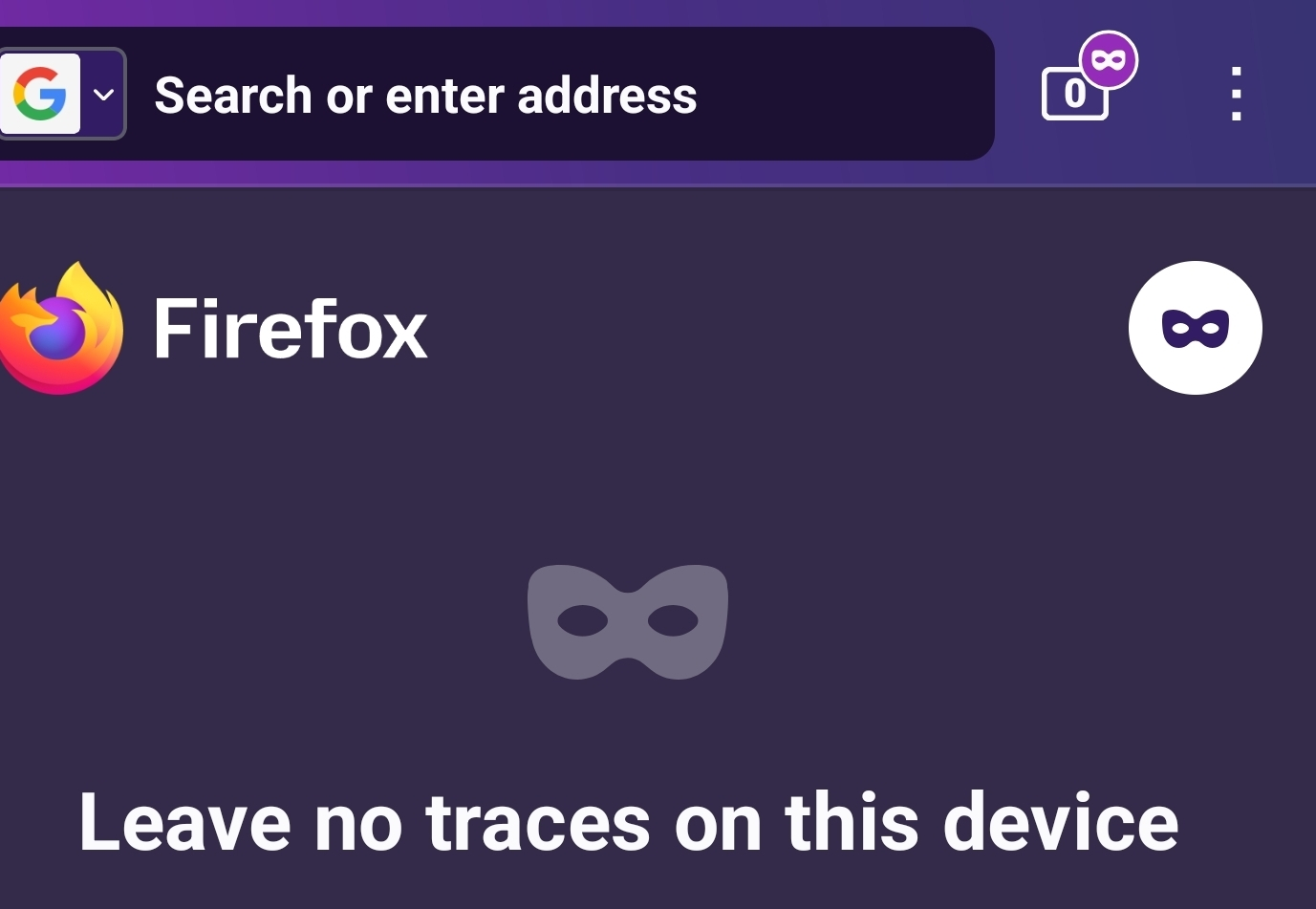
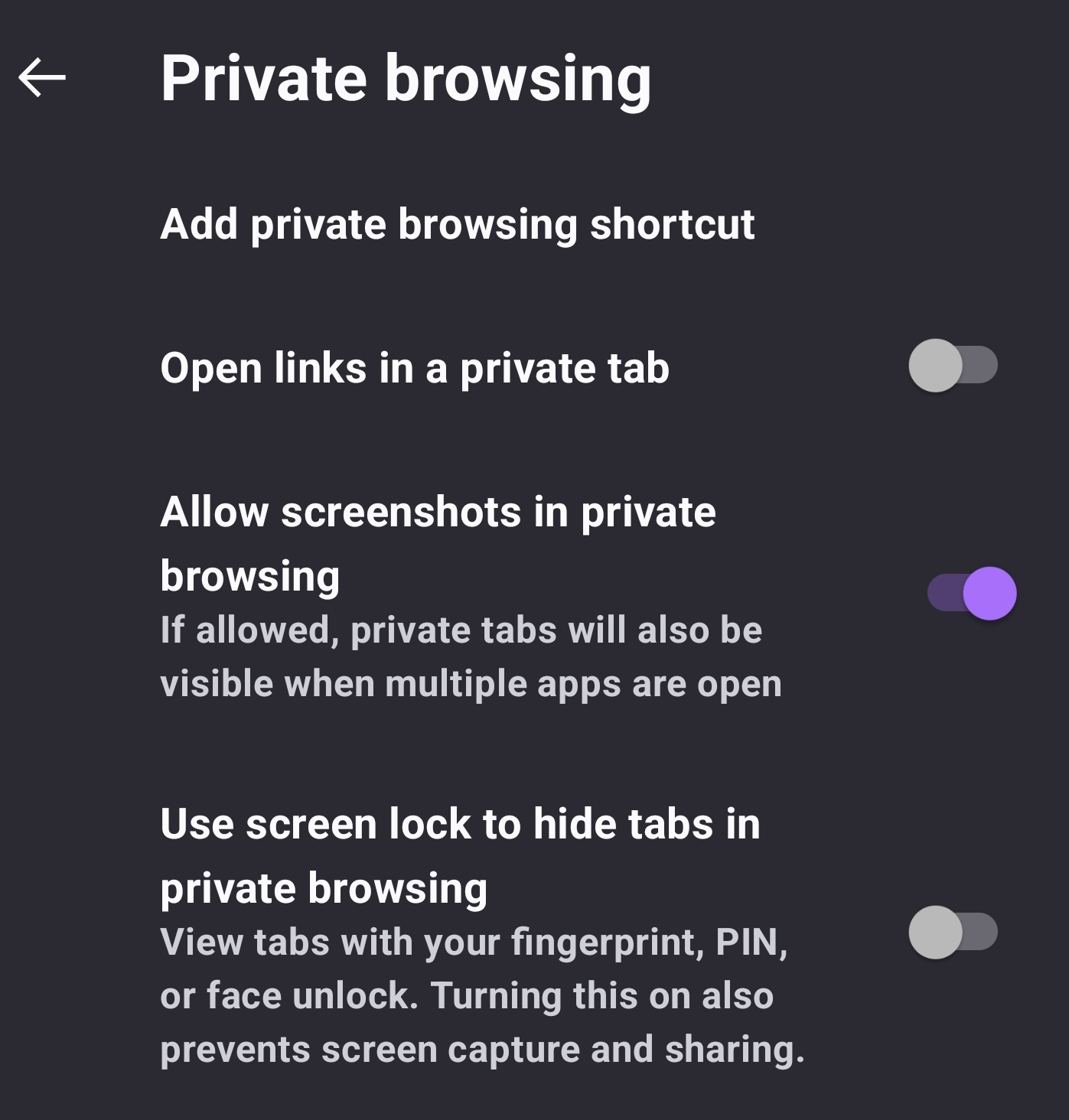
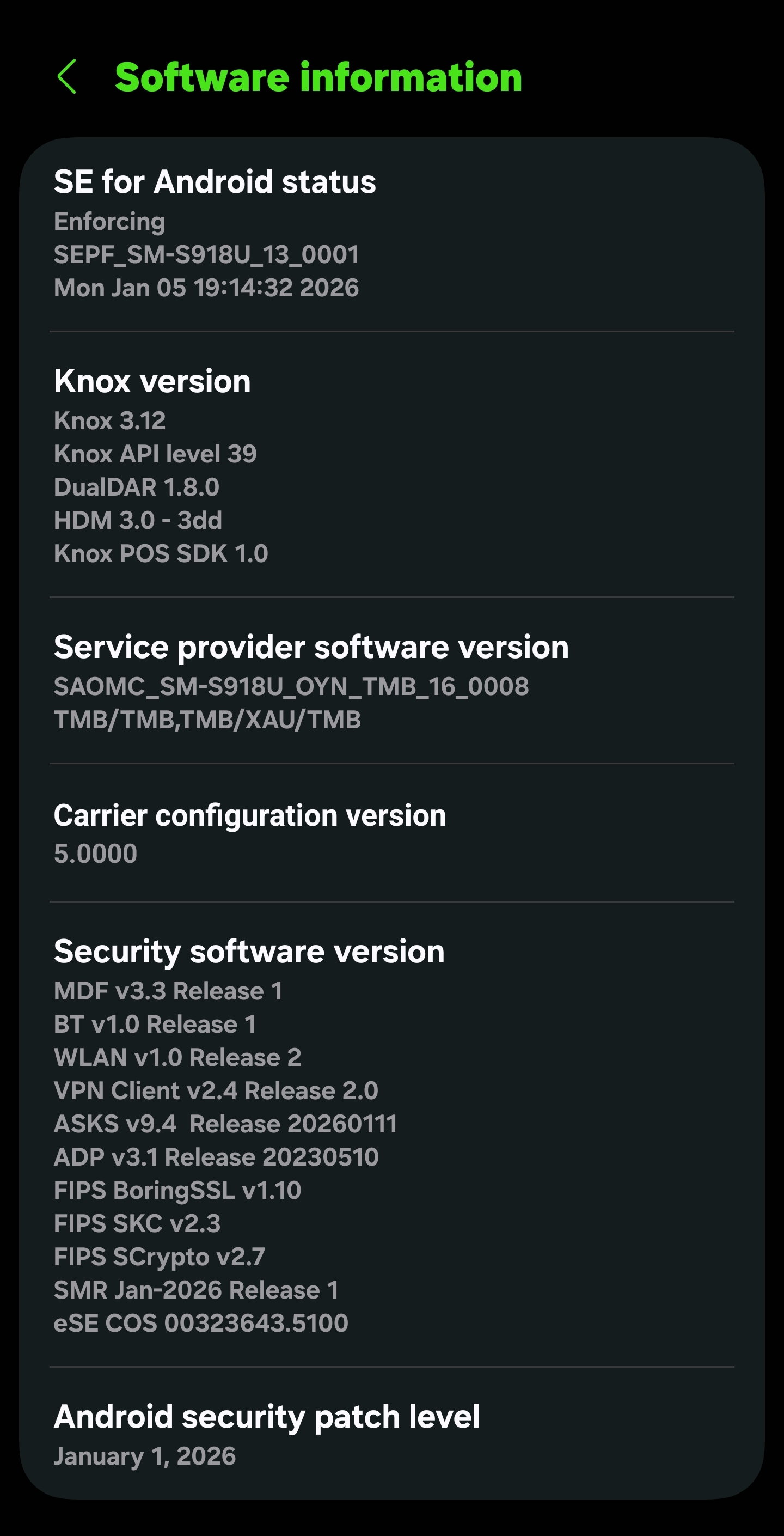
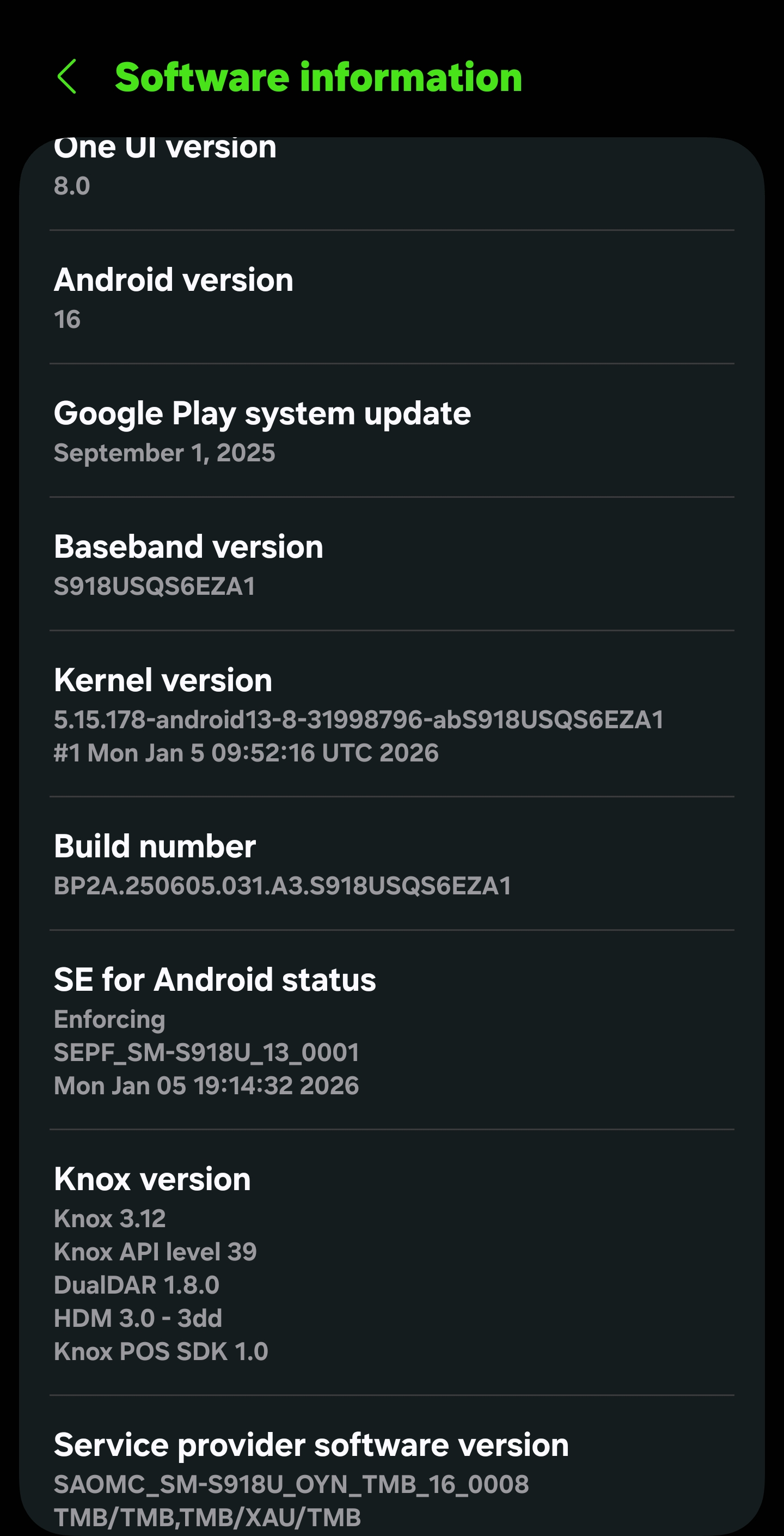
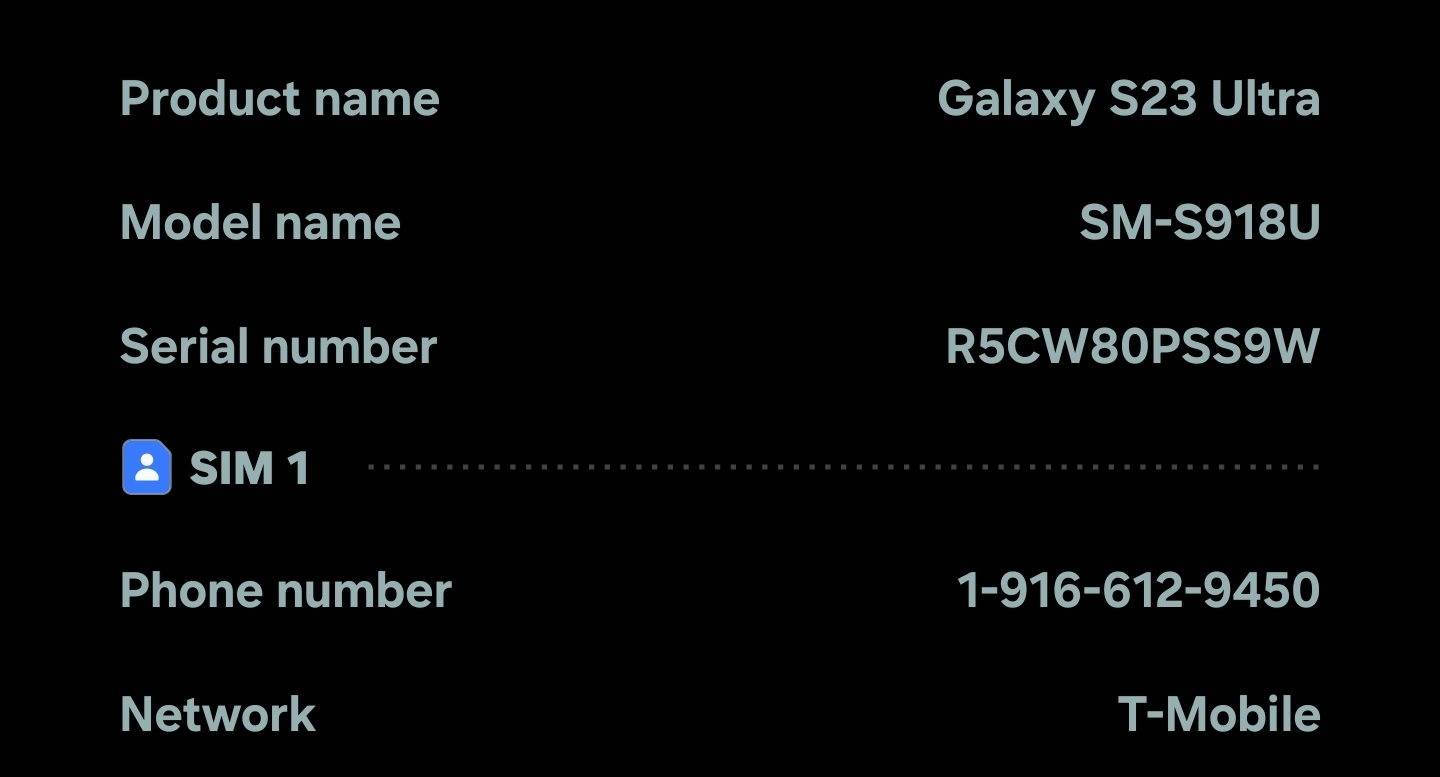
I found the problem. I had accidentally touched the private purple "mask icon" in the top right of the browser on my Samsung s23 cell phone so it kept opening only a private browser. Then I realized if I tapped it again the "mask icon" turned to white color and private browsing default setting went away. Details and software attached.
Thanks, Mike Meyer
從原來的回覆中察看解決方案 👍 0所有回覆 (3)
Hi,
Thanks for reaching out! It looks like you're experiencing an issue related, but we’re having trouble understanding the exact problem based on the information provided.
Could you please share more details about the issue you're encountering? Without a clearer explanation, it’s difficult for the community to offer helpful support.
If English isn’t your first language, feel free to write in your native language or use a translation tool. We’ll do our best to understand and assist you.
When posting a question, it’s helpful to include things like:
- Your operating system (see instruction for Windows/macOS)
- Your Firefox version (Find what version of Firefox you are using)
- Any specific error messages you’re seeing
- The steps you've already tried to solve the issue
To reply, scroll down to the Post a Reply box, type your message, and click Post Reply. The more context you provide, the easier it is for the community to help.
For tips on posting, please review our Mozilla Support Rules and Guidelines.
Looking forward to your update!
選擇的解決方法
I found the problem. I had accidentally touched the private purple "mask icon" in the top right of the browser on my Samsung s23 cell phone so it kept opening only a private browser. Then I realized if I tapped it again the "mask icon" turned to white color and private browsing default setting went away. Details and software attached.
Thanks, Mike Meyer


由 Denys 於 修改