

此討論串已被封存。
如果您有需要幫助,請新增一個新問題

Solved
封存
Extra tabs

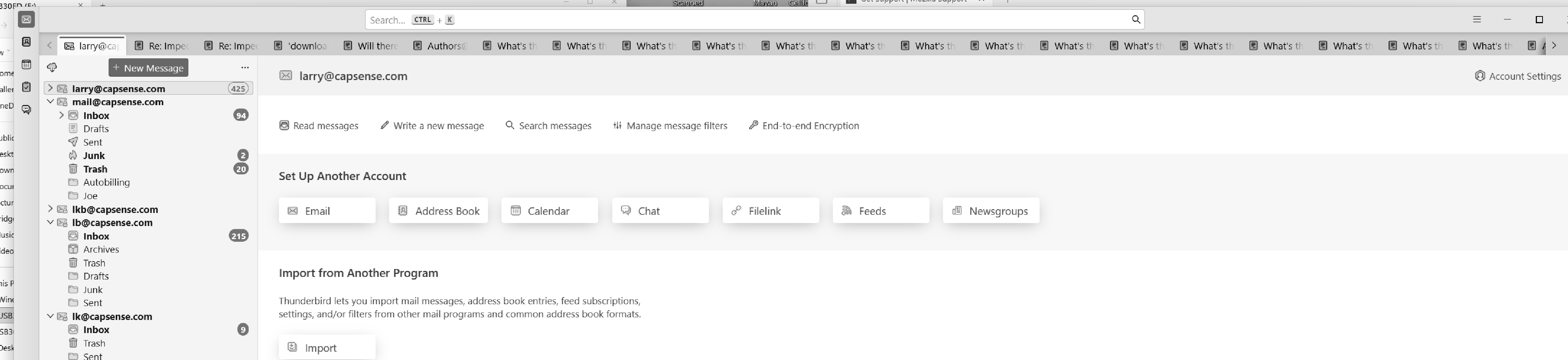
Very large number of extra tags on all pages, can't remove them.
Very large number of extra tags on all pages, can't remove them.
選擇的解決方法
R-click on the Mail tab in the left corner and select "Close Other Tabs" in the context menu

由 Mapenzi 於 修改
所有回覆 (5)
Hi Larry,
What are you referring to?
Look at the .jpg, up at the top, lots and lots of tags. Most say "What's...:. I can delete one by one, but I never come to the end... ...Larry
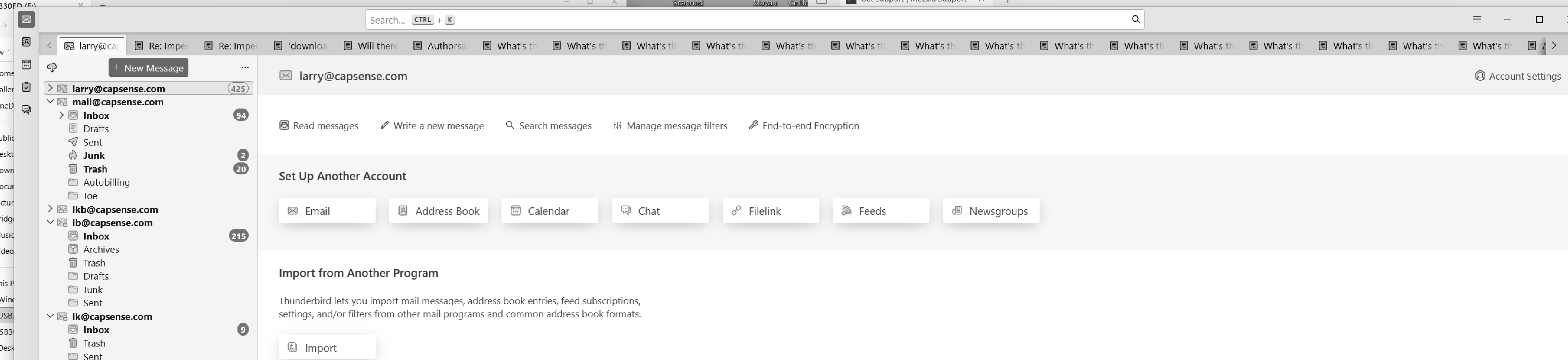
Got it, thank you for clarifying. What app is it, though? Does not look like Firefox to me.
Thunderbird.
選擇的解決方法
R-click on the Mail tab in the left corner and select "Close Other Tabs" in the context menu
由 Mapenzi 於 修改