


Search in the address bar

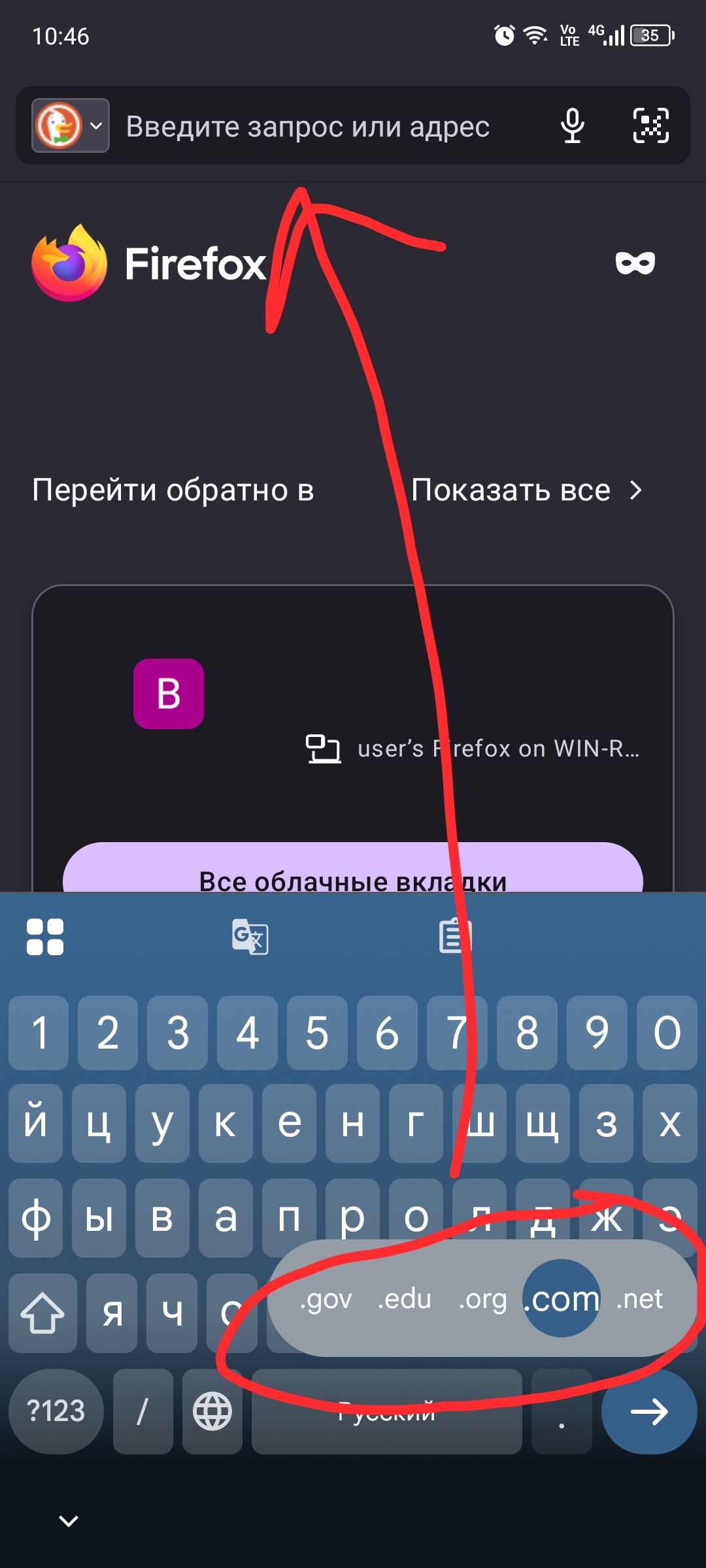
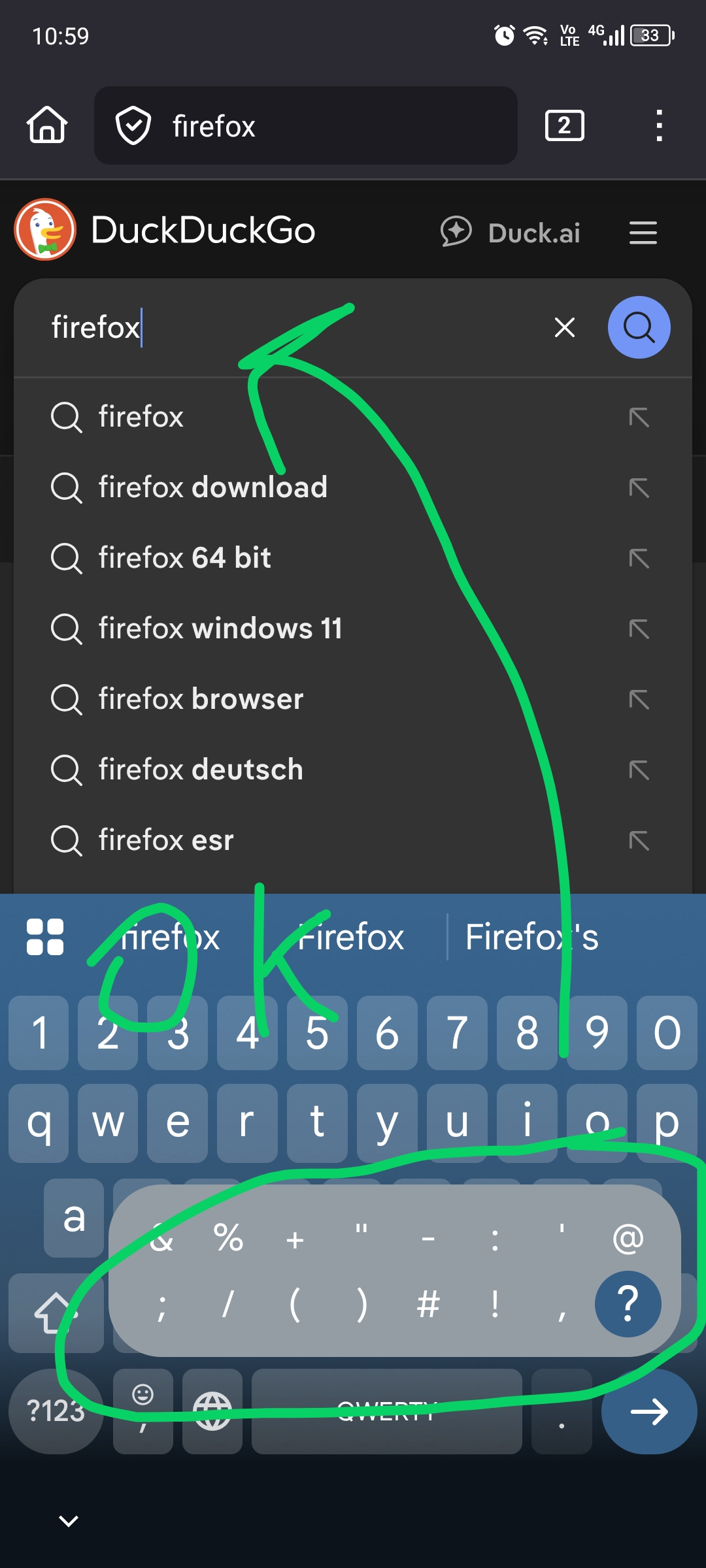
Hello, I'd really like to see the character input appear when I hold down the period key instead of entering a domain. This is what usually happens in the normal search bar. This is very inconvenient.
Moreover, this is not a problem with Android 13 or Google Keyboard, but rather a feature of the browser.
I kindly ask the developers to add the ability to change this so that it would be convenient to use the search directly from the address bar.
所有回覆 (2)
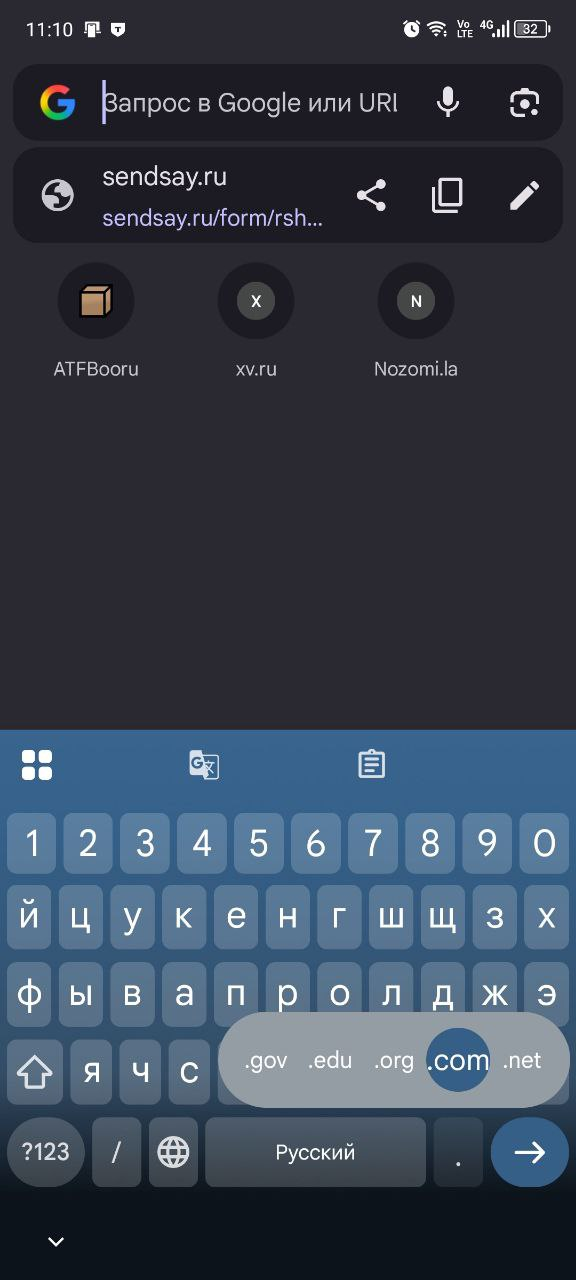
UPD: Unfortunately, the same issue occurs in Google Chrome—apparently a feature of Android or Google Keyboard—but I couldn't find any settings for this. Apparently, this only happens if you use a different keyboard.
Hi,
This forum is intended to help users with Mozilla products, such as Firefox, while your question is related to a Gboard feature. As a moderator, I'm going to mark this thread as off-topic and lock the thread since it is not a subject covered in the support forum. Please see Mozilla Support rules and guidelines.