


Unable to access website

Dear Sir/Madam, Recently I have been having issues accessing a particular website named asus.com for reasons I am unable to discern I keep receiving an error message each time I attempt to access the site. I keep receiving an error message indicating that the site cannot be reached. It should be noted that I do not have any issues with any other websites. Your assistance in resolving this extremely annoying issue will be greatly appreciated. Best regards, Volney Boswell
被選擇的解決方法
That sounds like a question for the Asus support team.
從原來的回覆中察看解決方案 👍 1所有回覆 (6)
Hi Denys, Thanks for your response it is greatly appreciated. I have attached a screenshot of the error message that I keep receiving.
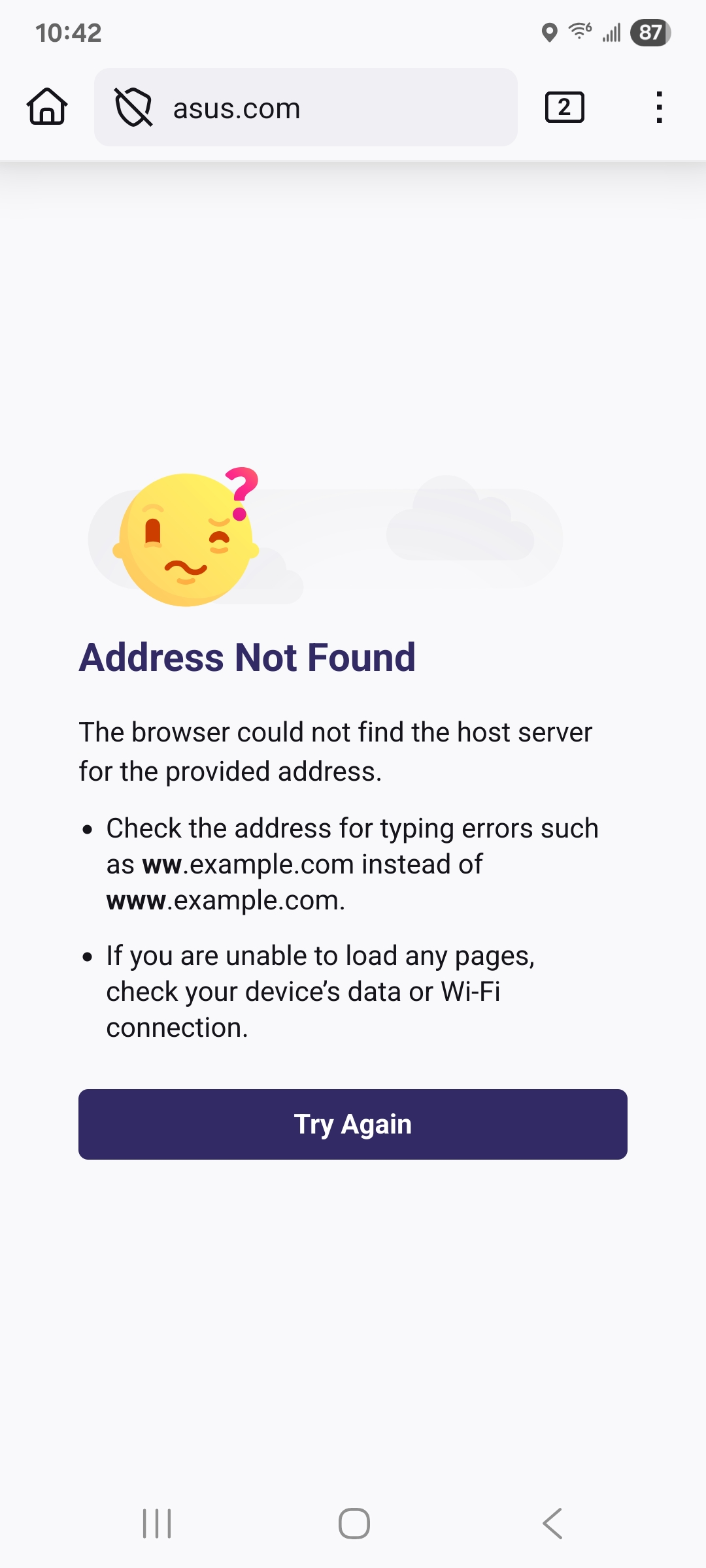
Thank you for your response! Here are some things you can try: - Go to Settings -> Delete browsing data, check Cookies and site data and Cached images and files (this will log you out of most websites, though) - Go to Settings -> DNS over HTTPS and try different layers of protection
Does any of that help?
As I indicated in my previous post I have been having issues with trying to upgrade the firmware on my Asus BT6 mesh router and during the process I discovered the following which I find quite strange. The Asus app was set to automatically to check and download firmware if and when there is an update in addition I would occasionally use the app on my cell phone to also check. However, recently it stopped working on my phone and I would receive a message stating that I should do a manual download. And in attempting to do a manual download using my Apple mac I was unable to do so as I could not access the asusrouter.com website, however I was able to access asus.com in order to download the firmware update. However, after numerous attempts I was eventually able do the update manually but in order to access asusrouter.com I had to remove all the DNS settings in my network and to download the upgraded firmware I had to use the 8.8.8.8 and 8.8.4.4 DNS settings. I would greatly appreciate it if anyone could explain why I had to go through all that trouble in order to simply upgrade my firmware.
Hi Paul, Thanks for your input it's greatly appreciated and I will take your suggestion into consideration.