


syncing with computer
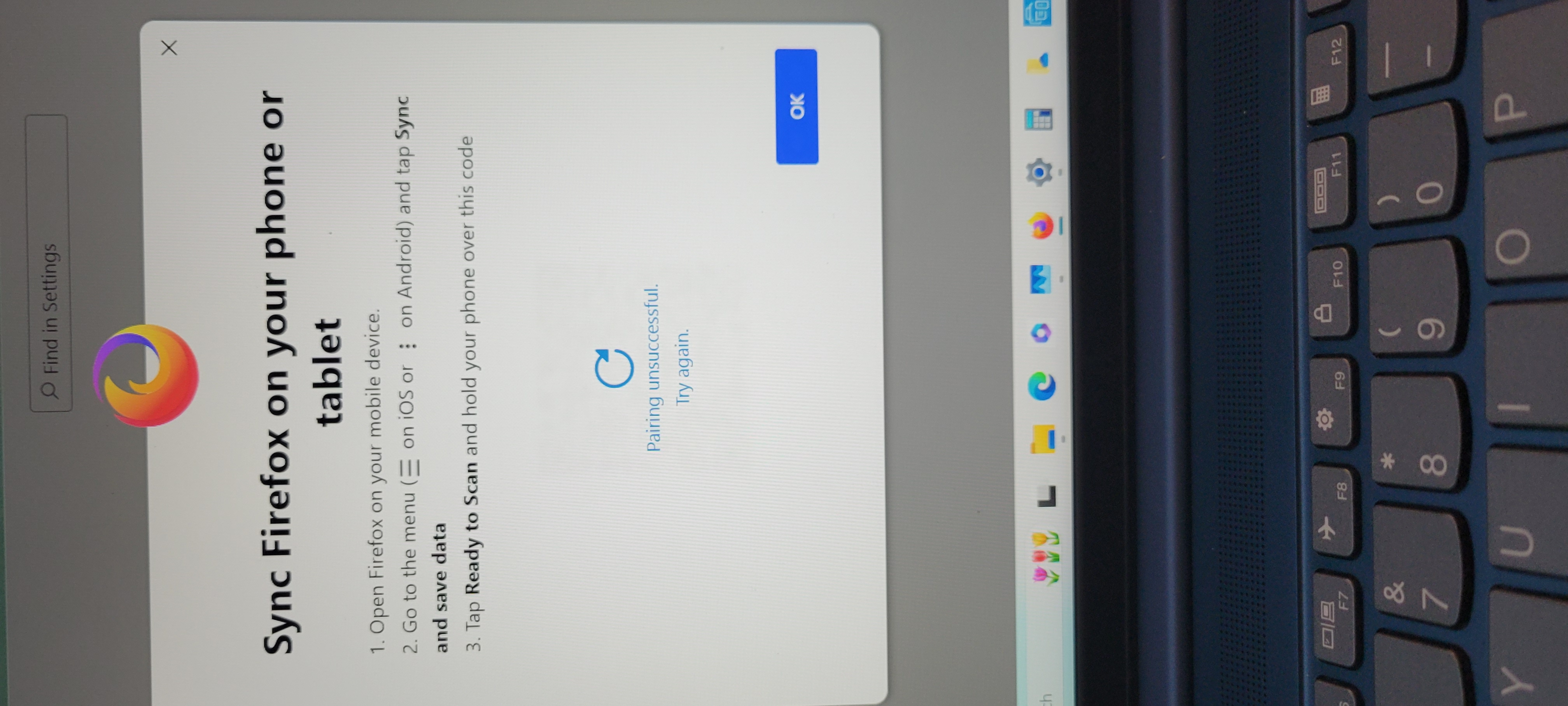
I am trying to sync my new laptop with my phone but it says to choose sync and save data. 8 am not finding that option.
所有回覆 (1)

Seeing a similar problem that started yesterday (4/1). I had sync working previously and it suddenly stopped. Trying to check my account it said my session had expired and to log in again. Signing out and back in worked in that I could see my account again, but sync just refuses to function entirely. Last sync shows as "never" and clicking the sync button just spins indefinitely. Something definitely broke recently. I did see that there's a version 137 that was supposedly released (4/1), but the latest version that shows up on the play store is 136.0.2 (released 3/17) which is the version I have installed. Looking at the release notes it seems like a big chunk of what changed in 137 are various security related fixes. It's possible sync was either entirely broken by this, or possibly it's been broken now for version prior to 137.