


Join us to show up for other Firefox users 🦊. Earn fun badges and Mozilla swag vouchers! Find out more: https://mzl.la/askafox150

Windows 10 reached EOS (end of support) on October 14, 2025. If you are on Windows 10, see this article.

搜尋 Mozilla 技術支援網站

防止技術支援詐騙。我們絕對不會要求您撥打電話或發送簡訊,或是提供個人資訊。請用「回報濫用」功能回報可疑的行為。

了解更多

Picture in picture issues

  • 1 回覆
  • 2 有這個問題
  • 219 次檢視
  • 最近回覆由 TyDraniu
  • 封存

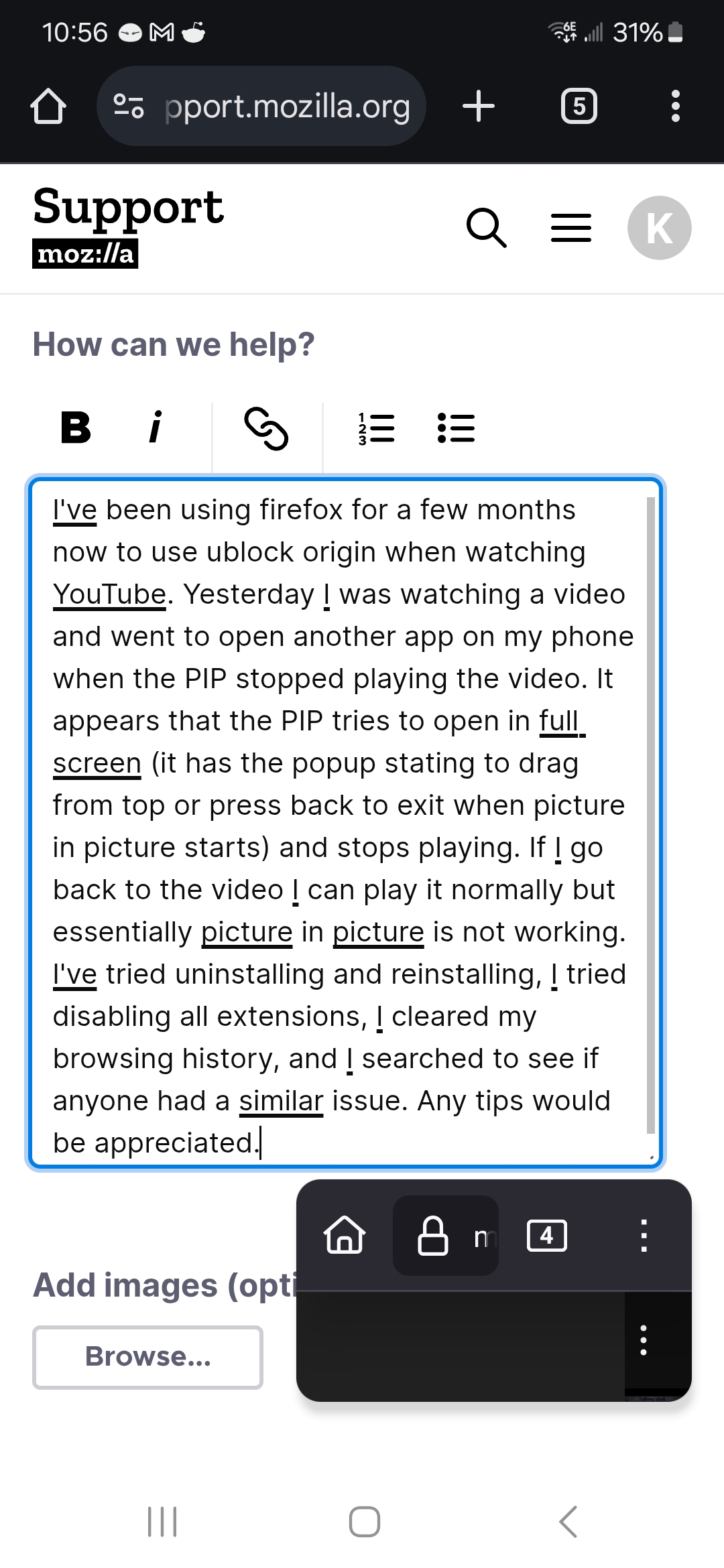
I've been using firefox for a few months now to use ublock origin when watching YouTube. Yesterday I was watching a video and went to open another app on my phone when the PIP stopped playing the video. It appears that the PIP tries to open in full screen (it has the popup stating to drag from top or press back to exit when picture in picture starts) and stops playing. If I go back to the video I can play it normally but essentially picture in picture is not working. I've tried uninstalling and reinstalling, I tried disabling all extensions, I cleared my browsing history, and I searched to see if anyone had a similar issue. Any tips would be appreciated. I've attached a picture of what the picture in picture looks like in case that helps.
I've been using firefox for a few months now to use ublock origin when watching YouTube. Yesterday I was watching a video and went to open another app on my phone when the PIP stopped playing the video. It appears that the PIP tries to open in full screen (it has the popup stating to drag from top or press back to exit when picture in picture starts) and stops playing. If I go back to the video I can play it normally but essentially picture in picture is not working. I've tried uninstalling and reinstalling, I tried disabling all extensions, I cleared my browsing history, and I searched to see if anyone had a similar issue. Any tips would be appreciated. I've attached a picture of what the picture in picture looks like in case that helps.
附加的畫面擷圖

所有回覆 (1)

Hi, we're analyzing it under bug 1956165.