


removing Firefox as the default app for opening .pdf files

How can I remove Firefox as the default app for opening.pdf files? Is uninstalling it the only way?
How can I remove Firefox as the default app for opening.pdf files? Is uninstalling it the only way?
所有回覆 (3)

I assume you want Acrobat. Just open the app and you should get this prompt. see screenshot

jonzn4SUSE said
I assume you want Acrobat. Just open the app and you should get this prompt. see screenshot
I actually want to use Microsoft office, as Adobe acrobat is not available at my region.
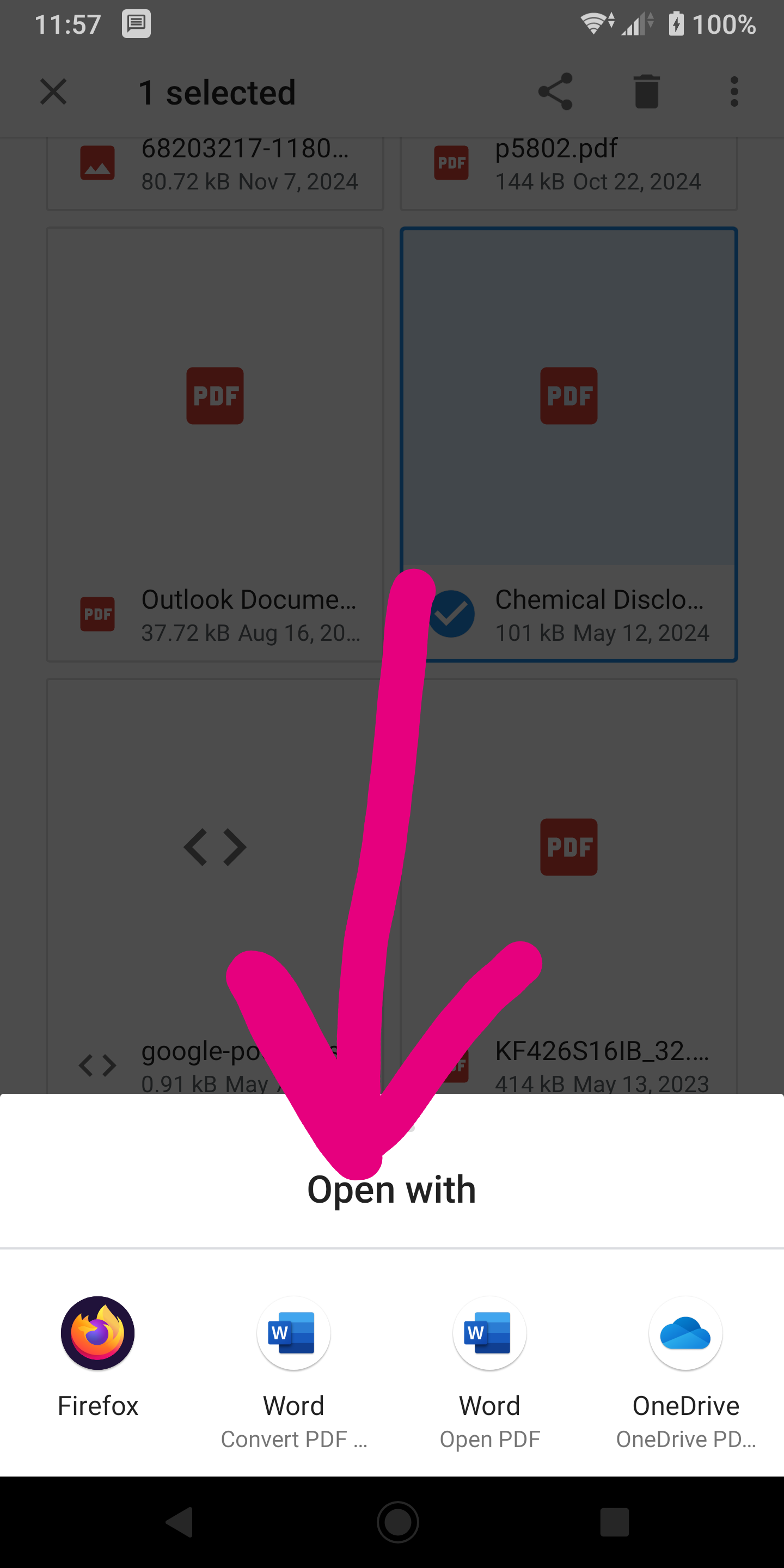
What office app on your phone? You should be able find a pdf on your device, then press and hold on it to get open with options. see screenshot from my phone.
由 jonzn4SUSE 於 修改