


MESSAGE FILTER on THUNDERBIRD

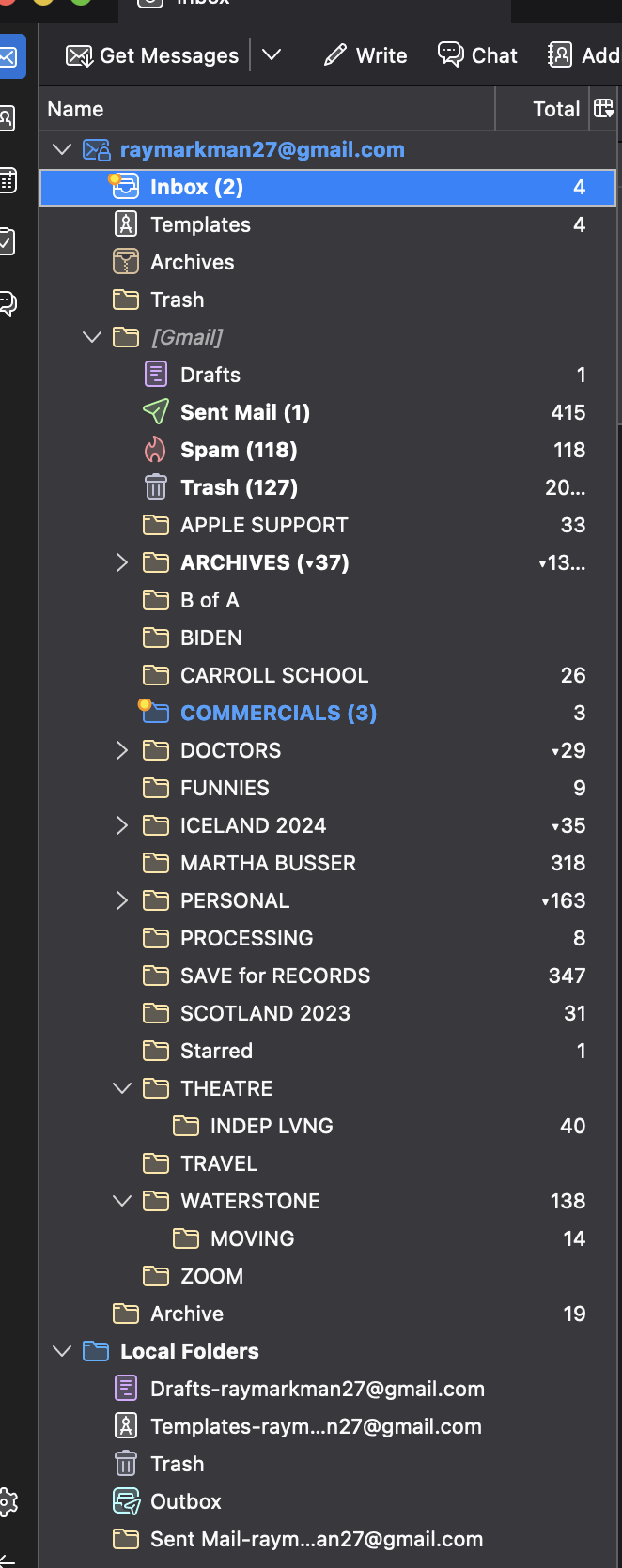
I use THUNDERBIRD for email on both my Apple laptop and on my iPad. The Thunderbird Message Filter works well on the laptop. But it does not work at all on the iPAD. All messages received on the iPAD appear only in the general INBOX rather than any of the subfolders. Attached is a screenshot of the laptop Thunderbird list of subfolders. How can I get the sorting to work on the iPAD? Thank you.
所有回覆 (1)
TB filters only work on the computer on which TB is installed, and only when TB is open. After the filters perform their actions, the outcome should be visible on the iPad as long as the account is set up as IMAP on the iPad (with whatever mail app is used), and the same folders are subscribed on TB and the iPad. Another option is to create the filters on the gmail website that will work no matter which mail app, on TB or other devices, is accessing the account.