


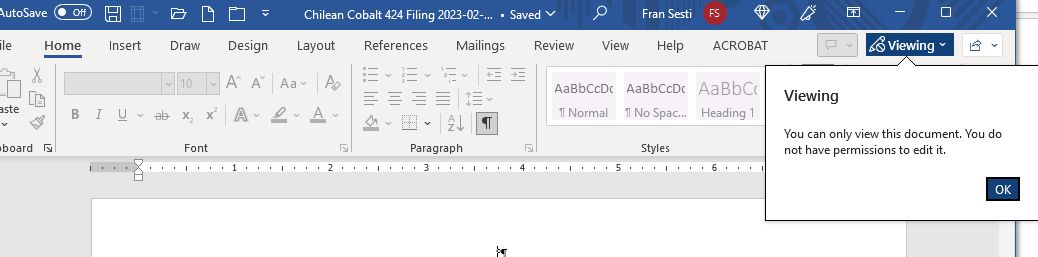
When I open up a word file from Thunderbird, the word file only allows me to review it. not edit it.

All of a sudden, when opening up a word file from my thunderbird email, the word file is restricted. When I save it, the file opens fine. When I open this same file out of outlook, it saves fine. The issue is thunderbird.
所有回覆 (2)
Thunderbird has always opened attachments in the system temp folder, which on windows is the appropriate location as you have not chosen to make a permanent copy on your system. Any changes to the document were lost when it was closed. I think it being read only is an improvement as I no longer have to field issues about hours of edits being lost.
So, I've been using Thunderbird for my business for 20 years. All of a sudden, (Friday the 3rd) its not opening files as editable. These same files open fine in outlook or in webmail. But webmail does save them first in the download file so they open after saving. I never had to save them before. they just opened. Why the change and how can I direct Thunderbird to the system temp folder so I don't have to do 2 steps. I now have to save them and then open them.