


How can you update when there is no update to be had?
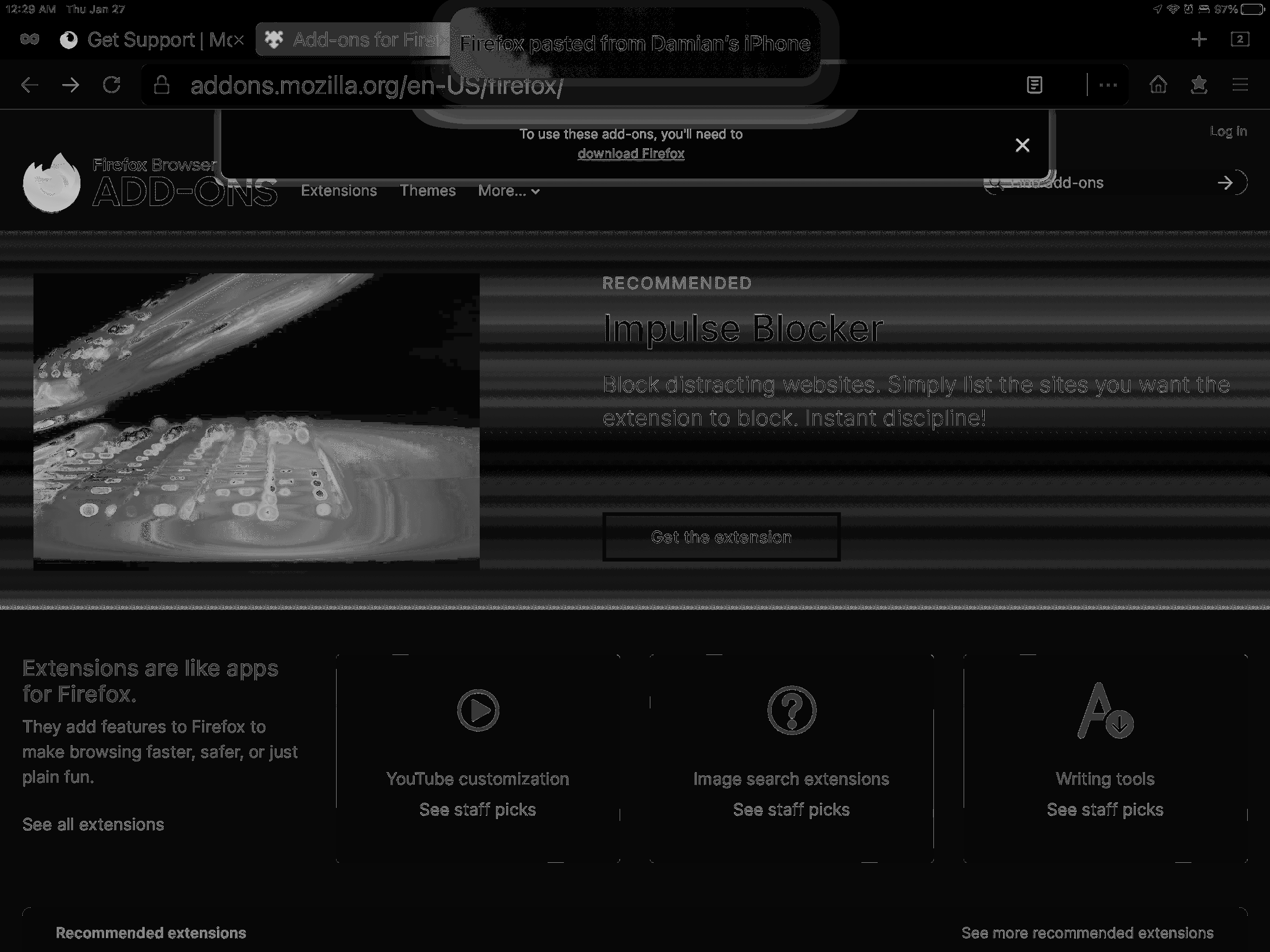
Hello, I went to the add-ons website via my iPad and I’m being told to update fire fox but there is no update to be updated to what am I to do? Please look at the attached image and you’ll see a message at the top tells me I need to update the browser so I tap the link and it takes me to the Apple App Store and like I said there is no update there’s definitely an issue here! What do I do!
被選擇的解決方法
This extension is only for desktop Firefox on Windows, macOS, and Linux.
Extensions for desktop Firefox https://addons.mozilla.org/firefox/
Extensions for Android Firefox https://addons.mozilla.org/android/
There are currently no extensions for the iOS version of Firefox (for iPhone/iPad) as the Firefox is basically a shell due to Apple's rules about what can be used and propriety stuff etc.
從原來的回覆中察看解決方案 👍 0所有回覆 (1)
選擇的解決方法
This extension is only for desktop Firefox on Windows, macOS, and Linux.
Extensions for desktop Firefox https://addons.mozilla.org/firefox/
Extensions for Android Firefox https://addons.mozilla.org/android/
There are currently no extensions for the iOS version of Firefox (for iPhone/iPad) as the Firefox is basically a shell due to Apple's rules about what can be used and propriety stuff etc.