


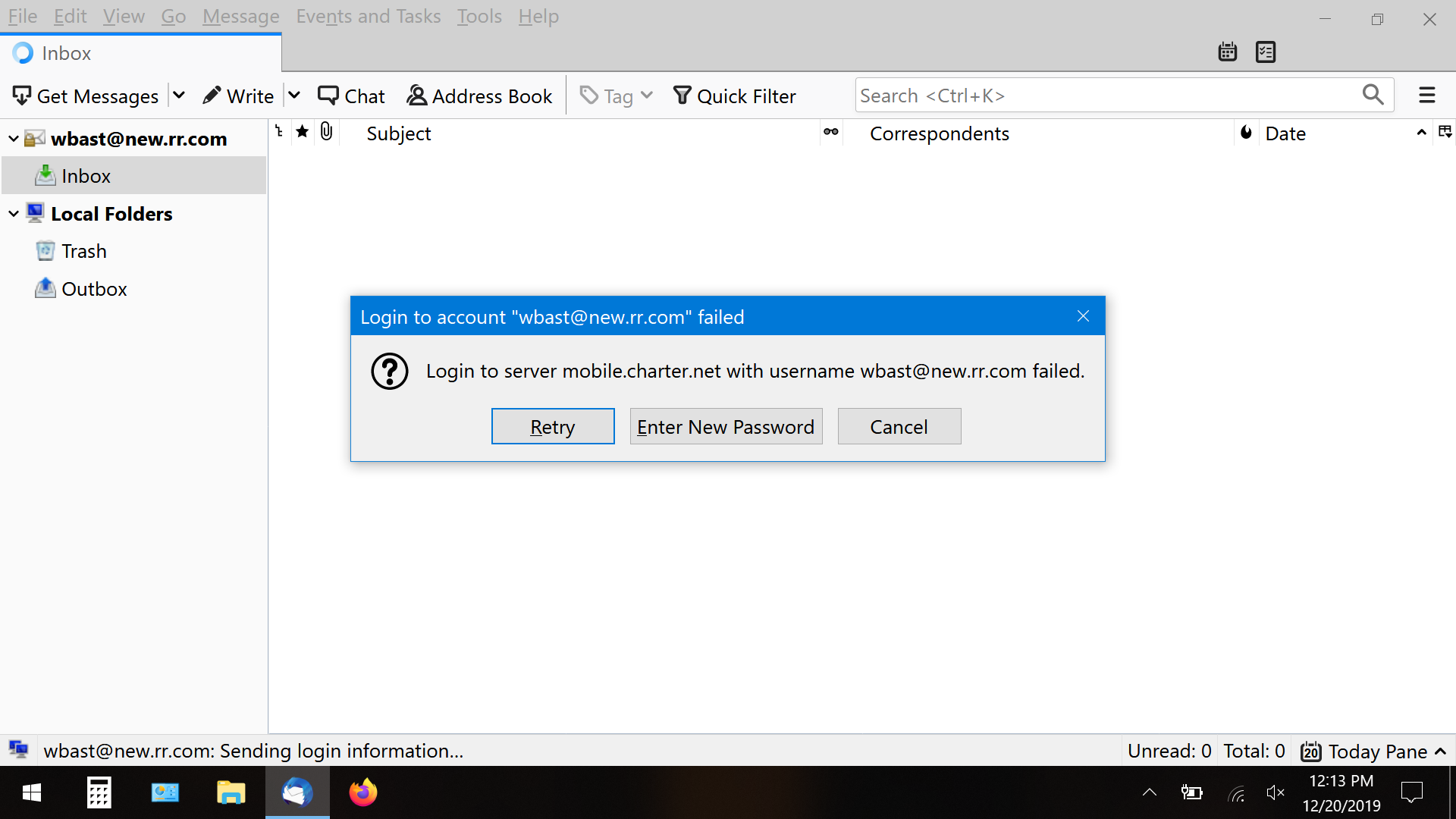
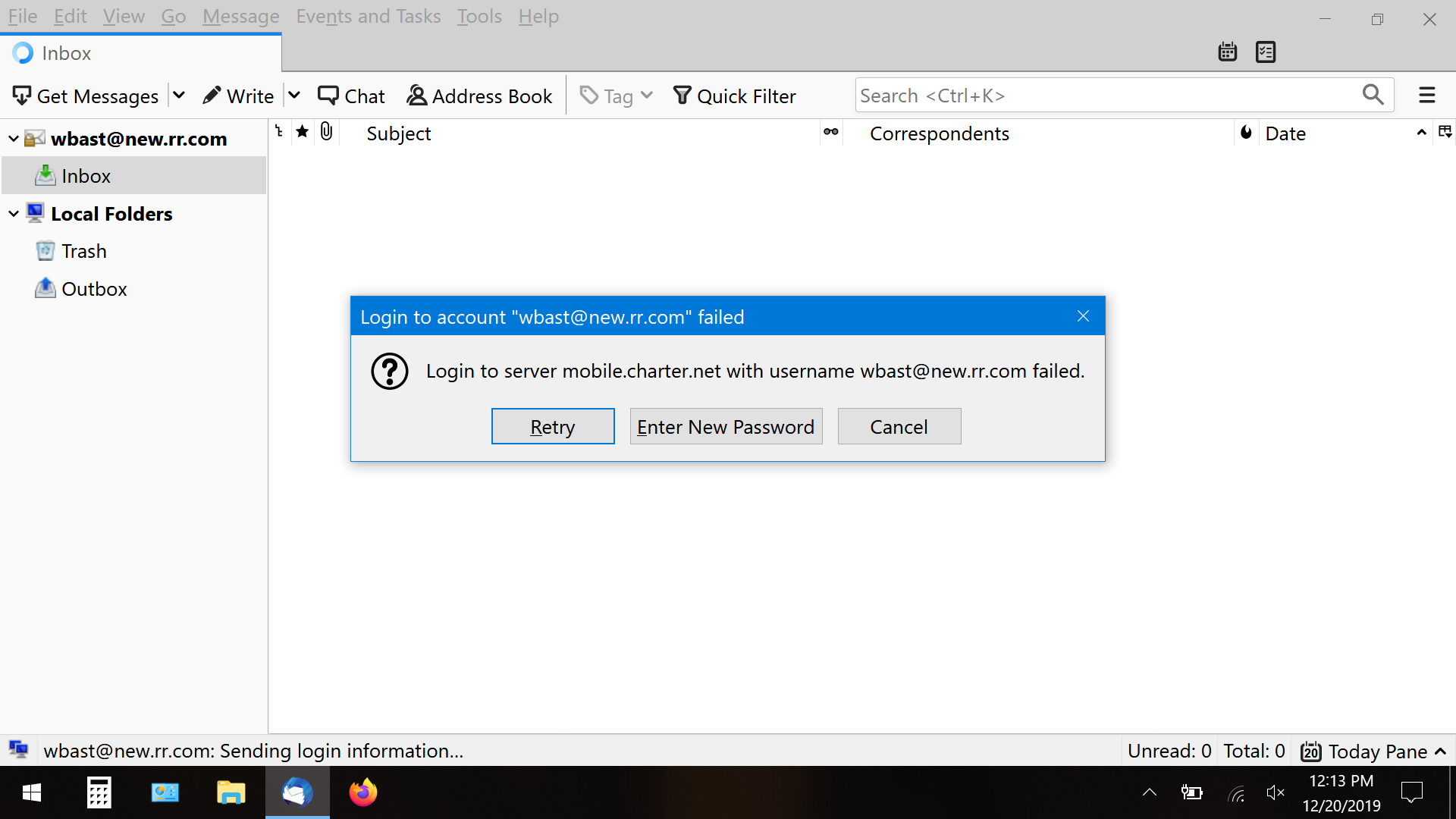
Unable to login to new TB 68.3.0.
Cannot login for last two days using updated TB 68.3.0. Have lost all contacts, inbox messages and local folder inbox saved emails.
Cannot login for last two days using updated TB 68.3.0. Have lost all contacts, inbox messages and local folder inbox saved emails.
所有回覆 (2)
The issue is probably your anti virus firewall, but the following procedures will prove or disprove that assumption.:
- Restart Thunderbird with add-ons disabled (Thunderbird Safe Mode). On the Help menu, click on "Restart with Add-ons Disabled". If Thunderbird works like normal, there is an Add-on or Theme interfering with normal operations. You will need to re-enable add-ons one at a time until you locate the offender.
- Restart the operating system in safe mode with Networking. This loads only the very basics needed to start your computer while enabling an Internet connection. Click on your operating system for instructions on how to start in safe mode: Windows 10, Windows 8, Windows 7, Windows Vista, Windows XP, OSX
- If safe mode for the operating system fixes the issue, there's other software in your computer that's causing problems. Possibilities include but not limited to: AV scanning, virus/malware, background downloads such as program updates.
If you select Help/Troubleshooting Information, click about:profiles, is there more than one profile listed, besides the one in use, and if so, can you select the other profile and 'launch in new browser'?