


How do I put text into a new "draft"?

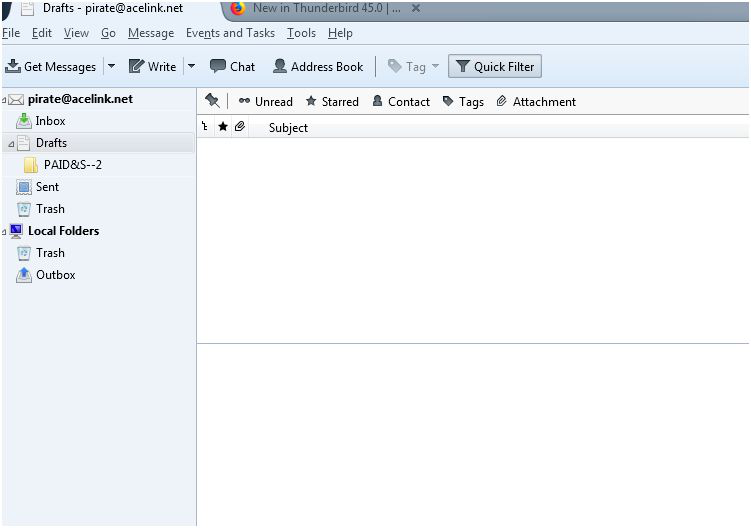
Newbie here. Exactly how to I drop text into a new (my first) draft? I created a sub-folder under drafts.. (see attached) and now that the folder is open.. how do I put text into it? I copied the text I needed from another program.. tried to copy it there and .. nothing.. I see no options...
When I right click I get no paste option.. when I click on "edit" in the top tool bar I get no option... When I click into the message field I get no cursor... What am I missing?
所有回覆 (2)
選擇的解決方法
You double click the draft message to open it in a composition (Write) window. You cannot edit messages in the draft folder. Then either send it or save it as a draft again.
Thank you.. Got it.. Didn't realize the draft had to be an email .. I thought I could just type in their like a new word document then save as a draft...