


How do I force a link to be opened in an external app?

When I try to pay using IDEAL, Firefox loads the page of my bank instead of opening the app I have installed. The android app icon is not visible in the address bar. This works in other browsers. How do I force to open the app?
所有回覆 (2)
Hi
If you long press on a link, you should have the option to share with other apps on you device (that permit sharing - not all do).
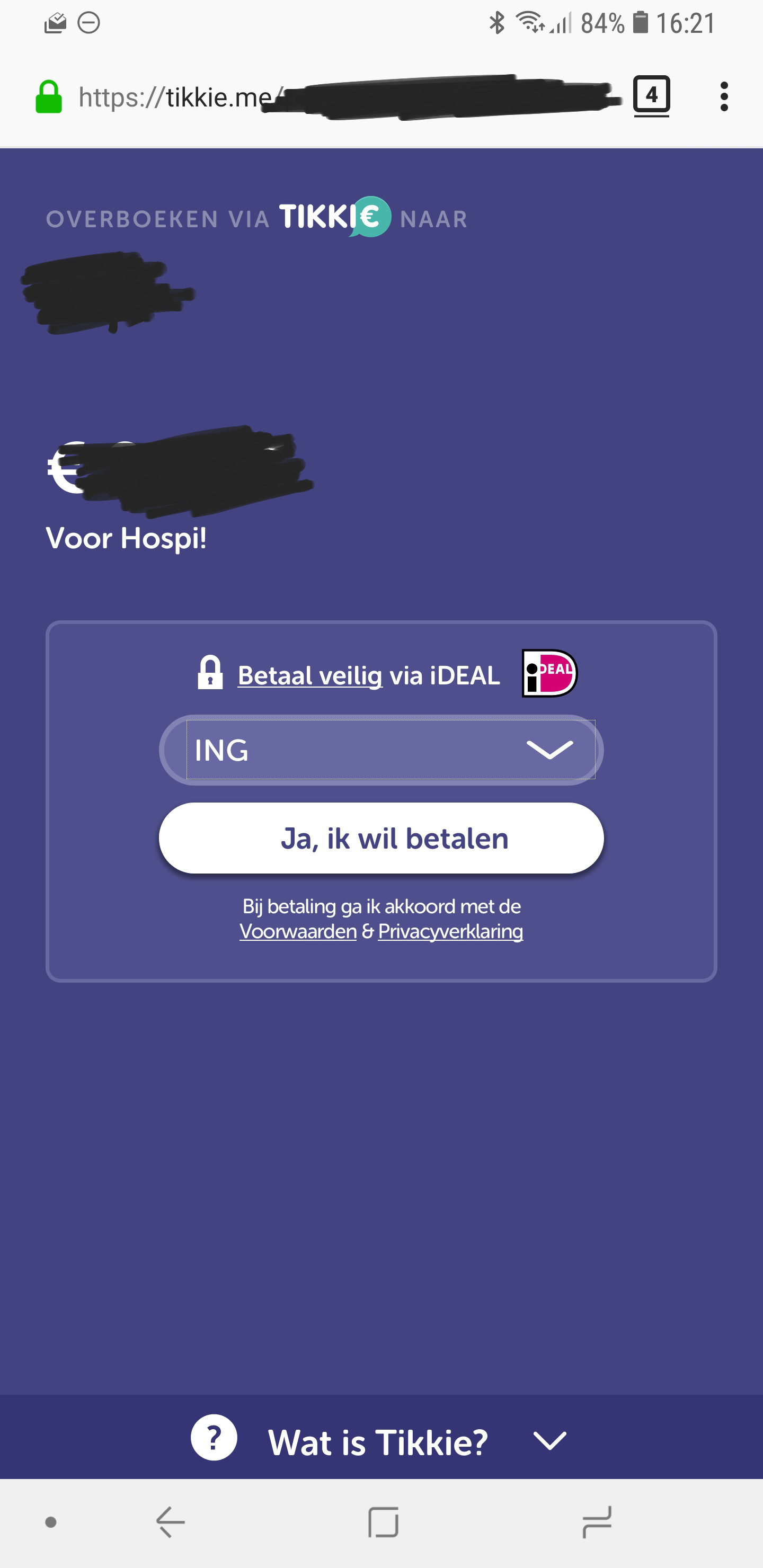
Thanks for the suggestion but this does not work. When I enter a IDEAL page it is not a link I can long press. When I select my bank (on the screenshot attached) I should go the the banking app, but it doesn't. It shows the mobile website of my bank (without the andriod app icon to go to the app). Again, this is no issue on chrome (but I want to use firefox). On the mobile webpage of my bank I can't share the link with my banking app as you suggested.
由 Robert16296 於 修改