


Google Photos, when editing photos, creates visual issues in Firefox (works fine in Chrome) - graphics settings?

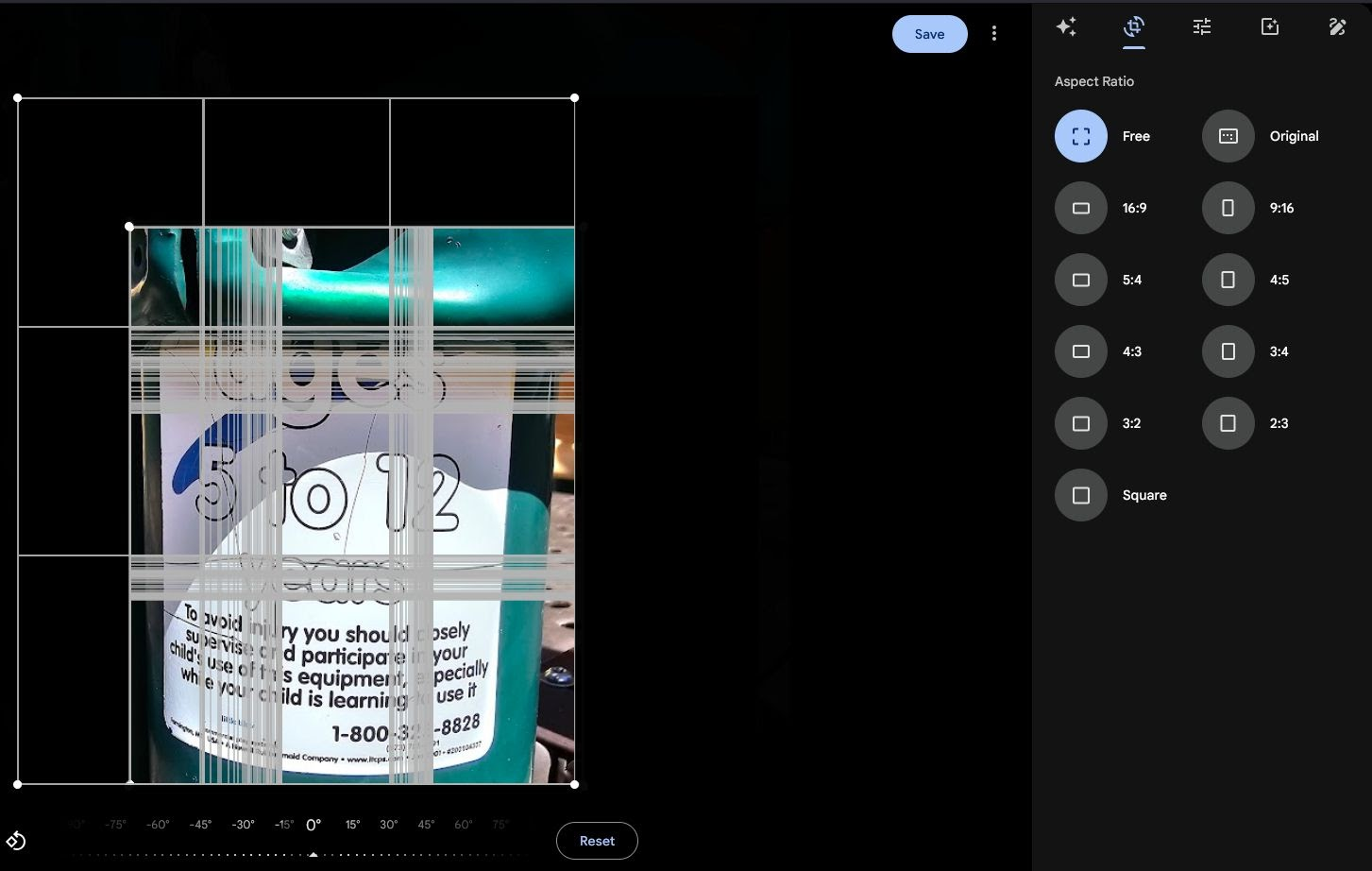
When I try to edit & crop in Google Photos, I get the image artifacts as you can see in the image with lines and the image doesn't correct itself so it's impossible to edit well. If I save the image after all the lines are added, then reload it will show but then I have to start the crop over again to get both sides.
This works fine in Google Chrome, so there is some issue with the Firefox browser on my laptop. graphics: Intel Iris Xe Graphics 1920x1080 x 8bit 60.05 Hz refresh rate
What could be causing an issue on Firefox but not Chrome?
所有回复 (3)

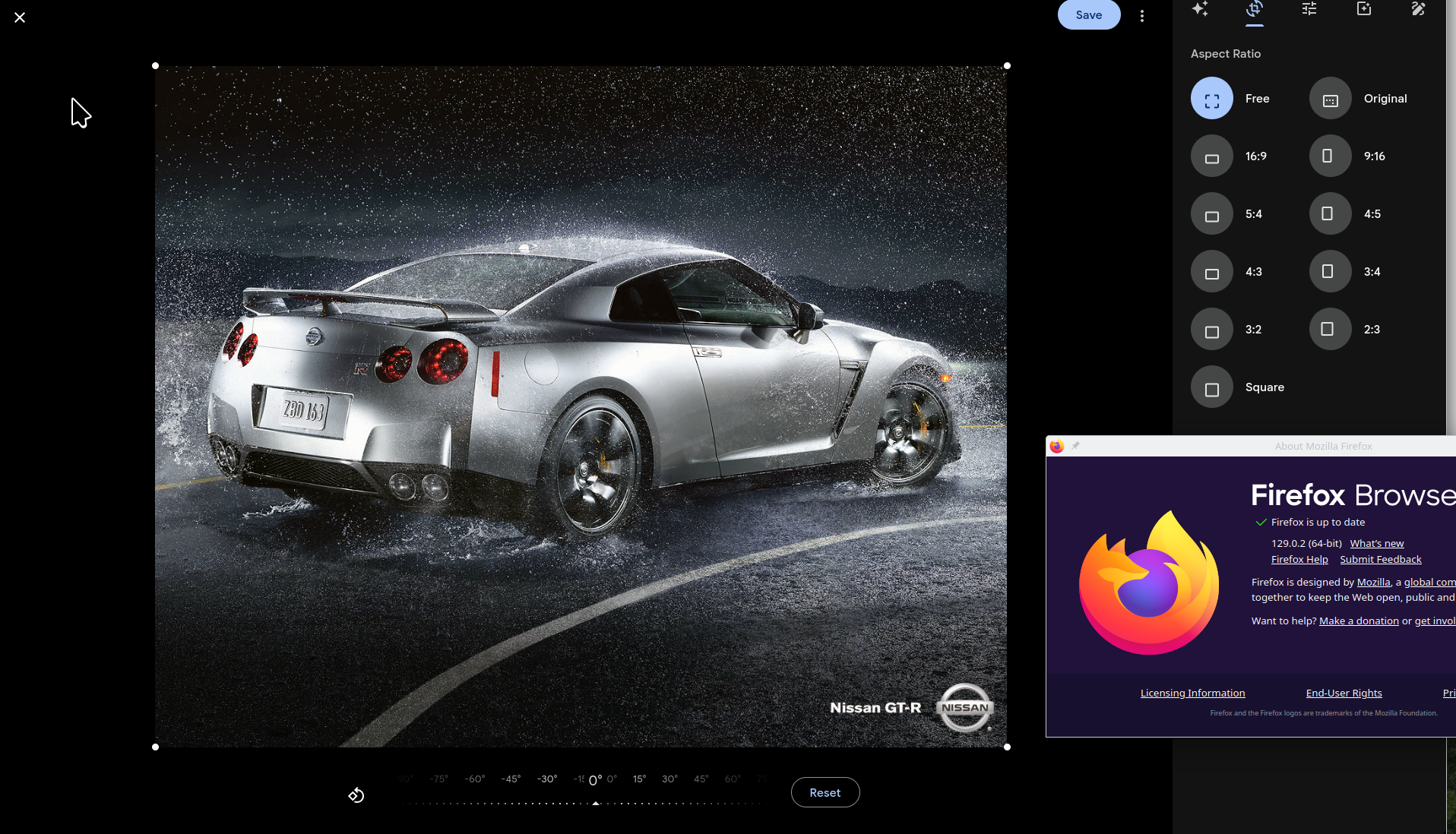
Not able to replicate the issue. see screenshot Did you try with Firefox in Troubleshoot Mode? Laptop, desktop, or DIY? If not DIY, what make and model? Have you tried this site to if driver is current? https://www.intel.com/content/www/us/en/support/detect.html
This could be the driver for you if not already installed. https://www.intel.com/content/www/us/en/download/785597/intel-arc-iris-xe-graphics-windows.html
I tried troubleshoot mode, same problem. I updated all drivers, same problem.
This works on Chrome, not Firefox, so what could that help narrow down? Firefox using a different rendering technology for this type of site vs. Chrome?
Laptop - Acer Swift 3, i5-1240P, 16GB RAM
If you're running Windows Pro version, I would test in the Sandbox to confirm. https://www.howtogeek.com/399290/how-to-use-windows-10s-new-sandbox-to-safely-test-apps/
What security software are you running?