

话题已存档。
如果需要帮助请提出新问题。

已存档
Address Bar

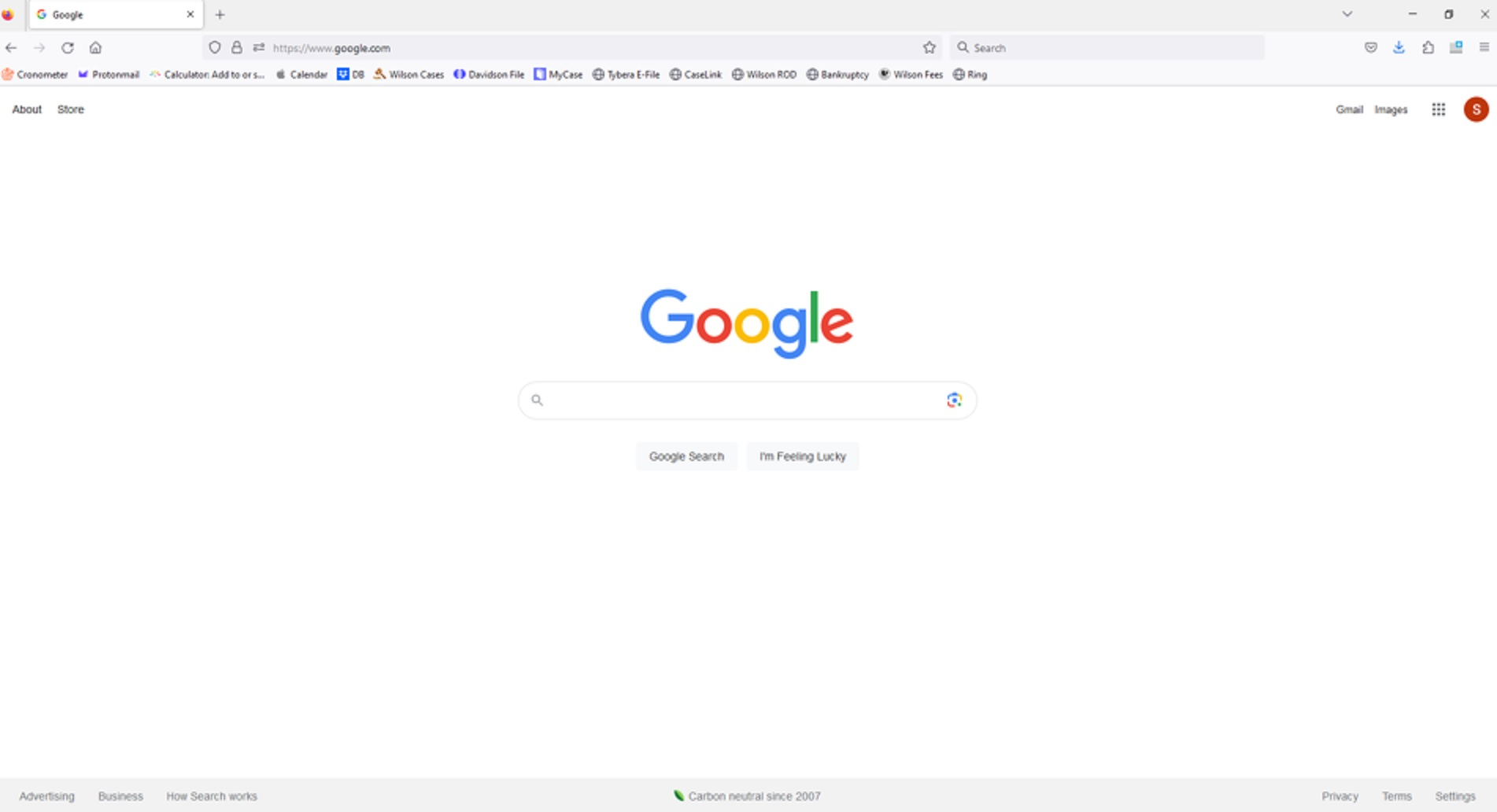
Every time I open my home page, which is google, the address bar automatically fills in the following string https://www.google.com/ . Then, as the cursor is already there, if I start typing, it just types before that string and does not take me where I want to go.
On my son's firefox homepage, the address bar is always blank and that is what I need this to be.
How do I make sure my address bar is completely blank when I open a new tab or go to my homepage?
Every time I open my home page, which is google, the address bar automatically fills in the following string https://www.google.com/ . Then, as the cursor is already there, if I start typing, it just types before that string and does not take me where I want to go.
On my son's firefox homepage, the address bar is always blank and that is what I need this to be.
How do I make sure my address bar is completely blank when I open a new tab or go to my homepage?
所有回复 (1)
If you set the Home page to an internet based website like https://www.google.com/ then you will always see their URL in the location bar. If you use the built-in Firefox Home page then the location bar will stay empty (i.e. you do not see about:home or about:newtab).