


Can't export address book using the "export" function in address book

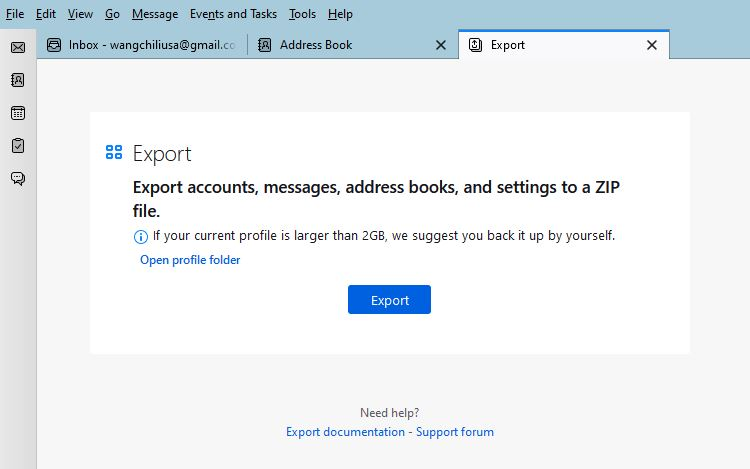
I'm trying to export my Thunderbird addressbook using the export function. I go to "address book"->"tools"->"export" and I get "Export Export accounts, messages, address books, and settings to a ZIP file. If your current profile is larger than 2GB, we suggest you back it up by yourself." Then it wants to export the whole thing as a Thunderbird Profile with no other choices showing. I can't seem to export the "address book" to the "csv" format which I used to be able to. Any ideas?
所有回复 (2)
选择的解决方案
In Address Book, right-click an address book, Export...
Thanks! Looks like I have two versions of Thunderbird. On my laptop appears to be the original where to export the address book you go to the toolbar and select export. On my home desktop, that doesn't work, I have to right click on the actual address book and select the export from there. Why they are different I have no idea. I know the desktop version is the later one.