Export address book from Thunderbird to cvs file

I'm trying to export my Thunderbird addressbook using the export function. I go to "address book"->"tools"->"export" and I get "Export Export accounts, messages, address books, and settings to a ZIP file. If your current profile is larger than 2GB, we suggest you back it up by yourself." Then it wants to export the whole thing as a Thunderbird Profile with no other choices showing. I can't seem to export the "address book" to the "csv" format which I used to be able to. Any ideas?
所有回复 (4)
In address book pane, highlight addressbook in left side of window. Click the three dots and a menu opens with 'export' option,
All I see with the three lines (not dots here) is 'Default startup directory' which does not open anything, does not seem to do anything. Am I looking in the correct place?
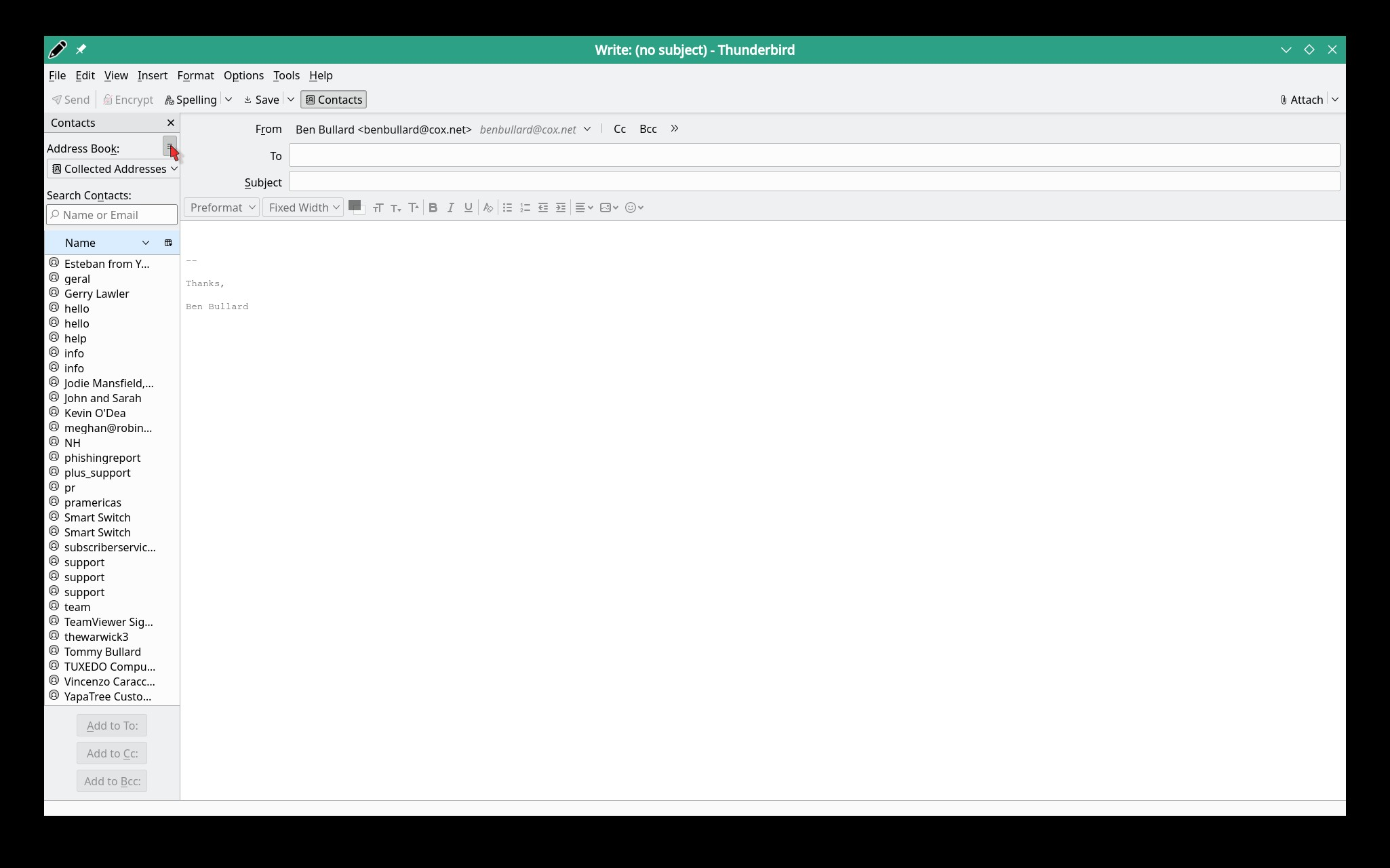
Access the address book first. See the attached screenshot.
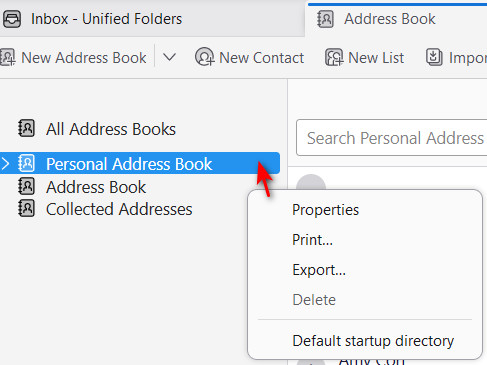
Ah, I found it. A bit obscure seems to me. In my screen-shot one sees that I have to export each addressbook individually. No big deal. Works.
Thanks for the info david.