


All tabs are crashing and show the message 'Gah. Your tab just crashed'

I am using firefox v104 on linux mint. This problem happened this evening. Every tab i open shows the same error.
I tried the solutions suggested in other similar forum posts like >safemode (tabs still crashed) >driver update (my drivers are up to date as far i can tell) >deleting cache and reinstalling firefox (tabs crash). I took a backup of my bookmarks and extensions as suggeated in another forum post. > one youtube video (https://youtu.be/F9VaXwSB_po) suggested toggling media.cubeb.sandbox in the config section. The tabs started loading after that but it wasnt that useful as i wasnt able to get any videos to play in the browser.
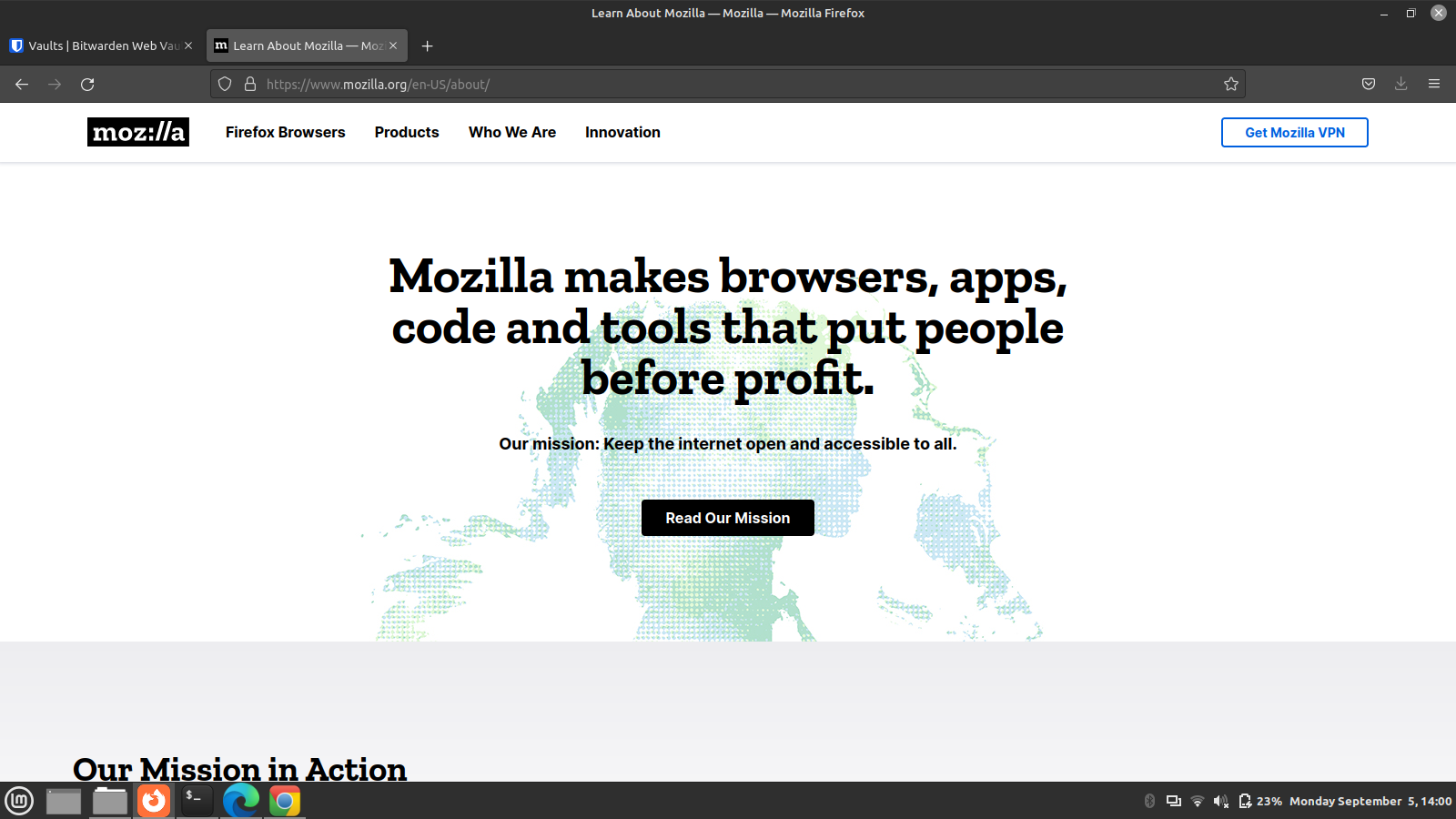
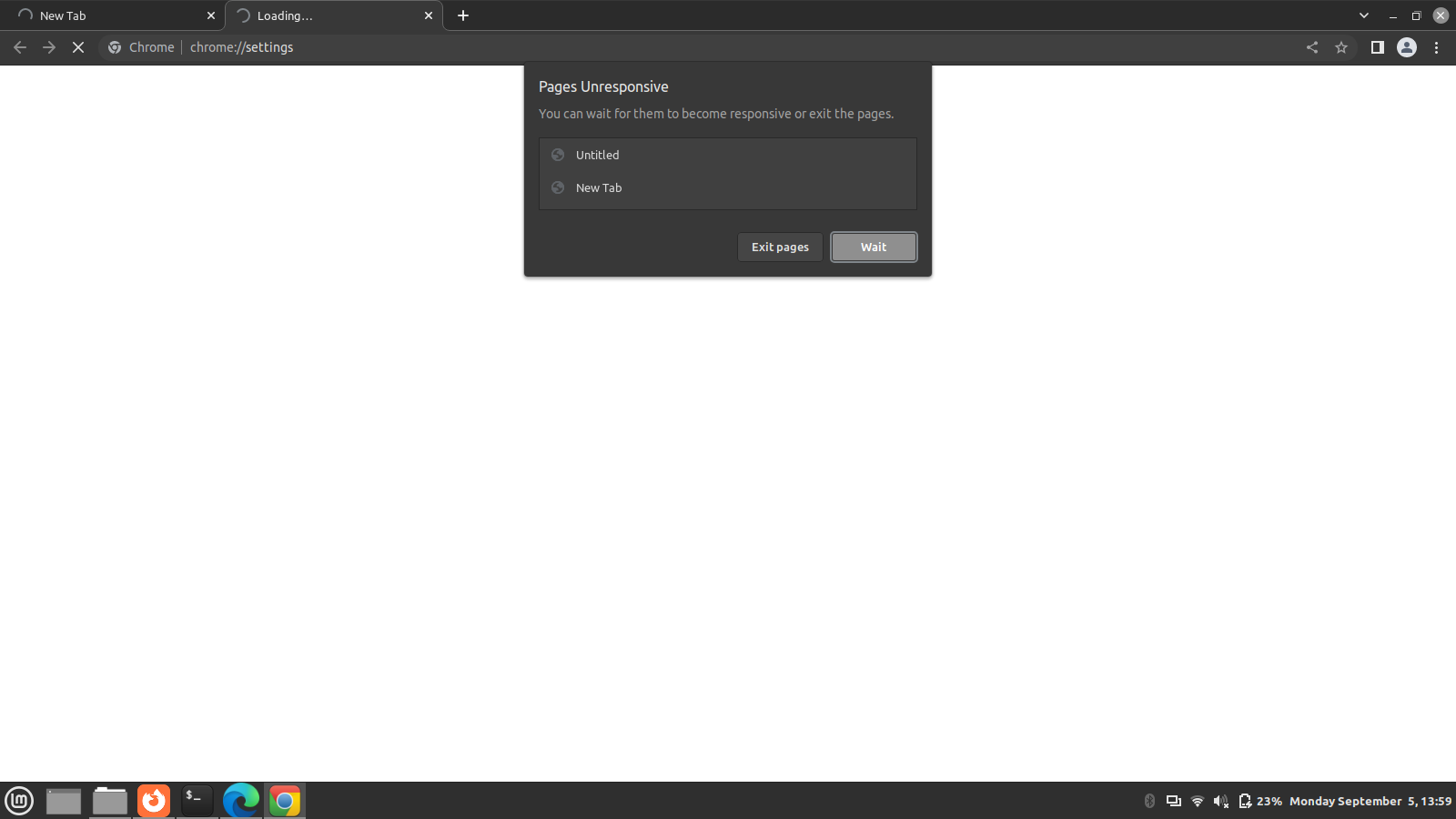
Also, i don't really know if the issue is related, but chrome tabs were also not loading or responding ('Page unresponsive' error).
Please help. Thank you :)
由Vaghar于修改
被采纳的解决方案
I use linux mint 21 'vanessa' and firefox v104.
I had to get back to work as fast as i could so i just restored an old snapshot using timeshift back to a time i knew everything worked as expected. I do have some suspicions about who/what the culprit could be but dont have the time to go bug hunting now unfortunately. I will try to make a more detailed report some other time. For now, Mozilla Firefox seems to be working great. Thank you very much for your time and help :-)
Best regards, Vahgar
定位到答案原位置 👍 1所有回复 (8)
Did you do the big glibc update yet? For me it was a 2000+ package update. Also try downloading Firefox from Mozilla, run firefox-bin in the folder and see if you have the same issue. https://www.mozilla.org/en-US/firefox/all/#product-desktop-release
Thank you for the reply.
Glibc version currently installed in my system is 2.35. Sources on the Interweb say 2.36 is the latest stable release. Apt update doesn't seem to update this package however.
Firefox-bin also causes the same problem as the one installed from the repositories.
Is glibc the issue here? I am trying to figure out a way to update it now. Any other suggestions would be helpful. Thank you.
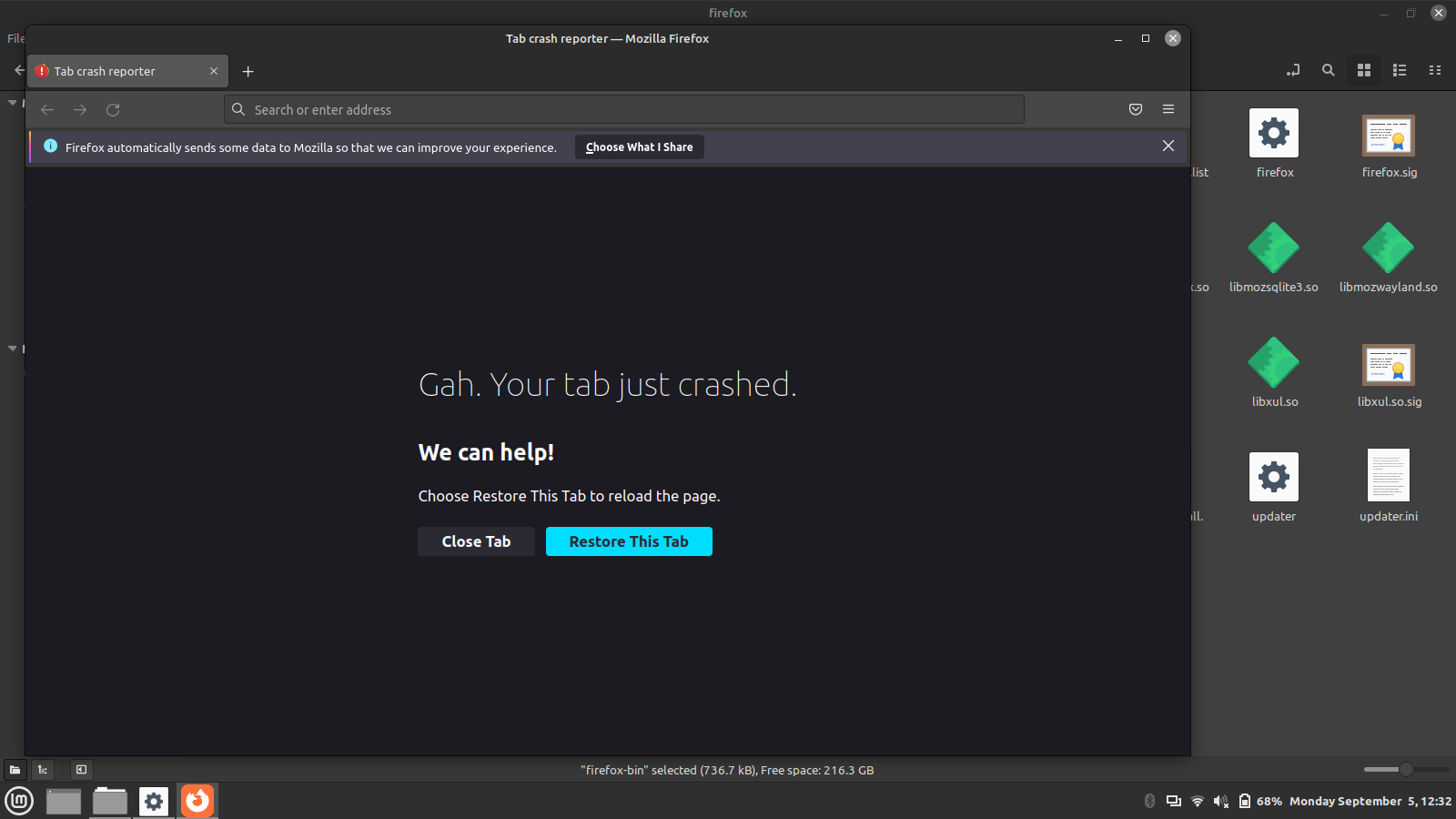
Update: i read up a bit more about glibc and it seems to be a really critical and delicate package. I really dont want to mess with it lest i inevitably break it. I am not smart enough to fix something like that. Any other solution wpuld be greatly appreciated. The browsers were working fine until yesterday and i havent updated or installed anything recently other than some work software but i dont have any reason to believe that they will affect browser behavior.
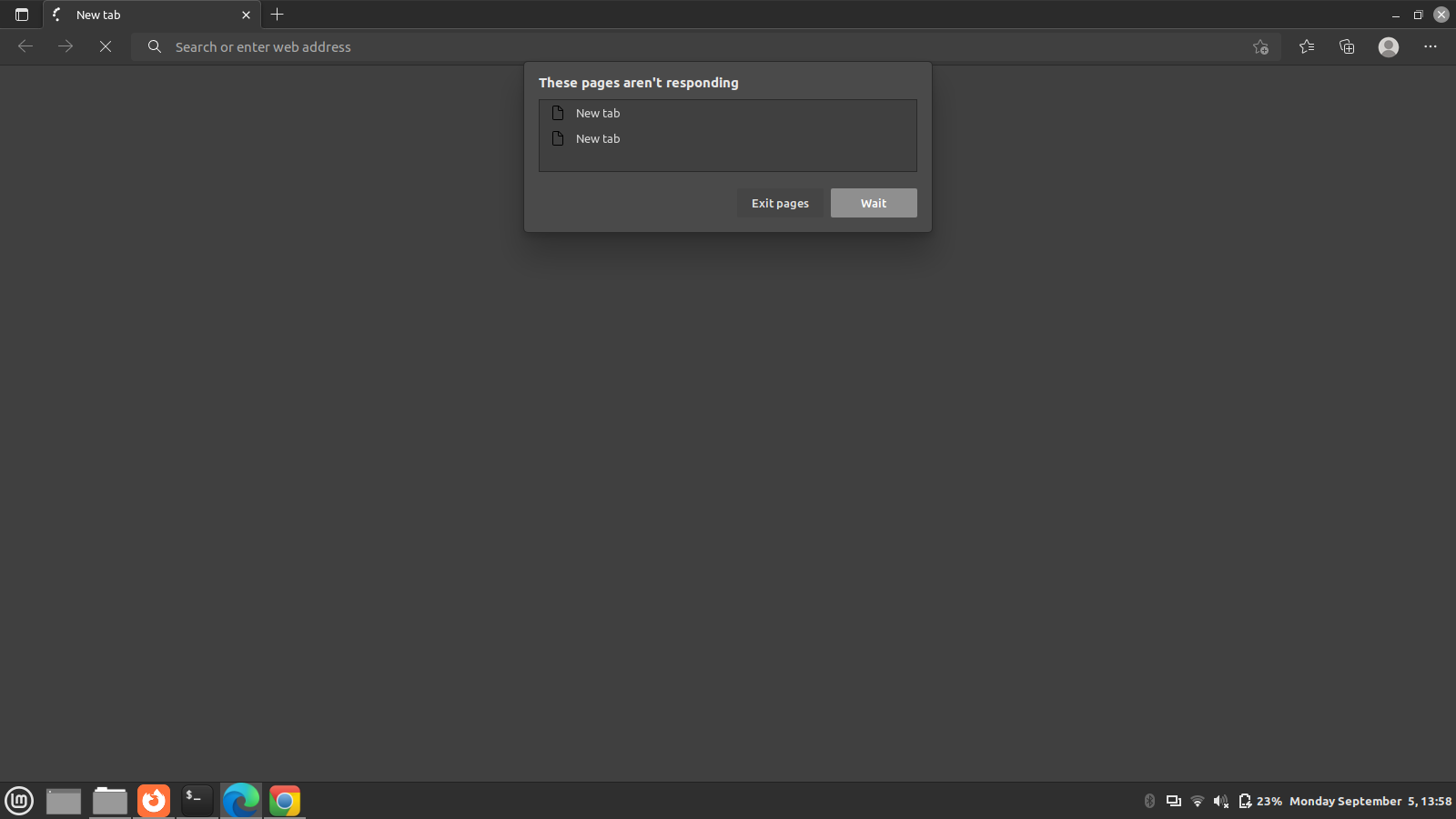
Only browser thats working properly now is text based lynx browser and firefox woth limited functionality after using this solution (https://youtu.be/F9VaXwSB_po). I am not able to playback videos, attend videocall meetings or even browse smoothly. I even installed Microsoft edge (lmao) to see if that works but it seems to have the same unresponsive tabs problem.
Please help me solve this issue. Any helpnis very much appreciated. Thank you.
I do remember having that issue last year and I can't recall exactly, but I do think it was glibc related. What version of Mint are you running? Can you create a live usb using the current Mint iso and boot to it as a test? https://linuxmint-installation-guide.readthedocs.io/en/latest/
由jonzn4SUSE于修改
Vaghar said
Thank you for the reply. Glibc version currently installed in my system is 2.35. Sources on the Interweb say 2.36 is the latest stable release. Apt update doesn't seem to update this package however. Firefox-bin also causes the same problem as the one installed from the repositories. Is glibc the issue here? I am trying to figure out a way to update it now. Any other suggestions would be helpful. Thank you.
To me this looks like an OS issue with Firefox from Mozilla also crashing. I do have 1 laptop that has not been updated. Let me go test and see if the current Firefox goes boom with the old glibc.
I forgot that I'm on a rolling distro (Tumbleweed) so you may be current with glibc.
选择的解决方案
I use linux mint 21 'vanessa' and firefox v104.
I had to get back to work as fast as i could so i just restored an old snapshot using timeshift back to a time i knew everything worked as expected. I do have some suspicions about who/what the culprit could be but dont have the time to go bug hunting now unfortunately. I will try to make a more detailed report some other time. For now, Mozilla Firefox seems to be working great. Thank you very much for your time and help :-)
Best regards, Vahgar
Good move. ;-))