


How to automatically transfer events sent via email to calendar, like in other email apps

Hello. I regularly sign up for online conferences, then when I get the confirmation email with the details I can't transfer it to the calendar. I even tried saving the ical event separately but when I try opening it using Thunderbird I get an error message. The only way I found is to transfer the contents manually and create an event on calendar, which is time consuming. Anyone knows how to fix this? Thank you in advance
Ọ̀nà àbáyọ Tí a Yàn
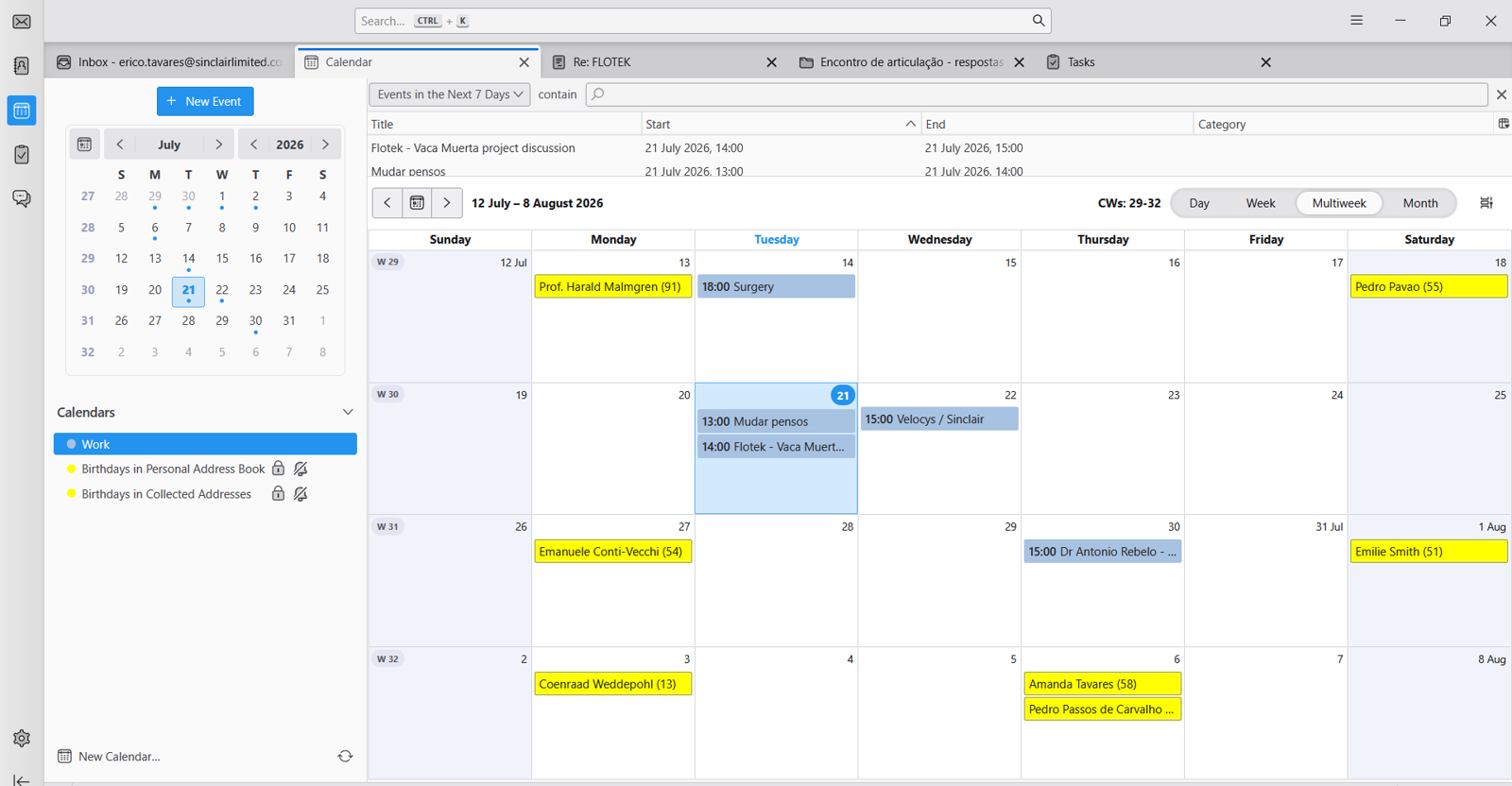
In Thunderbird on Windows the Menu Bar is hidden. Have a look here https://support.mozilla.org/en-US/kb/display-thunderbird-menus-and-toolbar#thunderbird:win11:tb147 to learn how to display it temporarily or all the time.
All Replies (8)

I works for me ( saving it and then open with Thunderbird )
What is your Error message ?
Ti ṣàtúnṣe nípa Michel T
Hi Michel, I don't get an error message. I just try opening the .ICS file with Thunderbird and nothing happens. No message, nothing. Thanks
As an alternative: Save the .ics file, then in Thunderbird open the Calendar tab, go to the Events and Tasks menu and select "Import..." .and follow instructions......etc
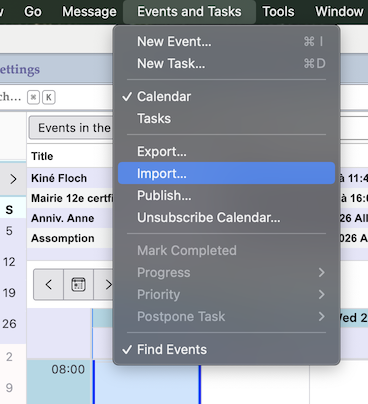
Ti ṣàtúnṣe nípa Mapenzi
Many thanks for this. I don't have that menu? Here's my calendar screenshot, there's no option to import files anywhere
Ọ̀nà àbáyọ Tí a Yàn
In Thunderbird on Windows the Menu Bar is hidden. Have a look here https://support.mozilla.org/en-US/kb/display-thunderbird-menus-and-toolbar#thunderbird:win11:tb147 to learn how to display it temporarily or all the time.
Thank you!

Hi, I'm able to get to this screen, but it never moves from 0% (uploaded image)
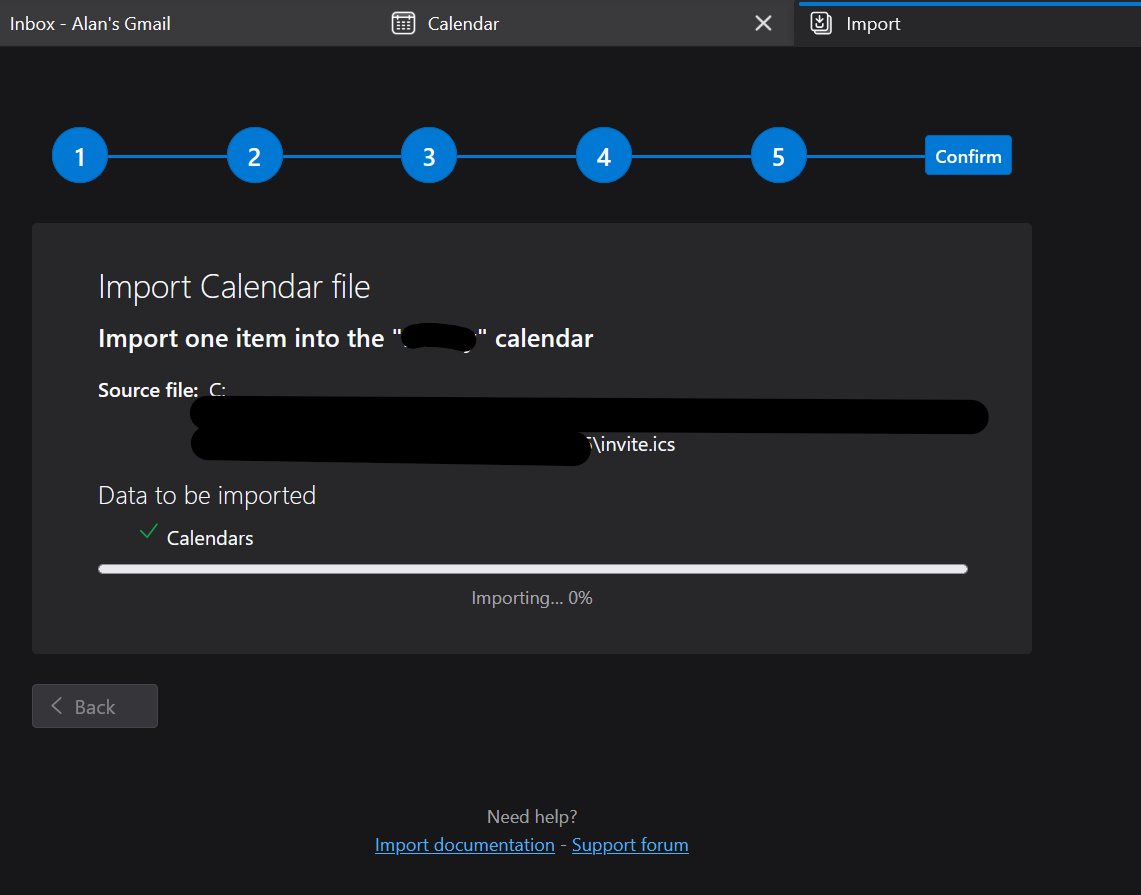
Update worth its own reply so it stands out to people with maybe the same issue I'm having. I was able to "Open..." the ical (.ics) file using the menu mentioned above (while in the Calendar Tab) and going to File>Open>Calendar File... select .ics file.
