Change font size in title, menu, and tab bars in FF v150

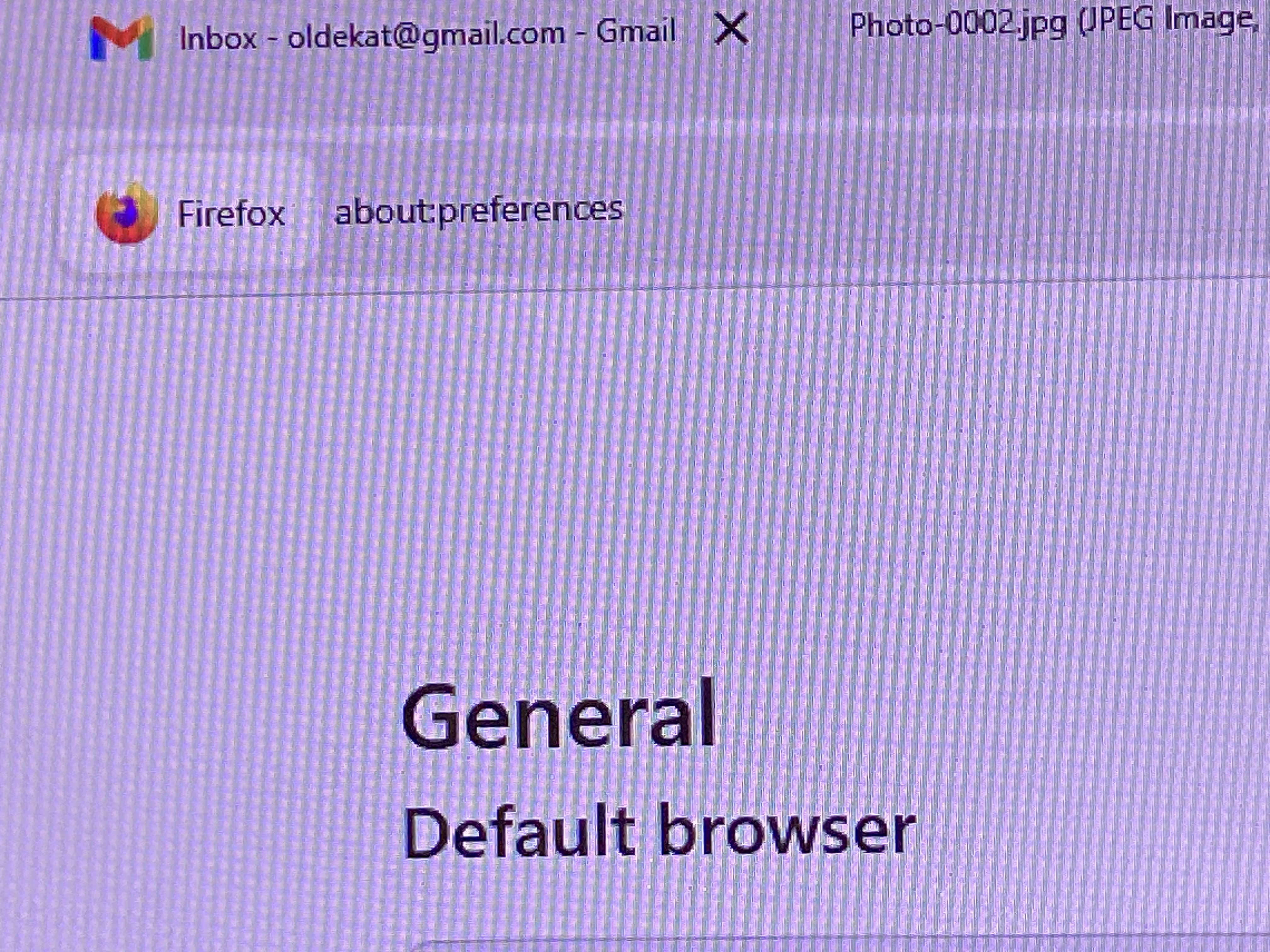
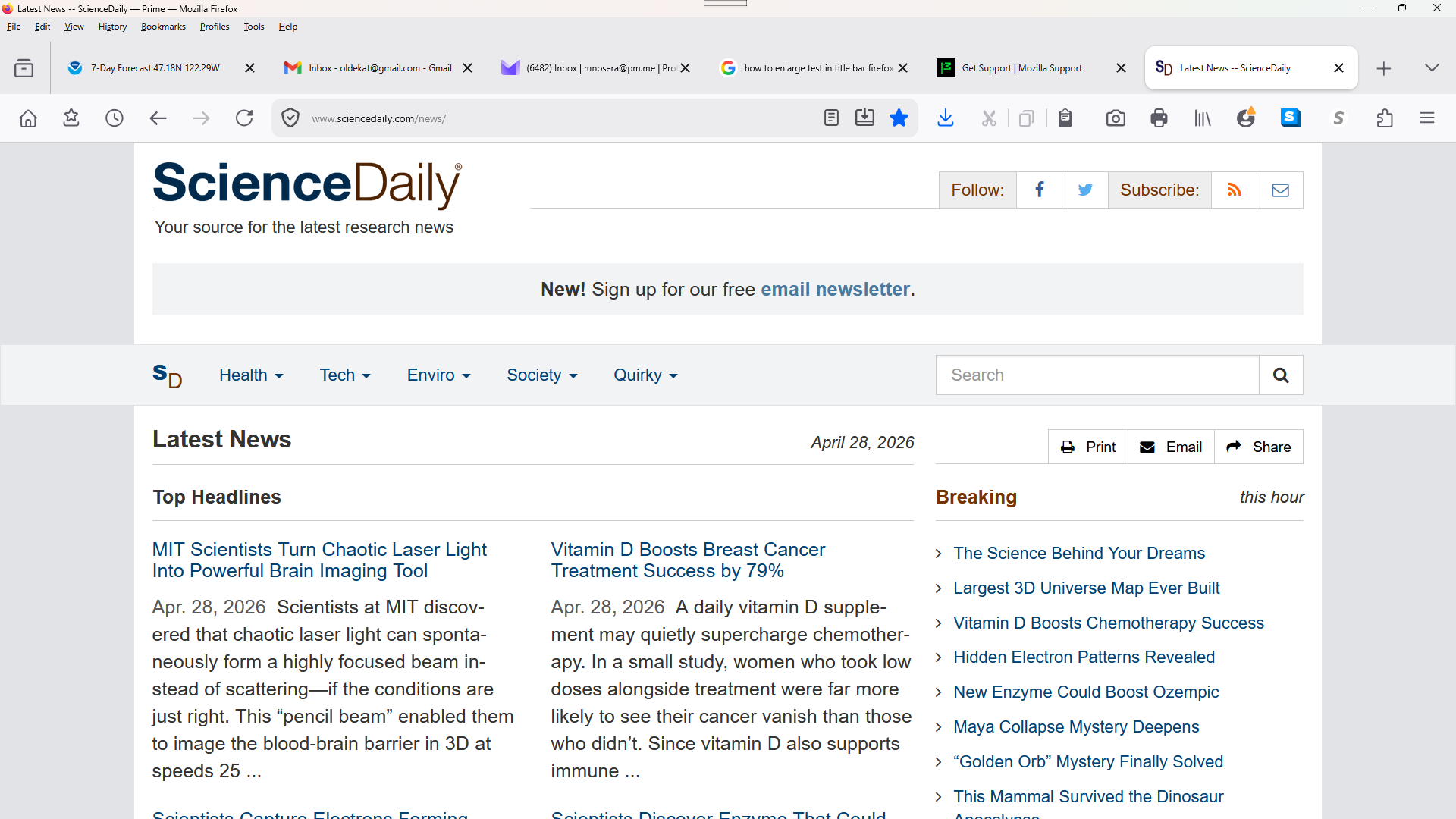
Greetings. Been trying to enlarge the font size in the bars (title, menu, and tab) at top of Firefox. Have read many similiar complaints, but the answers don't relate to the problem. I can't find some of the options some suggest. I'm not blind (yet), but the type is so miniscule, I have difficulty reading it. I've uploaded a photo and a screenshot to hopefully clarify the problem. Check the difference in the bars compared to the page. I don't want 14 pt. type on the bars, but something better than the miniscule type. Thank you for any relevant assistance or advice.
Greetings. Been trying to enlarge the font size in the bars (title, menu, and tab) at top of Firefox. Have read many similiar complaints, but the answers don't relate to the problem. I can't find some of the options some suggest. I'm not blind (yet), but the type is so miniscule, I have difficulty reading it. I've uploaded a photo and a screenshot to hopefully clarify the problem. Check the difference in the bars compared to the page. I don't want 14 pt. type on the bars, but something better than the miniscule type. Thank you for any relevant assistance or advice.