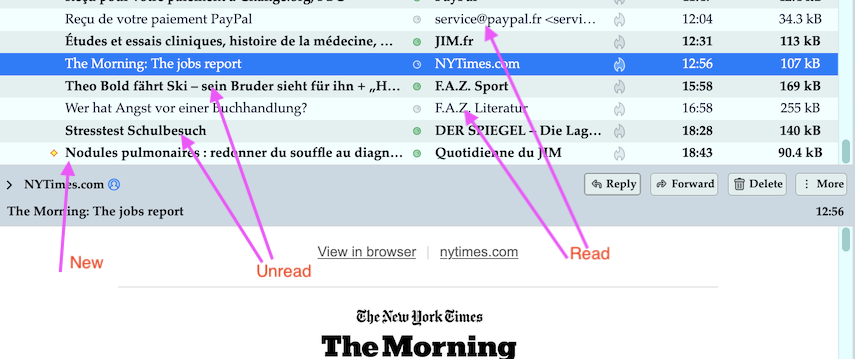
Incoming messages are interspersed with old messages without any order.

Incoming messages are interspersed with old messages without any order. I tried to corrrect this by pressing "date" in the installation column to the right, but that does not help.
All Replies (5)
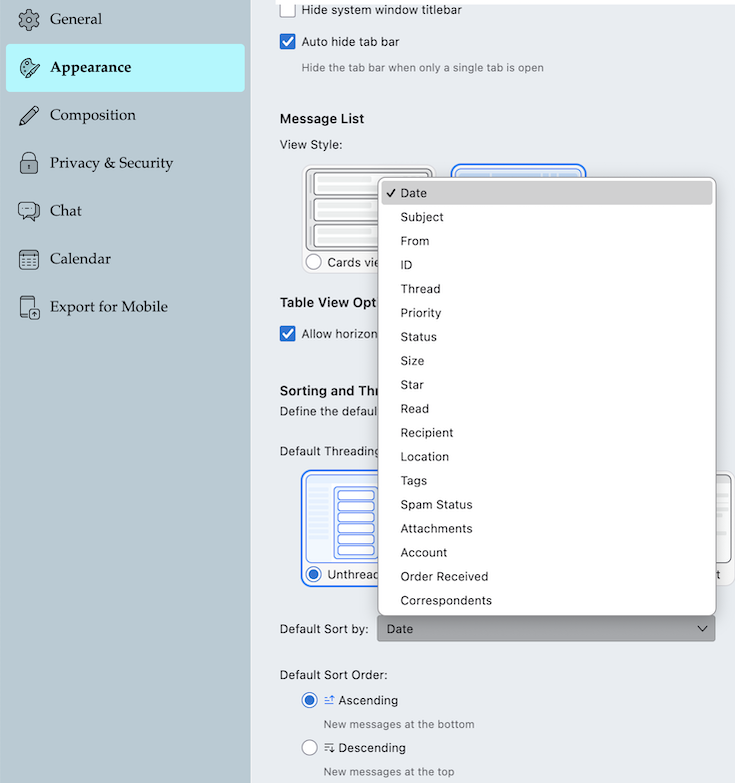
"Default sort" (by which column messages in the thread pane will be sorted) can be set in Settings > Appearance > Sorting and Threading (see image). But this general setting can be overwritten by user-defined settings individually for each folder. This "per folder" setting is stored in the message summary file (index file) of the folder in the Thunderbird profile., e.g. for your Inbox this will be stored in the Inbox.msf file in the profile. You can restore the index file by repairing the Inbox folder: R-click on Inbox > Properties > General > Repair Folder....
Thank you for your reply.
I followed your instructions and my incoming messages--current and former--suddenly were all placed in alphabetic order, not the date order that I had requested.
What do I need to do to have the messages placed in the order received?
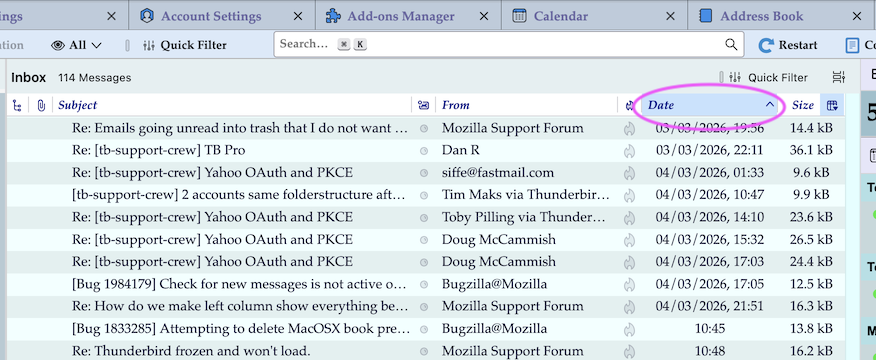
Probably you activated (selected) the "Subject" or the "From" or "Correspondant" column in the column headers line. Left-click on the Date column to sort messages by (incoming) date (image)
Ti ṣàtúnṣe nípa Mapenzi
Thank you for your reply. I did as you instructed, but the messages remain jumbled. I note, however, that "Subject" has a check mark in front of it, and both Subject and the check mark are faded on a dark background. No matter how I deal with Subject, I am not able to change it.
I don't know what exactly you mean by "jumbled". Can you please show a screen shot with your jumbled messages in the thread pane (anonymise names and email addresses)? Most times (90%) I'm sorting messages in the thread pane by "Date" and as you can see in my new image new messages are "jumbled" with other messages, unread or read. Which is normal since I've decided to sort my messages by "Date" by default, and not by "Subject" or "Unread" or by "From" ....etc.
If you want to display your messages sorted by date in the thread pane you'll have to click on the Date column header. BTW if you hadn't noticed before: the "active" column is discernable by a ∨ or ∧ symbol in the column header cell. In my screen shot the active column is also discernable by the additionally light blue background colour of thecolumn header cell.