


Export for Mobile - Settings from Desktop to Android

Hello,
Referring to your article [https://mzl.la/3TS8WcA] (Import settings and data into Thunderbird for Android) . The first step is : Export Thunderbird Desktop settings
Click ≡ > Tools > Export for Mobile.
However, I am running version 128.3.3esr (64 bits) "Nebula" and the menu "Export for Mobile" isn't available under "Tools" as mentioned in the article.
Please advise
Regards
Hello,
Referring to your article [[https://mzl.la/3TS8WcA]] (Import settings and data into Thunderbird for Android) . The first step is :
Export Thunderbird Desktop settings
Click ≡ > Tools > Export for Mobile.
However, I am running version 128.3.3esr (64 bits) "Nebula" and the menu "Export for Mobile" isn't available under "Tools" as mentioned in the article.
Please advise
Regards
Ọ̀nà àbáyọ tí a yàn
Mark this as resolved and post in the Thunderbird section.
Ka ìdáhùn ni ìṣètò kíkà 👍 0All Replies (3)
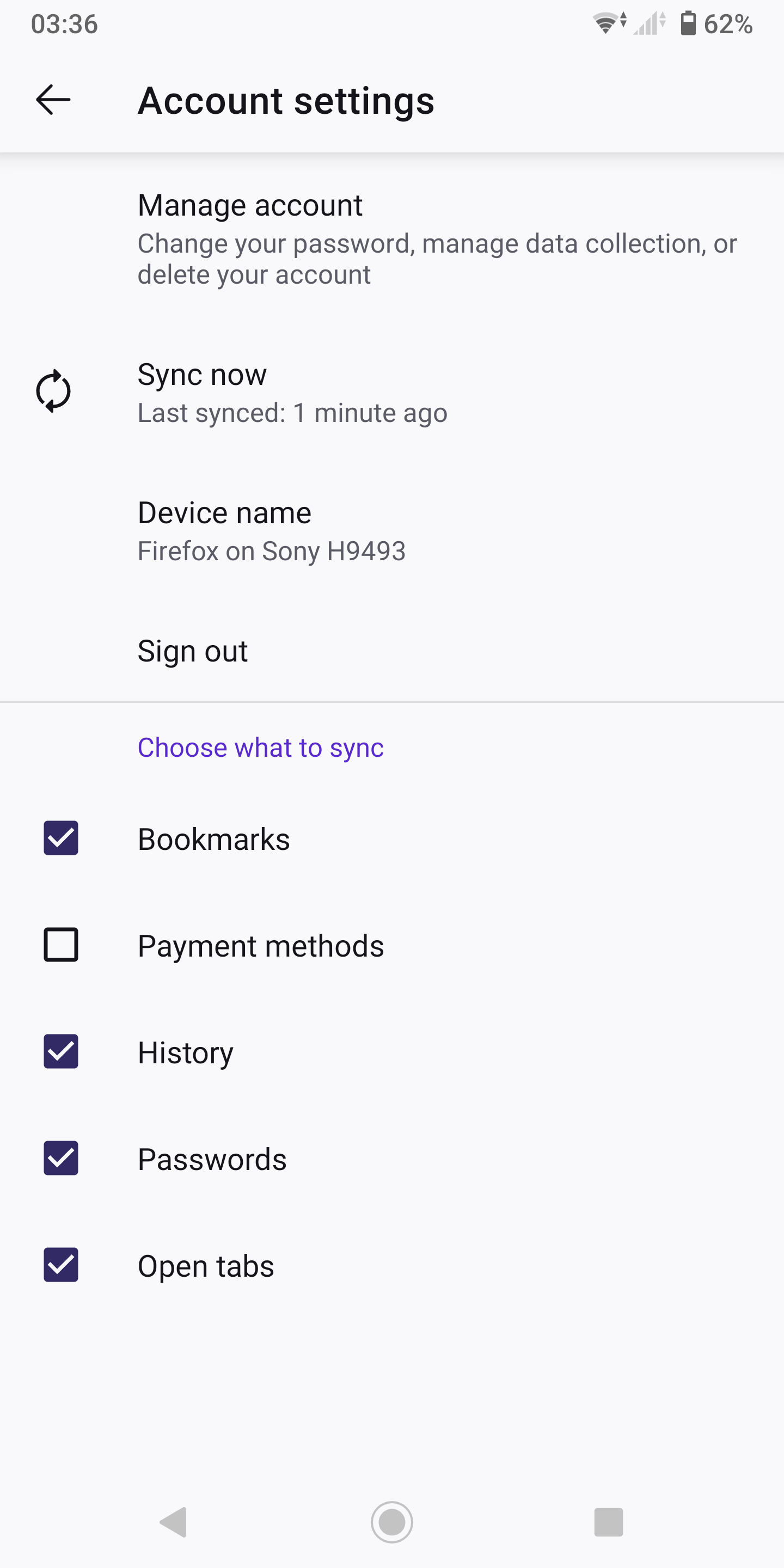
Just use sync.
https://support.mozilla.org/en-US/kb/how-do-i-set-sync-my-computer
https://support.mozilla.org/en-US/kb/how-do-i-choose-what-information-sync-firefox
Ti ṣàtúnṣe nípa jonzn4SUSE
Just to precise my question is related to Thunderbird
Ọ̀nà àbáyọ Tí a Yàn
Mark this as resolved and post in the Thunderbird section.