

Èròjà atẹ̀lélànà yii ni a ti fi pamọ́ fọ́jọ́ pípẹ́.
Jọ̀wọ́ béèrè ìbéèrè titun bí o bá nílò ìrànwọ́.

A ti fi pamọ́ fọ́jọ́ pípẹ́
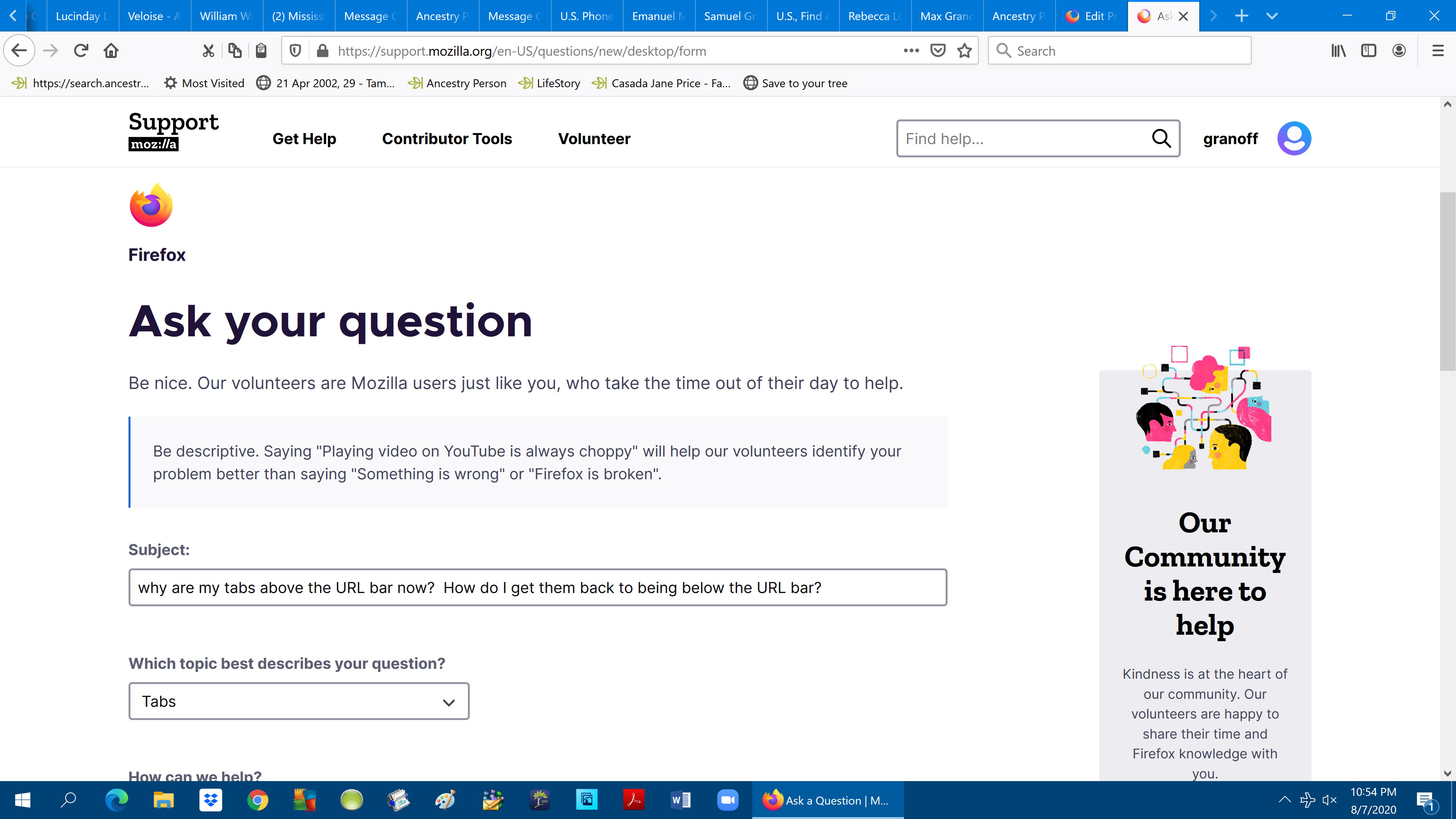
why are my tabs at the top of the screen abovethe URL bar? How do I get my regular layout back?

Everything has changed on the top of my screen. I can't copy paste, find options, find bookmarks, etc. My tabs are there now.
I will have to use another browser if this can't be fixed :-(
Everything has changed on the top of my screen. I can't copy paste, find options, find bookmarks, etc. My tabs are there now.
I will have to use another browser if this can't be fixed :-(
All Replies (1)
That is the default for Firefox for many years now. Like over 10 years, since Firefox 4.0 in Mar 2011.
Many customization's have reverted the "Tabs on Top" to above the Content Area below the Bookmarks Toolbar, but since Firefox Quantum 57, Firefox users have needed to employee userChrome.css code to get that UI appearance. Something in your Firefox installation just isn't working any longer.