


my xml data is being displayed as a live bookmark. Not what I want

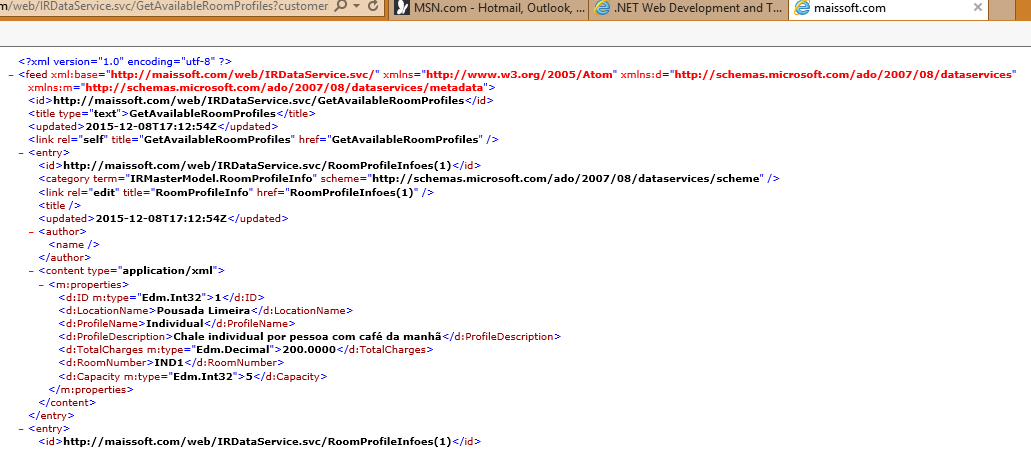
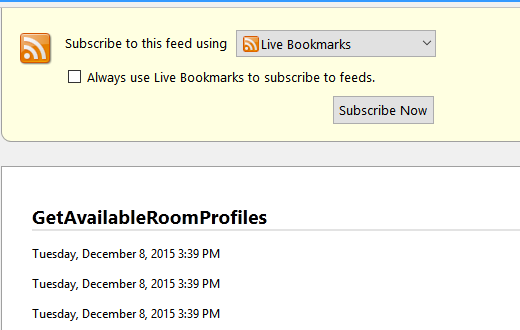
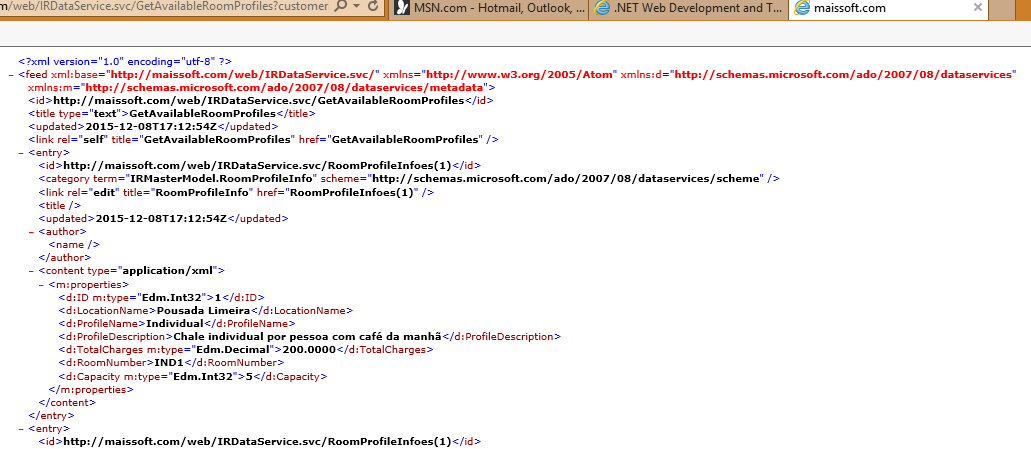
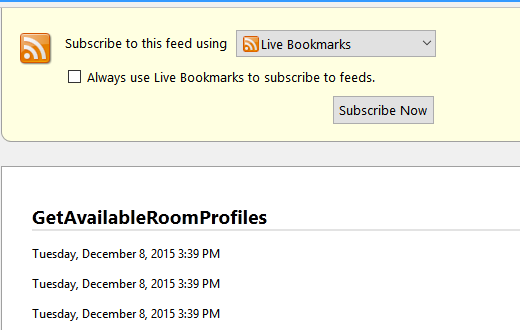
I've got a webservice that is returning XML data. In Chrome I use and extension, XML Tree to display the information correctly. In IE 11, I just turn off Feed Reading View. But in Firefox 42, I get the data showing up as a Live Bookmark (see the file "Firefox example.png" to see what I mean. Compare that to to the what I'm looking for shown in "IE11 example.png"
Any help would be appreciated.
Craig
All Replies (3)
Hmm, I don't see any way to bypass Firefox's styling of XML content with a known stylesheet.
There is a preference to choose a different viewer for feeds, but I don't know how one might use that to view it differently in a Firefox tab unless there is an add-on for that:
http://kb.mozillazine.org/Browser.feeds.handler
The native "View Source" feature is not helpful in this case. But as a workaround, maybe an add-on could style the source view page?
Did you try to view the source in a tab (right-click: "View Page Source")?
- view_source.tab = true
I can view source on a feed, but I don't get that nice tree-structured styling. For example:
https://support.mozilla.org/en-US/questions/feed?product=all
Then press Ctrl+u (for Windows users) and I see just plain text.