


how to export messages to text in bulk

I have a ton of old *.emls that I want to convert to .txt. I'd use a linux utility if one was recommended. But the 'ImportExportTools NG' addon is supposed to do it, I think, but I can't get it to work, it only offers me to export my profile, not any messages.
All Replies (7)
Try this: highlight a message folder, rightclick and select the importexport option to export all messages to plain text
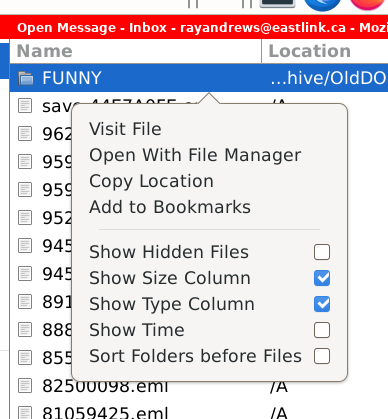
I might be doing something wrong. File > Open > Saved Message > right click ... no 'importexport' option shown. I can only get it to it via the 'Tools > 'ImportExportTools NG' but that offers 'Export Profile', Import Profile, Backup, Options, Help. Nothing about exporting messages.
I didn't suggest that. I suggested to highlight a folder and rightclick. try that.
I have tried that, but I don't get the option.
Here's a utility that does it:
https://github.com/praschak/eml-to-txt/blob/main/eml-to-txt-converter.py
Okay, I think I see the issue. The importexport utility works WITHIN thunderbird. Since you have already exported to eml, if the messages are still in thunderbird, follow my steps. If not, then you may need to reverse the process and import back to thunderbird with the importeport tool, and then repeat the export again but to text.
These messages never were 'in' Thunderbird, they are archives going back to DOS.