


'Edit as new message' function has a problem

When choosing to edit a sent message as a 'new' message, placing the cursor at the beginning of the message and pressing <Enter> does not advance the text.
It used to.
Placing the cursor at any other location within the message WILL advance the text with <Enter>.
I CAN add text by typing, but the <Enter> key does nothing.
The intent of placing the cursor at the beginning of the message is to add a line to the previously sent email.
The chosen option of 'edit as new message' should work with <Enter> regardless of where the cursor is positioned.
Any chance of this being addressed?
Thanks.
I am using ThunderBird 153.0 ESR for Linux Mint mint-001 - 1.0
Wayne Mery moo ko soppali ci
All Replies (2)

Saafara yiñ Tànn
Data point: I have the same configuration as you, I think, and mine works as expected. See attached animation.
Mint 22.3 Thunderbird 153.0
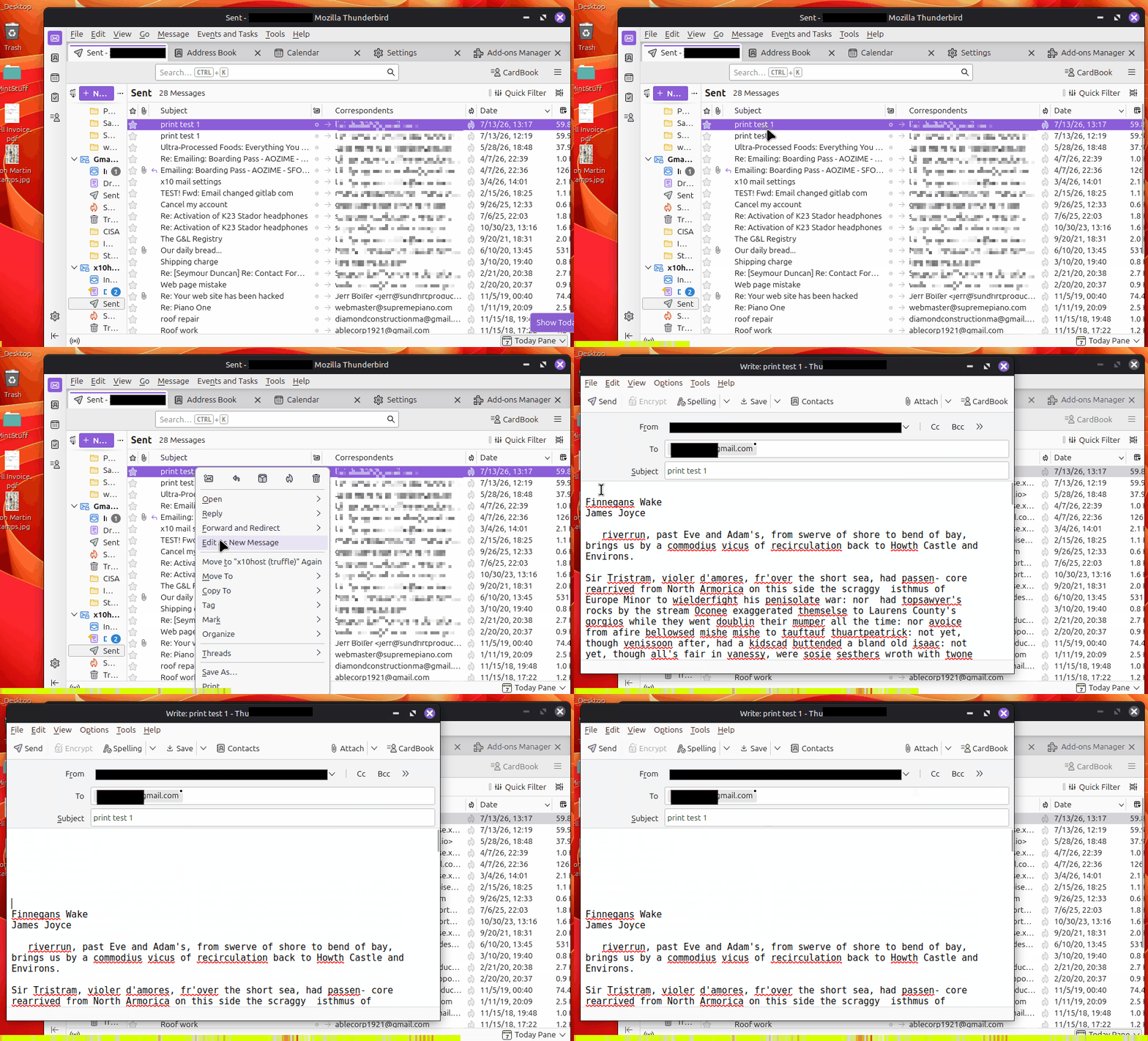
Thank you for taking the time to look into it.
I found an error in my original post. The desired edit function as I described DOES work sometimes, as you show it works for you. I thought it didn't work at all, but that was only because I used the function (edit as new...) on mostly the same addressee, and it does NOT work in that (say 'some') situation(s).
So, the edit function does NOT work...on SOME messages.
I am not interested in looking further into it. I'm sure it has to do with the formatting of the message, whether the sent message mimicked the sender's format style and such. ThunderBird does allow choices as following HTML formatting for example. That's a guess on my part but, again, I am not going to chase it further knowing now that it is likely a formatting issue.
THANK you for your reply!
canyncarvr moo ko soppali ci