


e-banking site no longer works

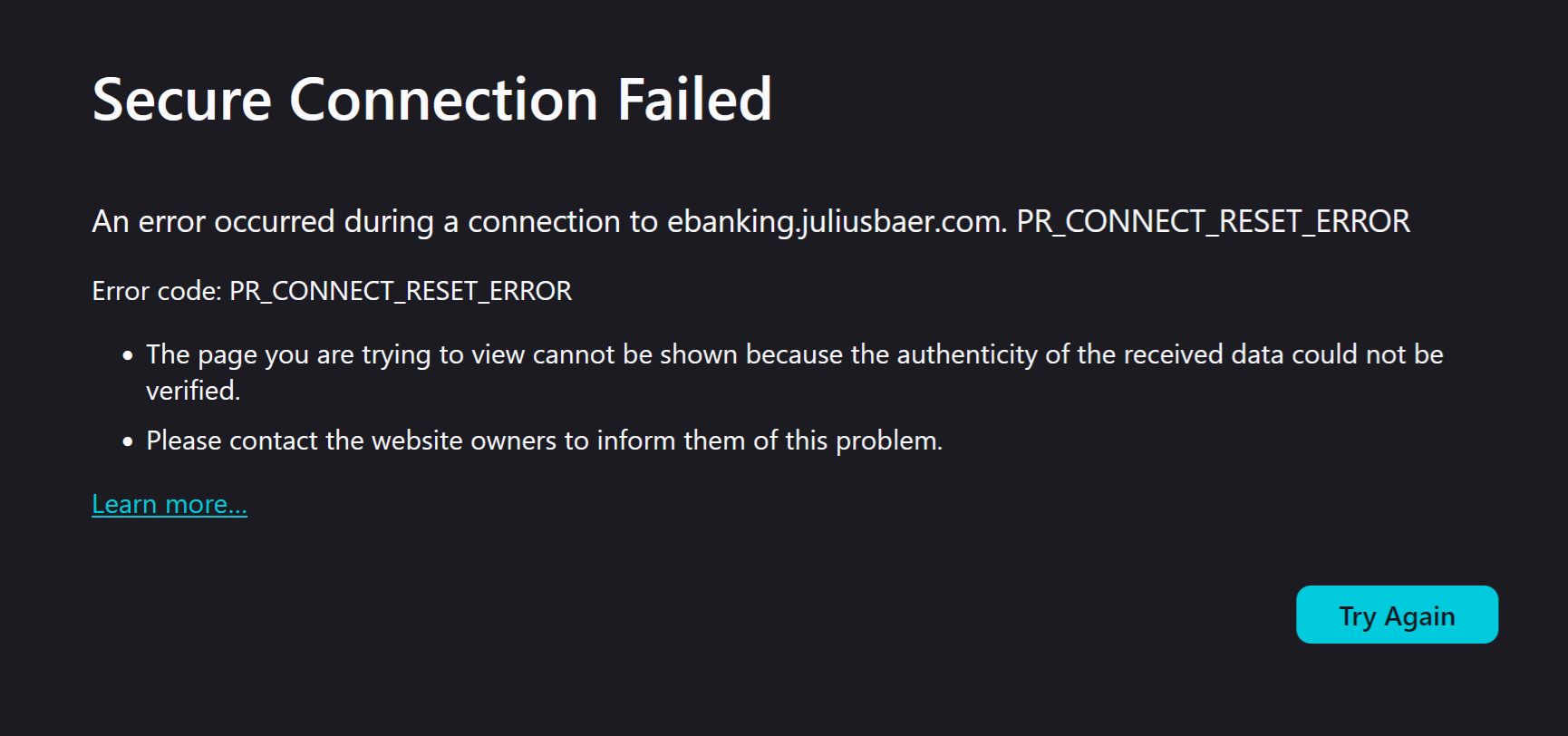
An e-banking site that worked in Firefox for years no longer works in 145.0 under Ubuntu Studio 24.04.1 This is the help page for the error I am receiving: https://support.mozilla.org/1/firefox/145.0/WINNT/en-US/connection-not-secure However, the error message I received (see attached image) is not listed there. Since the e-banking site hasn't changed in ages, I suspect instead something in one of the recent Firefox updates. The site works fine in Safari under Sequoia 15.5 on a MacBook Air, and I can login in Firefox, so I doubt that there is a problem with the site's security certificate. Since both the MacBook Air and the Ubuntu PC are on the same LAN, I also doubt any network obstruction. I haven't found a wax to get any more detailed error information and would be grateful for tips on how to do so. Meanwhile, I would like to at least change from the standart Firefox release to the ESR veersion, but find no information on how to do so. I have currently set up Firefox to be pulled from the instructions in https://support.mozilla.org/en-US/kb/install-firefox-linux#w_install-firefox-deb-package-for-debian-based-distributions-recommended under "For Debian Trixie and Newer" How can I switch from my current Firefox under Ubuntu to an ESR release?
Saafara biñ tànn
The site in question works again in Firefox 145.0.1. Thanks for the prompt fix!
Jàng tontu lii ci fi mu bokk 👍 0All Replies (2)
P.S. I have experimented with various options under "Privacy & Security", including "Standard", "Strict" and "Custom" with all checkboxes cleared. None allow the site to work properly.
The site in question still works correctly under LibreWolf on the same Ubuntu PC. The installed version of LibreWolf appears to be based on Firefox 144.0.2
rsbrux moo ko soppali ci
Saafara yiñ Tànn
The site in question works again in Firefox 145.0.1. Thanks for the prompt fix!