


I can't add a shortcut site to my FF home screen

Where is a link, icon, or ANY WAY to add a shortcut site to my Ubuntu FF **DESKTOP** homescreen?
I already have 4 rows (since 2013 over many Linux laptops. Ubuntu, Mint, popOS, and now Ubuntu 26.04 LTS).
There is room in the fourth row for a few more. BUT I don't see any icon or link or right-click option to add another!
Phrasing the article search various ways gets me a lot of unrelated stuff.
EVERY help article, of which there are few, seems to have a BIG-ASSumption that everyone is using mobile Firefox.
NO! NO three dots. No right click brings up anything. NOTHING in settings. I've been through everything in the 3-bar menu, and there is NOTHING. (I already use it to sync, go to OTHER settings, go to help, etc.)
This is a day after an update, though I don't know how that affects it.
Usually if I forget how I did something, I just explore and find it. BUT --
My way of adding new shortcuts seems to be GONE.
تمام جوابات (2)
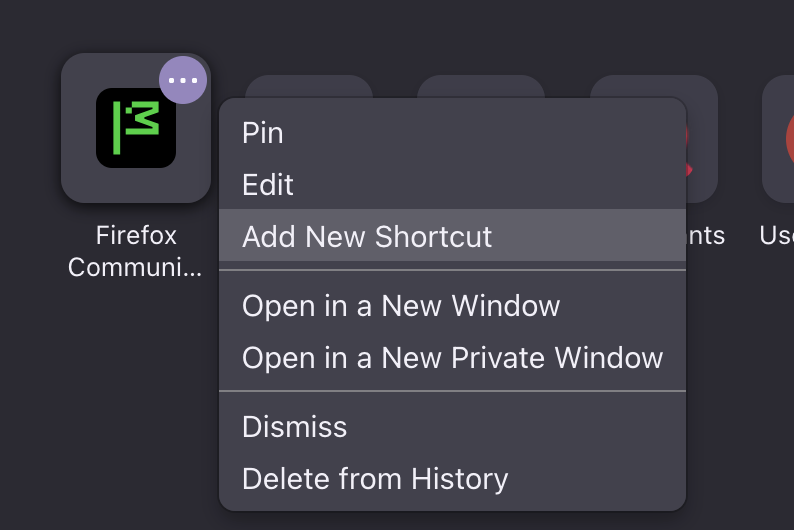
Well I do have "three dots" menu on the tiles upon hovering them on desktop, and a menu item to add a tile seems to be under that menu, so… I'd say the directions sound spot on?
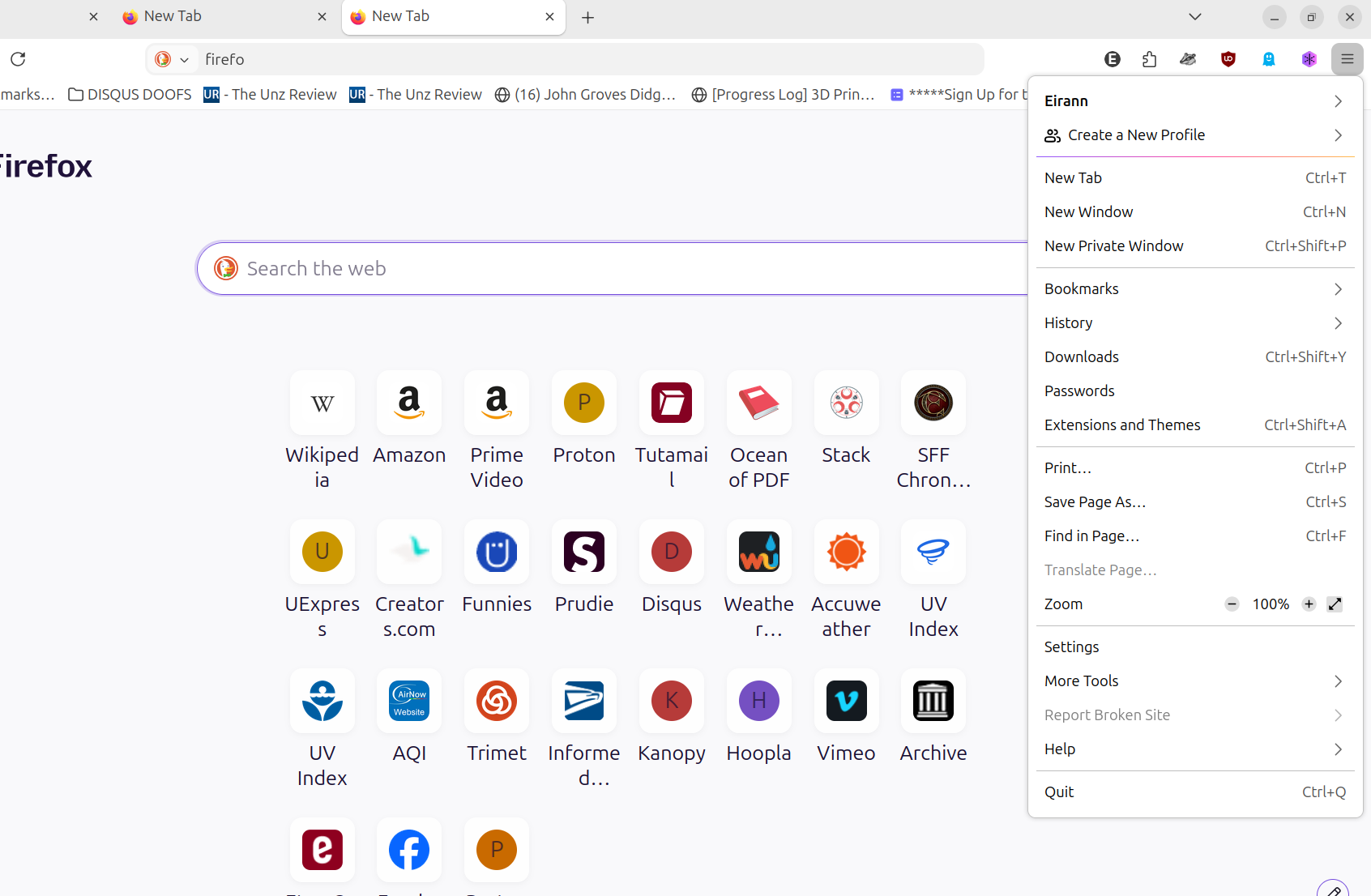
That, so far, was useless. I'm attaching a screenshot WITH the three NON-dots expanded into the menu I use all the time, but without a homepage setting. (Beyond the settings I've already set, ie set to 4 rows.)
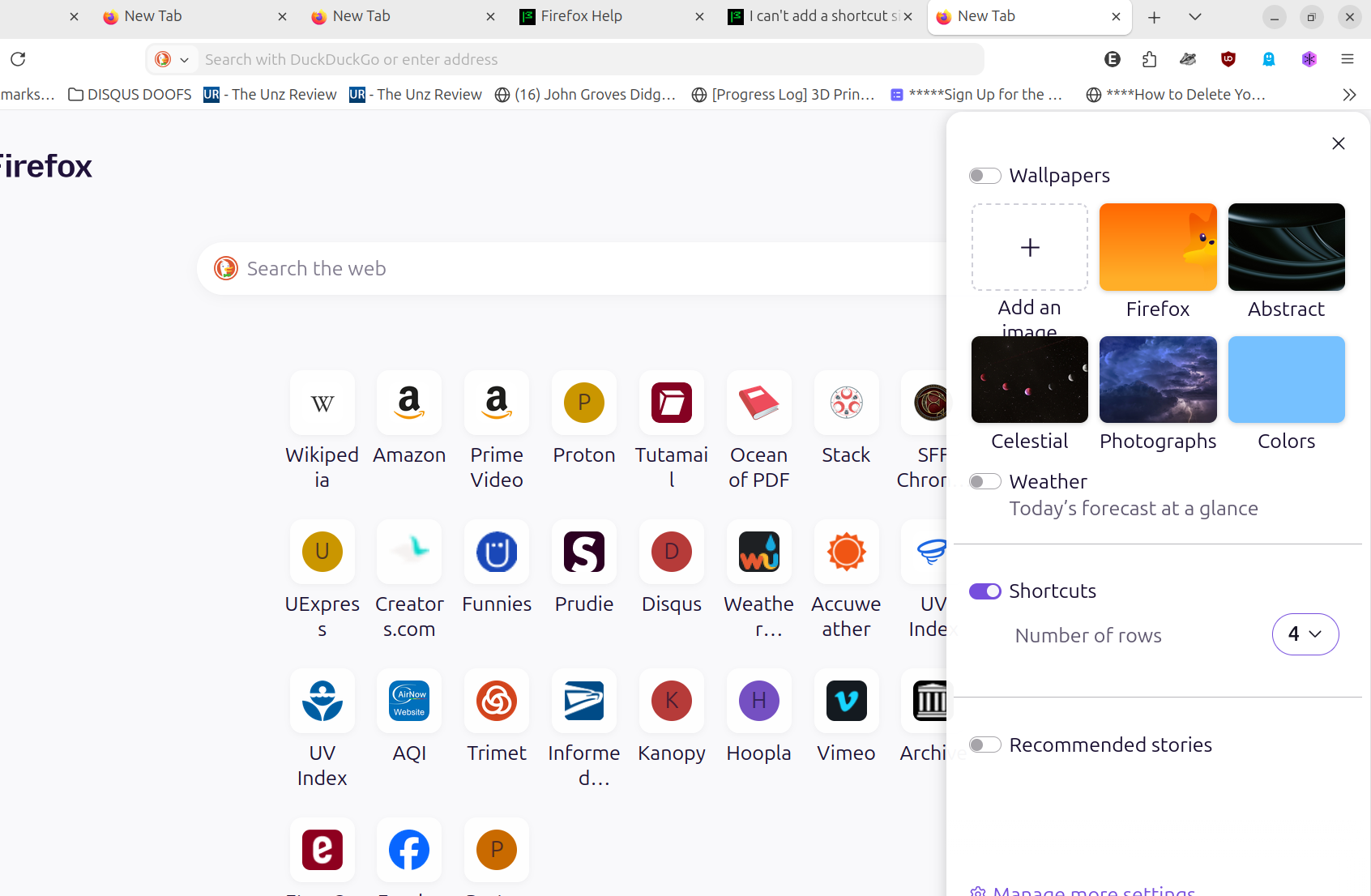
Eirann کی جانب سے میں ترمیمکی گئ