


Windows 10 reached EOS (end of support) on October 14, 2025. If you are on Windows 10, see this article.

تلاش سپورٹ

Avoid support scams. We will never ask you to call or text a phone number or share personal information. Please report suspicious activity using the “Report Abuse” option.

مزید سیکھیں

access to SSA.gov via either login.gov or idme

  • 1 جواب دیں
  • 0 میں یہ مسئلہ ہے
  • 127 دیکھیں
  • آخری جواب بذریعہ jonzn4SUSE

When I attempt to log into my ssa.gov account thru either login.gov or id.me with firefox browser i get the following message. "Your browser sent a request that this server could not understand. Size of a request header field exceeds server limit." I can access both with google or edge. I am running windows 11 with most recent firefox update What do I need to change in my firefox settings?

When I attempt to log into my ssa.gov account thru either login.gov or id.me with firefox browser i get the following message. "Your browser sent a request that this server could not understand. Size of a request header field exceeds server limit." I can access both with google or edge. I am running windows 11 with most recent firefox update What do I need to change in my firefox settings?

تمام جوابات (1)

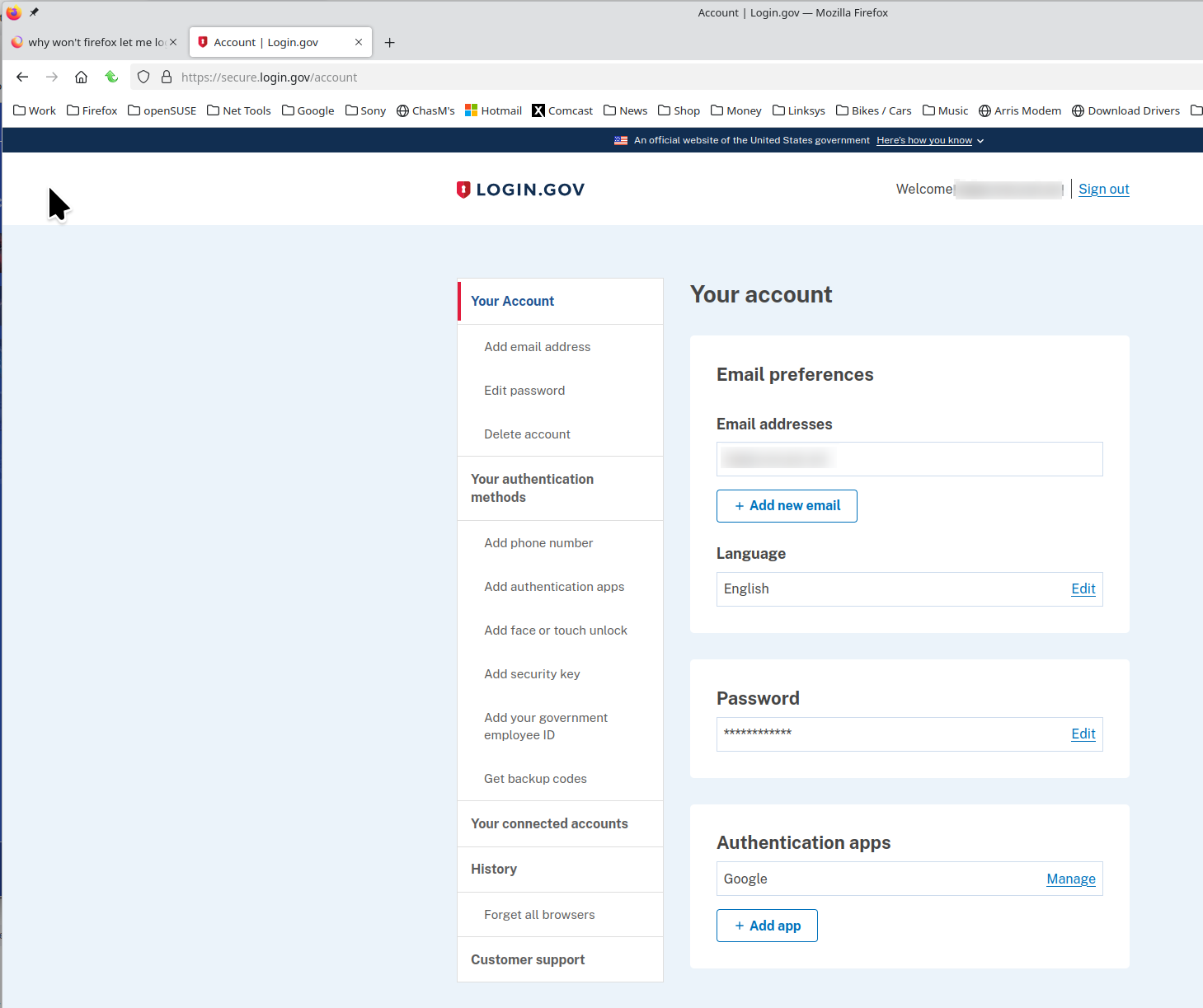
i can get into my login.gov account. see screenshot Are you running any security software besides MS Defender?

Have you tried with Firefox in Troubleshoot Mode? https://support.mozilla.org/en-US/kb/diagnose-firefox-issues-using-troubleshoot-mode#w_how-to-start-firefox-in-4troubleshoot-modesf5safe-modesf

Did you clear your browser cache? https://support.mozilla.org/en-US/kb/clear-cookies-and-site-data-firefox
ایک سوال پوچھیں

You must log in to your account to reply to posts. Please start a new question, if you do not have an account yet.