


Blurry font rendering

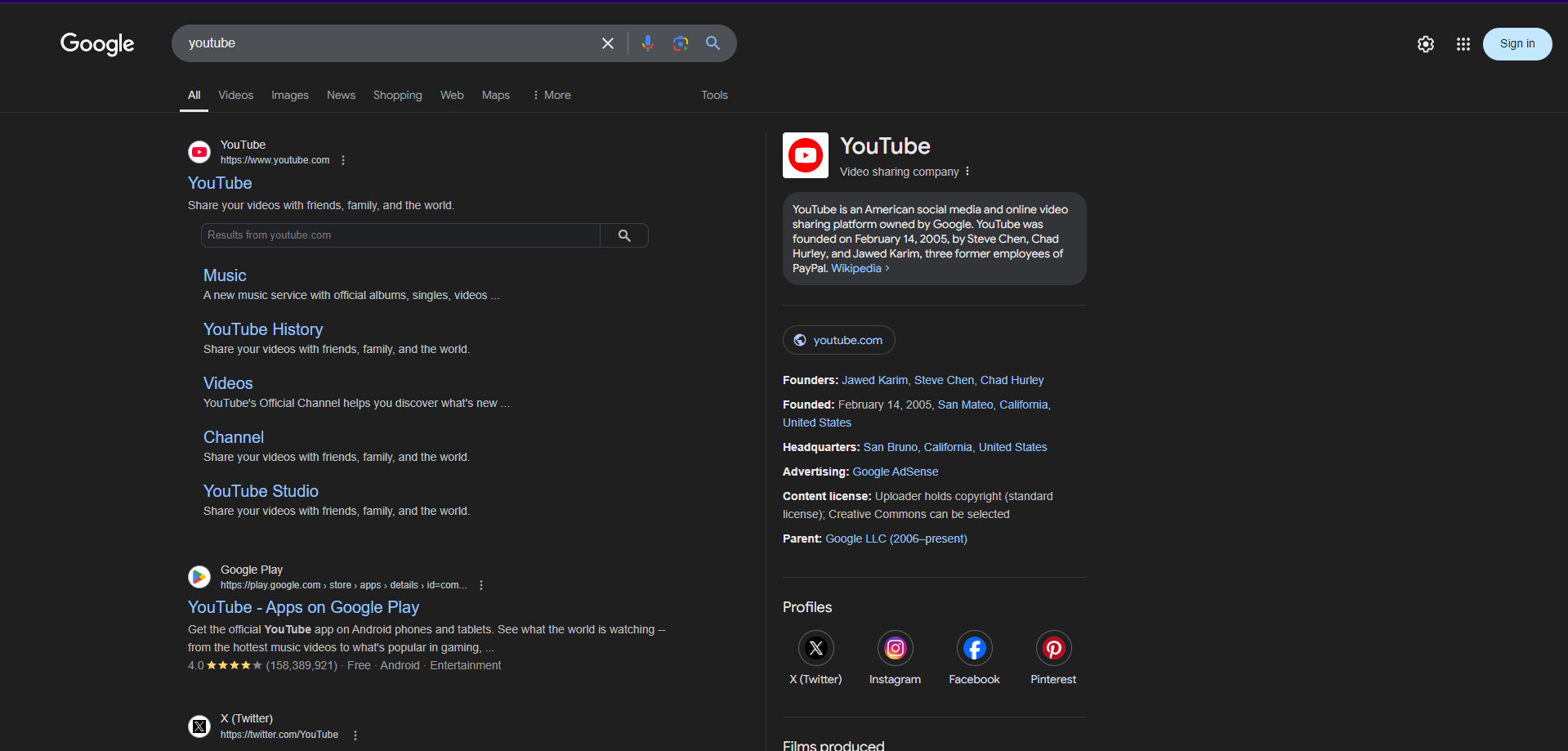
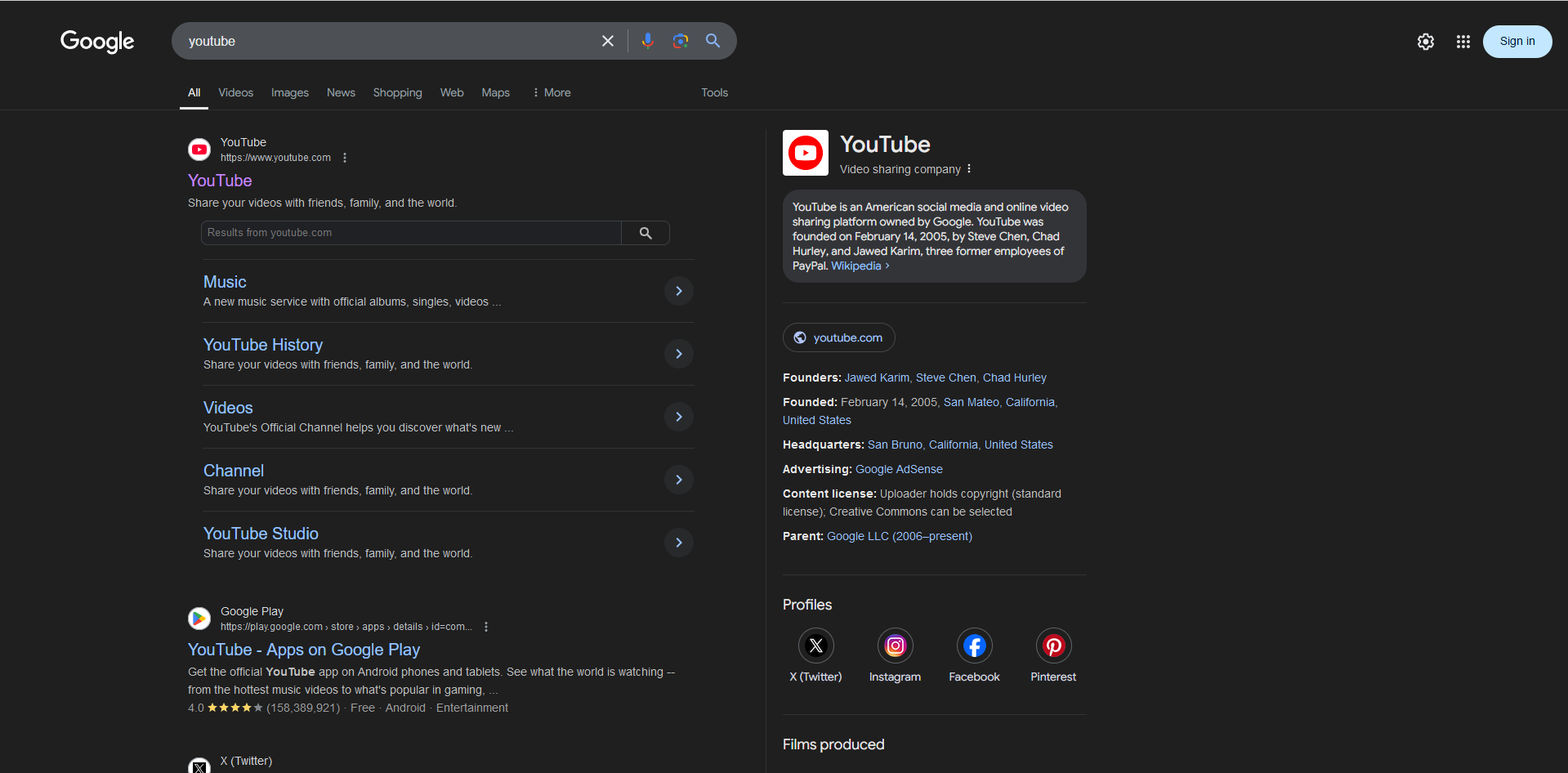
I just installed Firefox. What I noticed right away while using it was that fonts were very blurry/hard to read on all web pages, and even in firefox's menus and URL bar.
I attached two pictures, one is a screenshot in Firefox, and the other is a screenshot in Brave. (All chromium web browsers I have tried don't have firefox's font problem)
منتخب شدہ حل
After doing some research, I found out that going to about:config and setting the gfx.font_rendering.cleartype_params.rendering_mode option to a value of 5 (and then restarting Firefox) solved the issue. Extra information: for me, the value was set to -1 by default.
اس جواب کو سیاق و سباق میں پڑھیں 👍 2تمام جوابات (2)
The first screenshot is in Brave, and the second one is in Firefox.
منتخب شدہ حل
After doing some research, I found out that going to about:config and setting the gfx.font_rendering.cleartype_params.rendering_mode option to a value of 5 (and then restarting Firefox) solved the issue. Extra information: for me, the value was set to -1 by default.
Waseem کی جانب سے میں ترمیمکی گئ