


Signon Verification options cannot be read

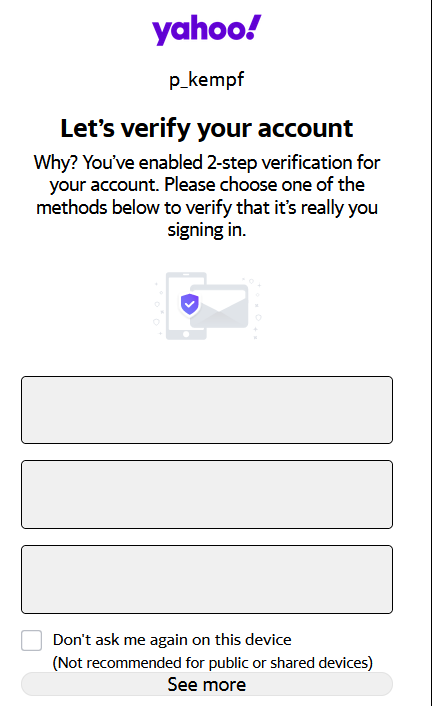
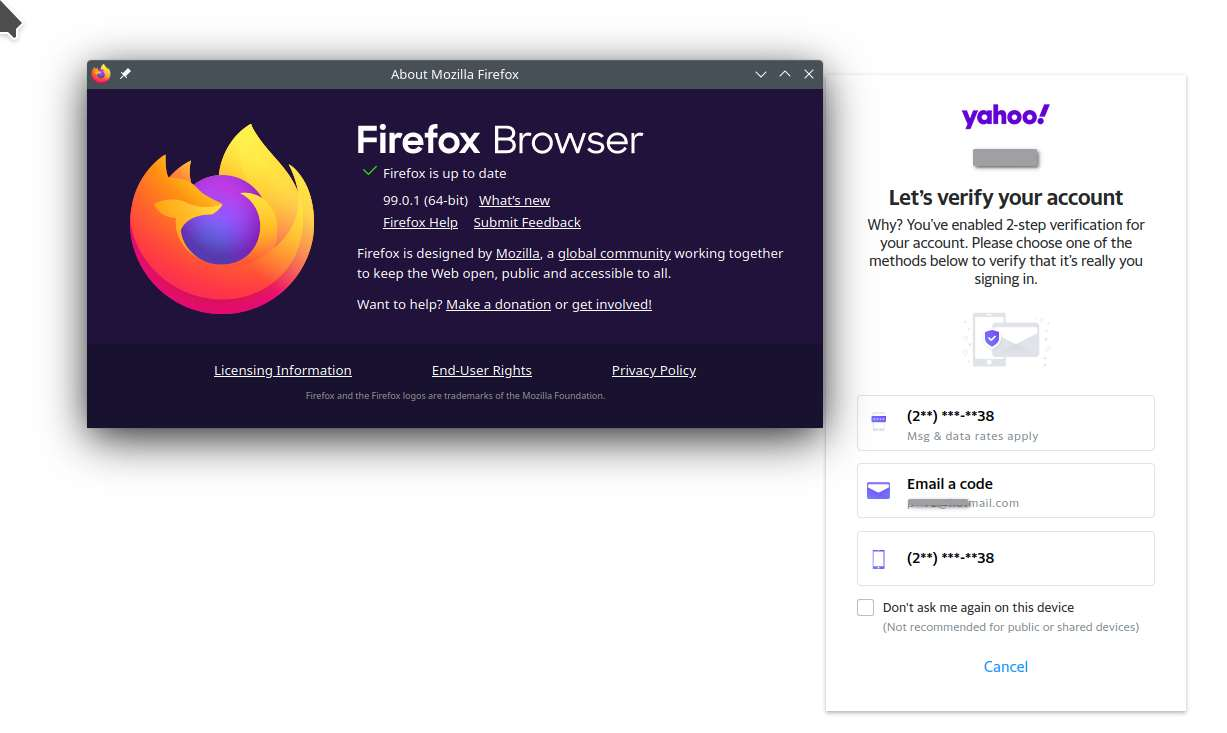
I bring up yahoo mail in firefox, enter my userid and password, then verification methods appear. However, the verification methods are unreadable. Boxes where the verification would normally appear are blank, white. I open google chrome and they are readable. What setting in firefox needs to be restored to make these verification options readable? This issue just started in the last hour in firefox.
تمام جوابات (2)

منتخب شدہ حل
Can you try the same steps in Firefox Safe Mode? https://support.mozilla.org/en-US/kb/diagnose-firefox-issues-using-troubleshoot-mode#search
jonzn4SUSE کی جانب سے میں ترمیمکی گئ

Make sure you are not blocking content.
https://support.mozilla.org/en-US/kb/enhanced-tracking-protection-firefox-desktop also see https://blog.mozilla.org/security/2021/03/23/introducing-smartblock/
https://support.mozilla.org/en-US/kb/smartblock-enhanced-tracking-protection
Diagnose Firefox issues using Troubleshoot(Safe) Mode {web link}
A small dialog should appear. Click Start In Troubleshoot(Safe) Mode (not Refresh). Is the problem still there?
Many site issues can be caused by corrupt cookies or cache.
Warning ! ! This will log you out of sites you're logged in to. You may also lose any settings for that website.
- How to clear the Firefox cache {web link}