


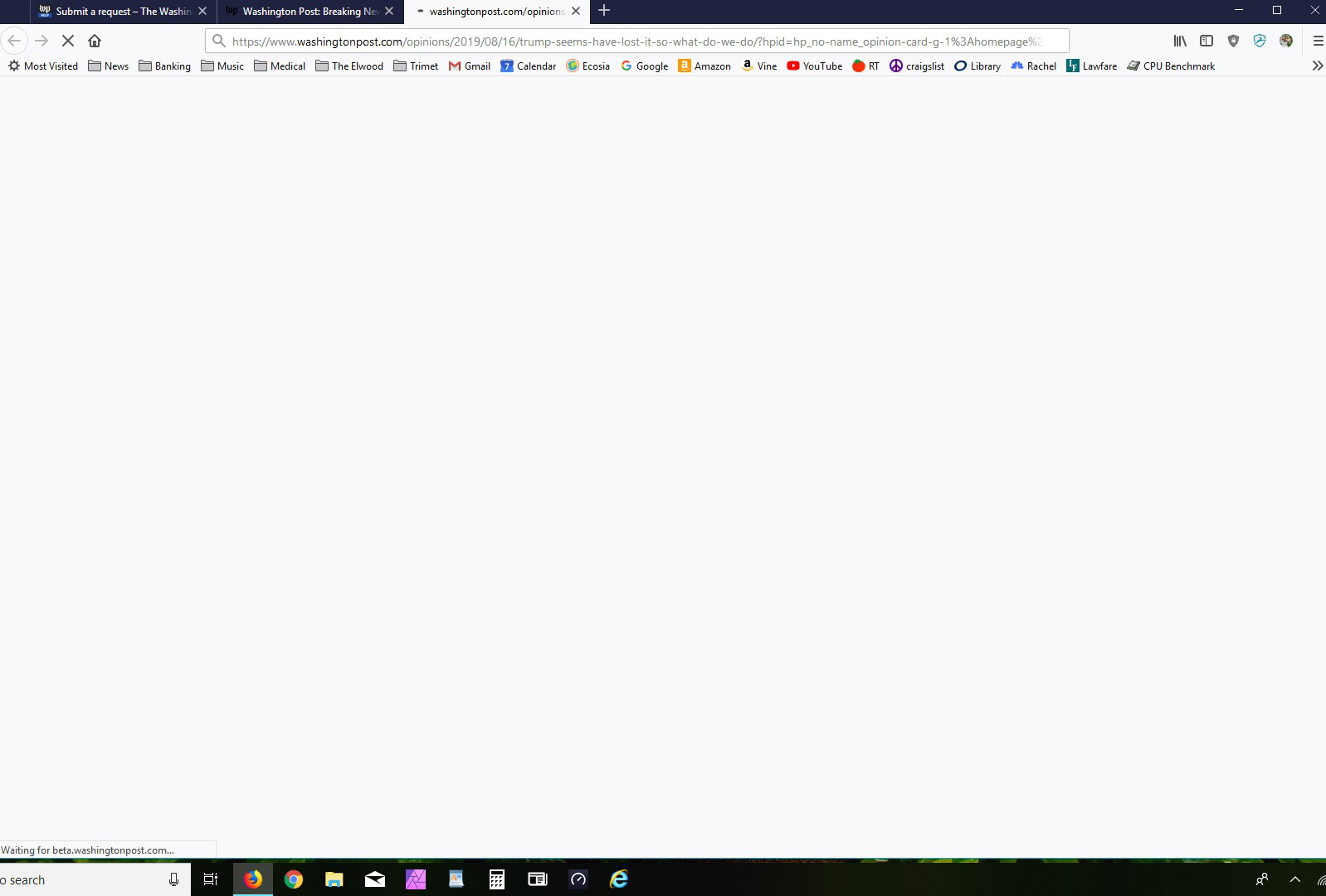
Suddenly couldn't download articles from the Washington Post. I get a blank page. Chrome works fine.
When I open an article link from the Washington Post in a new page, it just sits there blank. If I hover over the address bar, the address report in he lower left of the screen shows the page trying to reach both www.washingtonpost.com and then beta.washingtonpost.com It just flickers between the two but it never actually loads the page. Chrome works without a problem. AdBlocker is off for that page.
تمام جوابات (1)

Make sure you are not blocking content.
Start Firefox in Safe Mode {web link}
A small dialog should appear. Click Start In Safe Mode (not Refresh). Is the problem still there?
One issue that seems more common lately is Firefox's Content Blocking. When it is blocking content in a page, a shield icon will appear at the left end of the address bar next to the padlock icon. This article has more info on managing this feature: