


How to increase the size of the menu bar?

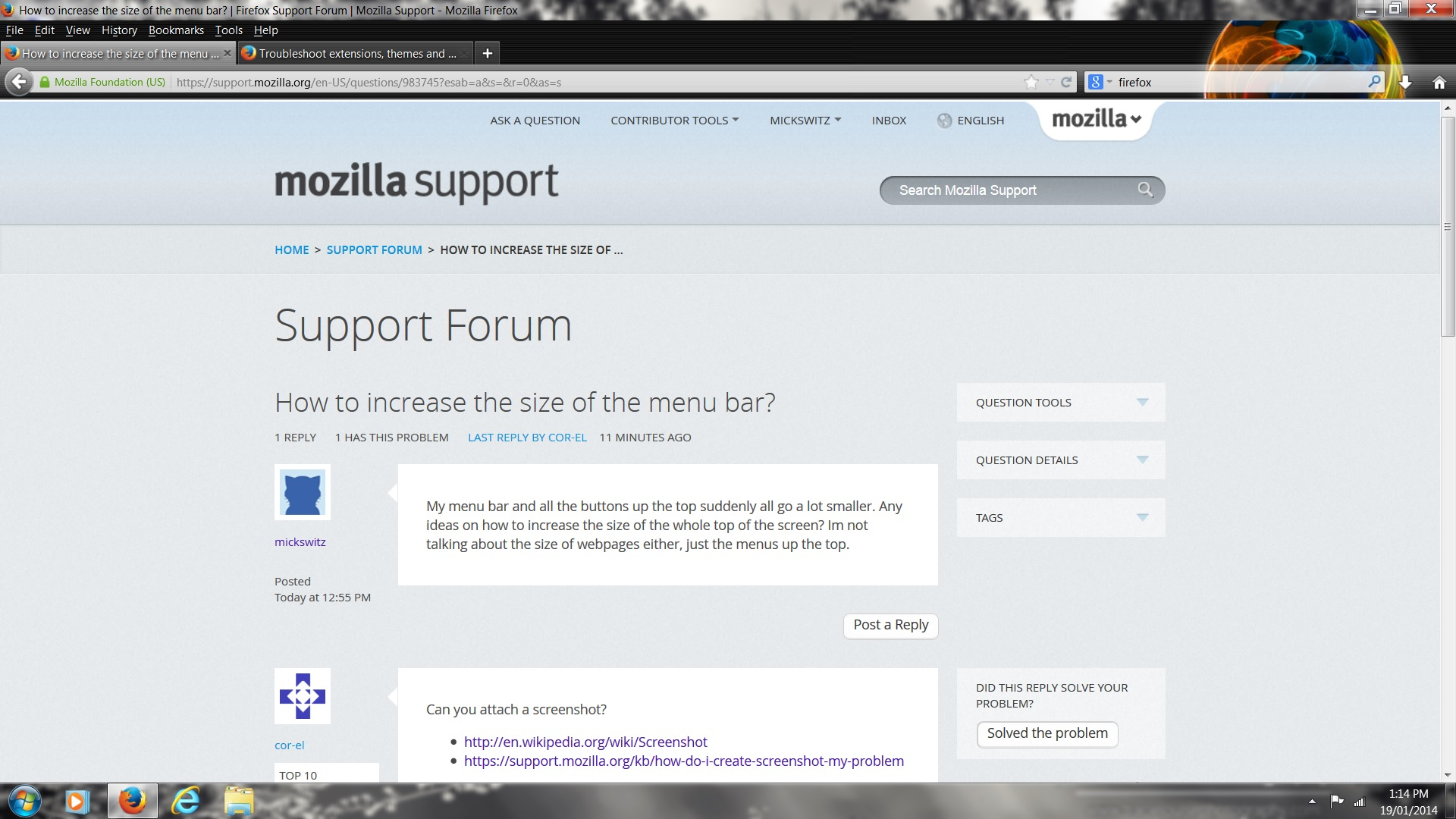
My menu bar and all the buttons up the top suddenly all go a lot smaller. Any ideas on how to increase the size of the whole top of the screen? Im not talking about the size of webpages either, just the menus up the top.
Обране рішення
You do want to use the menu bar and not the Firefox menu button?
See also:
- https://support.mozilla.org/kb/how-do-i-get-firefox-button
- https://support.mozilla.org/kb/Menu+bar+is+missing
Did you previously had placed any items on the Menu bar?
- Personal Titlebar: https://addons.mozilla.org/firefox/addon/personal-titlebar/
You can set the layout.css.devPixelsPerPx pref on the about:config page to 1.0 or on Windows 8 to 1.25 and if necessary adjust layout.css.devPixelsPerPx starting from 1.0 in 0.1 or 0.05 steps (1.1 or 0.9) to make icons show correctly.
See also:
Use an extension to adjust the text size in the user interface and the page zoom in the browser window.
You can look at this extension to adjust the font size for the user interface (toolbars).
- Theme Font & Size Changer: https://addons.mozilla.org/firefox/addon/theme-font-size-changer/
You can look at the Default FullZoom Level or NoScript extension if web pages need to be adjusted after changing layout.css.devPixelsPerPx.
- Default FullZoom Level: https://addons.mozilla.org/firefox/addon/default-fullzoom-level/
- NoSquint: https://addons.mozilla.org/firefox/addon/nosquint/
Усі відповіді (5)
Can you attach a screenshot?
- http://en.wikipedia.org/wiki/Screenshot
- https://support.mozilla.org/kb/how-do-i-create-screenshot-my-problem
Use a compressed image type like PNG or JPG to save the screenshot.
Start Firefox in Safe Mode to check if one of the extensions (Firefox/Tools > Add-ons > Extensions) or if hardware acceleration is causing the problem (switch to the DEFAULT theme: Firefox/Tools > Add-ons > Appearance).
- Do NOT click the Reset button on the Safe Mode start window.
Thanks for the quick reply :) I restarted in safe mode and the problem was still there. My menu bar was probably 1 or 2 thirds bigger than it is currently. Not exactly in the height of the menu but the buttons and fonts (& tabs) were all bigger. Might have to do a reinstall?
Вибране рішення
You do want to use the menu bar and not the Firefox menu button?
See also:
- https://support.mozilla.org/kb/how-do-i-get-firefox-button
- https://support.mozilla.org/kb/Menu+bar+is+missing
Did you previously had placed any items on the Menu bar?
- Personal Titlebar: https://addons.mozilla.org/firefox/addon/personal-titlebar/
You can set the layout.css.devPixelsPerPx pref on the about:config page to 1.0 or on Windows 8 to 1.25 and if necessary adjust layout.css.devPixelsPerPx starting from 1.0 in 0.1 or 0.05 steps (1.1 or 0.9) to make icons show correctly.
See also:
Use an extension to adjust the text size in the user interface and the page zoom in the browser window.
You can look at this extension to adjust the font size for the user interface (toolbars).
- Theme Font & Size Changer: https://addons.mozilla.org/firefox/addon/theme-font-size-changer/
You can look at the Default FullZoom Level or NoScript extension if web pages need to be adjusted after changing layout.css.devPixelsPerPx.
- Default FullZoom Level: https://addons.mozilla.org/firefox/addon/default-fullzoom-level/
- NoSquint: https://addons.mozilla.org/firefox/addon/nosquint/
Oh beauty changing layout.css.devPixelsPerPx from -1.0 to 1.45 made it exactly as it used to be. Thanks so much :) :)
You're welcome.