


Firefox and Amazon Prime Video not playing nice
When I try to access a movie or get further info by clicking the movie's pic, I get this message, despite deleting my cache and cookies, closing and opening Firefox, shutting and opening my MacBook. Any suggestions most appreciated!
That shouldn't have happened.
It looks like something went wrong on our side. Let's find you a great video to watch instead.
Усі відповіді (2)

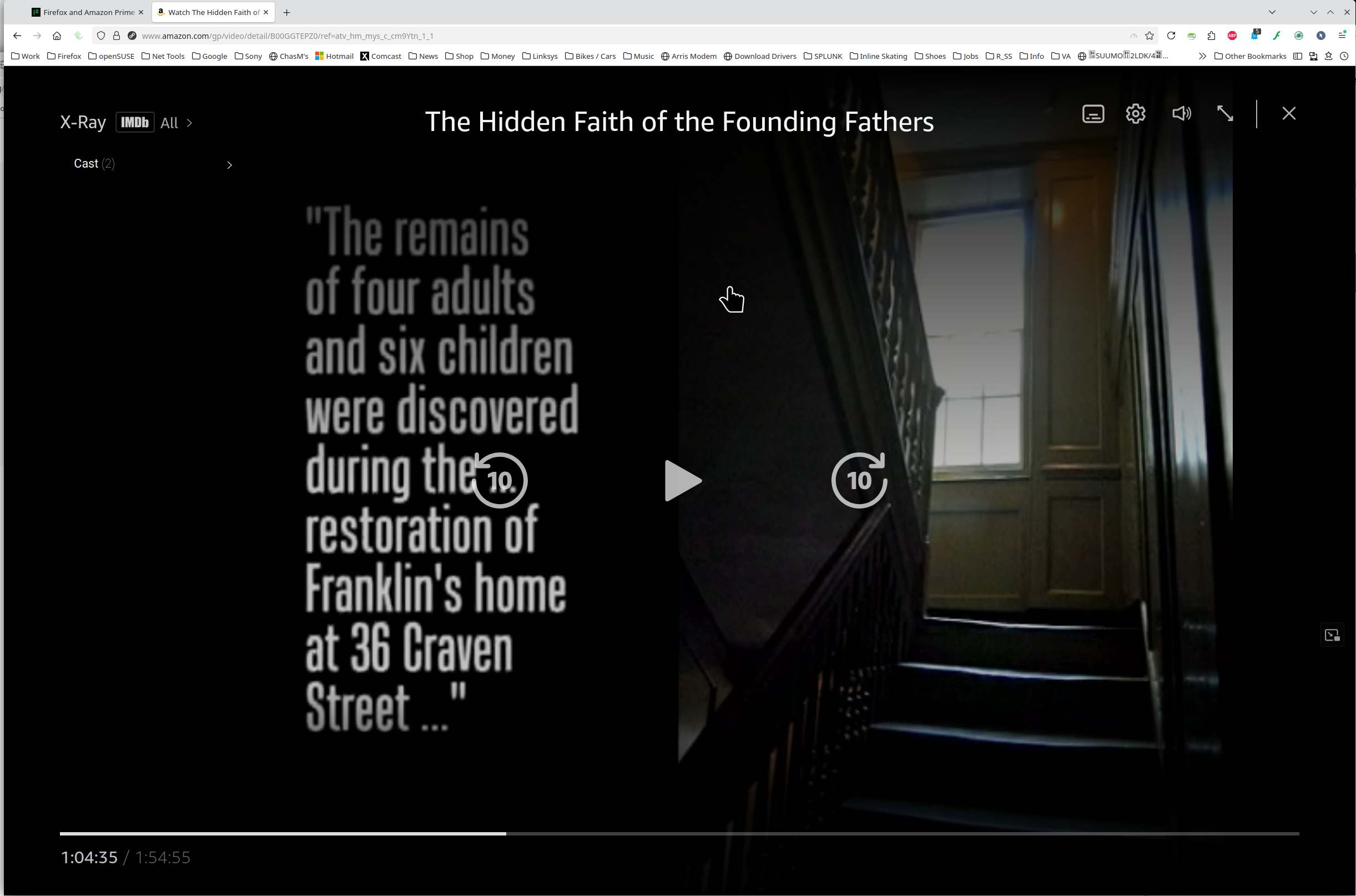
What OS? What version of Firefox? Have you tried with Firefox in Troubleshoot Mode? https://support.mozilla.org/en-US/kb/diagnose-firefox-issues-using-troubleshoot-mode#w_how-to-start-firefox-in-4troubleshoot-modesf5safe-modesf It works for me. see screenshot
Thanks for the reply jonzn4SUSE. Sadly, no go in Troubleshoot Mode. I've got the most recent Firefox update, 140.0.2 aarch64. For now I'm going to use Safari, and accept this as a Lesser Evil, given the Gran Mierda that's going down in my country and places east of me. I'll get back to working on this in a week or so. Thanks.