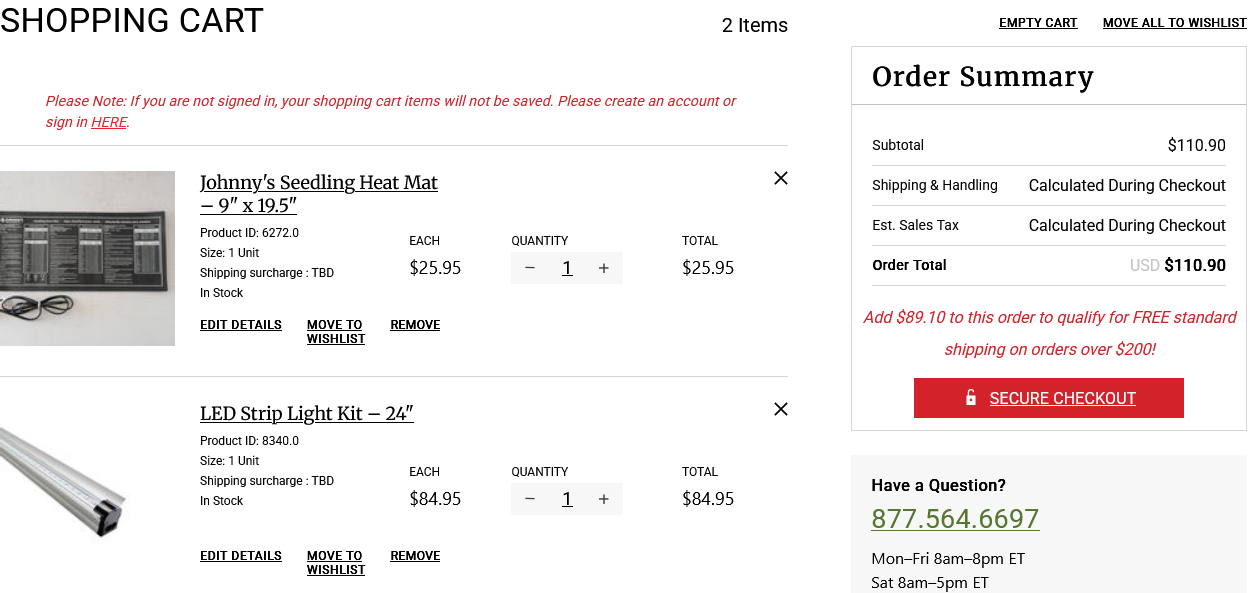
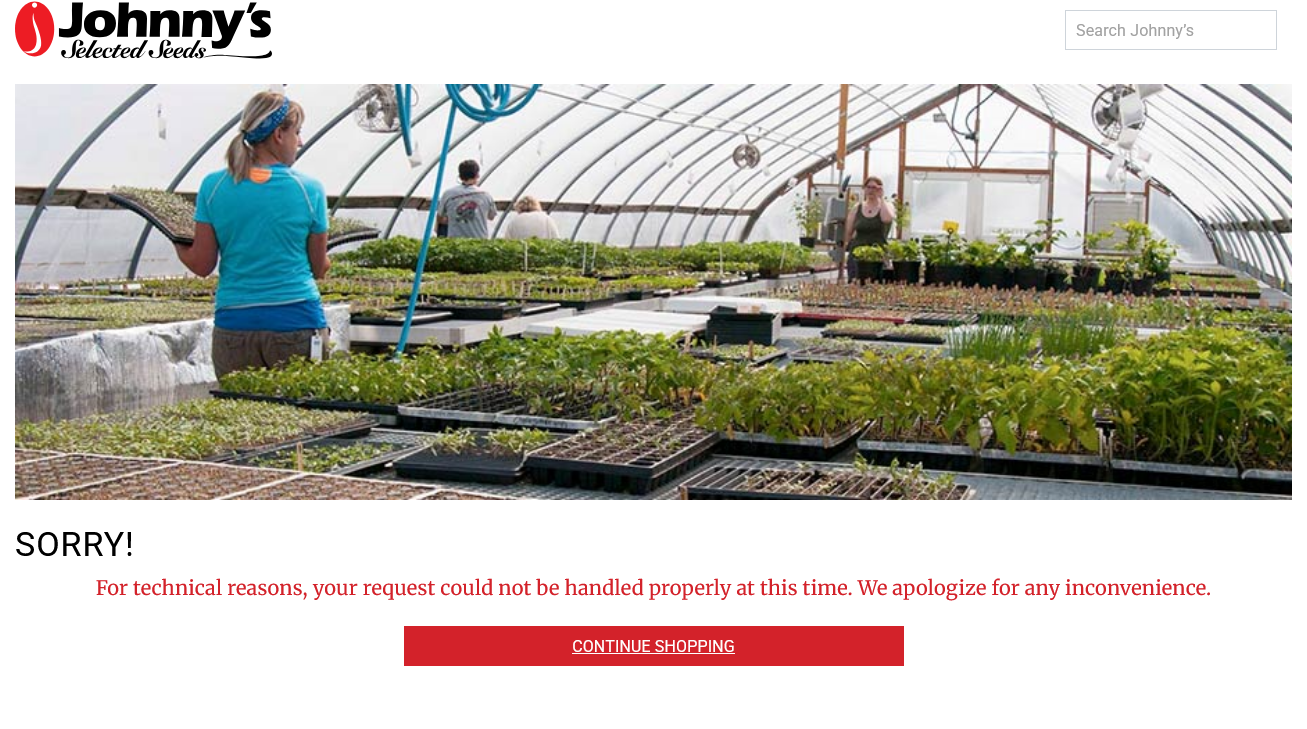
Firefox update this evening interferes with use of frequently used websites. I cannot login.

Downloaded recent Firefox update. Restarted PC. Logged into a site I use (and need this season). I could not even use a saved bookmark for login page. Cannot log in to it.
I added the site under Firefox settings option.
I tried logging in with Private mode, where I was able to use bookmark for login page. HOWEVER, I quickly experienced issues and got attached warnings. I reported 'site not working' on the debug option. While this usually immediately fixes a problem, it did nothing at all.
This is why I am always AFRAID of installing the "Updates" - I frequently lose functions. It takes as TREMENDOUS amount of time to fix them and there is no "help button" on Firefox or Mozilla to scan issue and fix it.
Downloaded recent Firefox update. Restarted PC. Logged into a site I use (and need this season). I could not even use a saved bookmark for login page. Cannot log in to it.
I added the site under Firefox settings option.
I tried logging in with Private mode, where I was able to use bookmark for login page. HOWEVER, I quickly experienced issues and got attached warnings. I reported 'site not working' on the debug option. While this usually immediately fixes a problem, it did nothing at all.
This is why I am always AFRAID of installing the "Updates" - I frequently lose functions. It takes as TREMENDOUS amount of time to fix them and there is no "help button" on Firefox or Mozilla to scan issue and fix it.