


Reduce interface font size

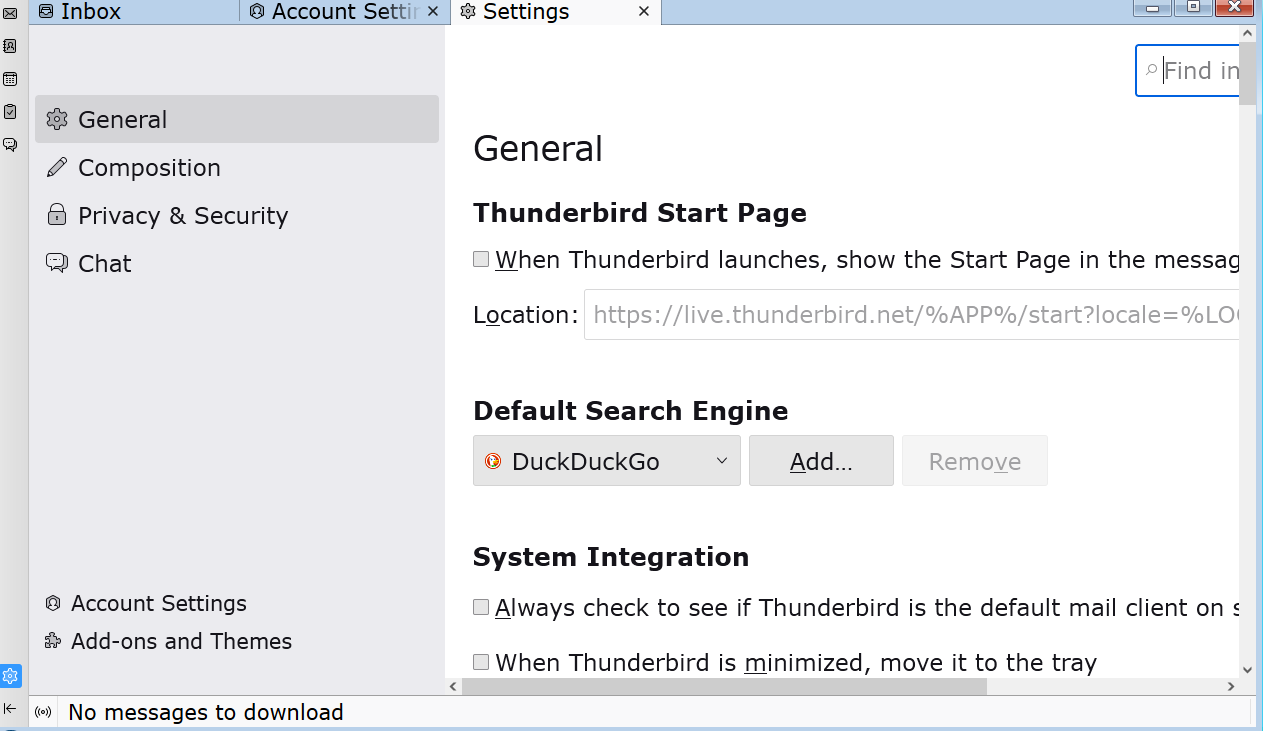
I find the font size on most program interfaces to be too small, but I recently installed Thunderbird and the interface looks enormous, reducing the message display area to a small sliver. Is there a way to decrease the font on the interface?
I find the font size on most program interfaces to be too small, but I recently installed Thunderbird and the interface looks enormous, reducing the message display area to a small sliver. Is there a way to decrease the font on the interface?
Chosen solution
Try View>Fontsize>Reduce font size.
Read this answer in context 👍 1All Replies (2)
Chosen Solution
Try View>Fontsize>Reduce font size.
Thank you, David - worked like a charm!