WebGL doesn't work in Ubuntu 10.10 with Firefox 4. How to fix this?

I'm using Firefox 4 on Ubuntu 10.10 on a mac. When I tested http://get.webgl.org/, it says "Hmm. While your browser seems to support WebGL, it is disabled or unavailable. If possible, please ensure that you're running the latest drivers for your video card. For more help, please visit the support site for your browser.". I found http://videos.mozilla.org/serv/mozhacks/flight-of-the-navigator/ more helpful, as it says "Could not initialise WebGL, sorry :-(". What am I supposed to do now?
วิธีแก้ปัญหาที่เลือก
This is just a driver issue. Maybe try Ubuntu 11.04 when it comes out.
การตอบกลับทั้งหมด (6)
Thanks, but webgl didn't work after i did all it said on that page. I've also noticed that on Mac OS X on the same computer, firefox's webgl works, so the problem must be in Ubuntu or Firefox's Ubuntu port.
วิธีแก้ปัญหาที่เลือก
This is just a driver issue. Maybe try Ubuntu 11.04 when it comes out.
Thank you. I'll test 11.04 beta 1 as soon as it comes out.
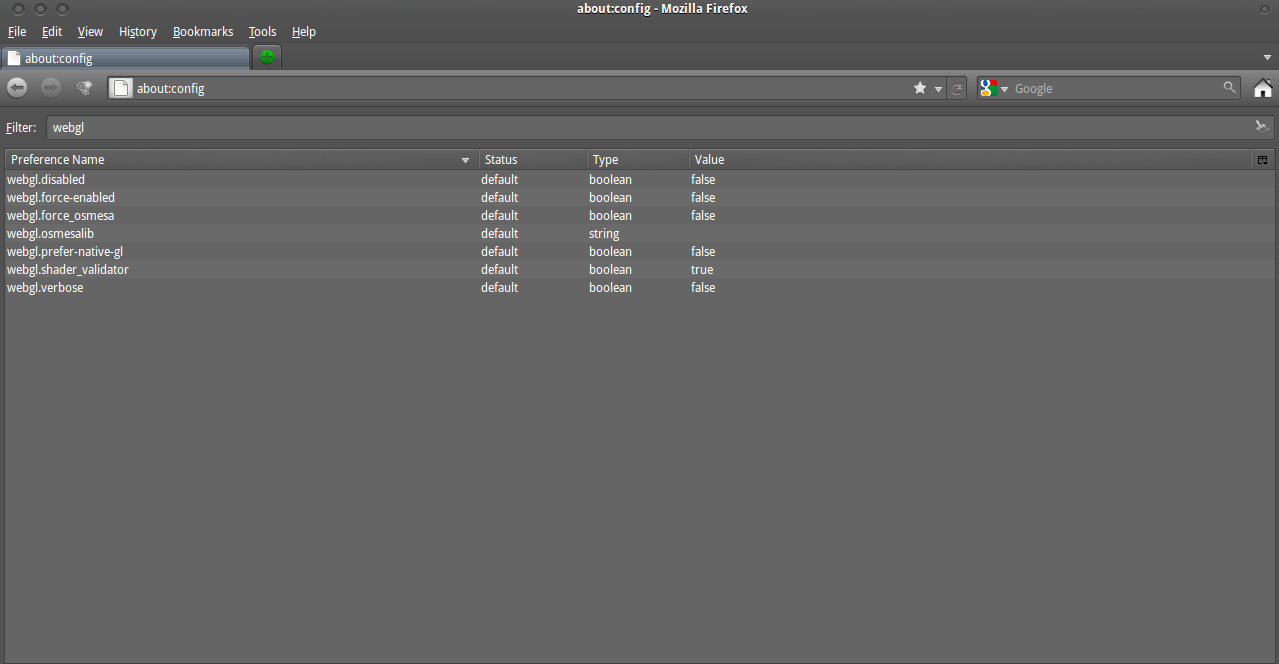
i dont see the option enable for all sites.this what i get.heres the screenshot.