Open
where on my computer is my "spam folder", and how can I check its contents?

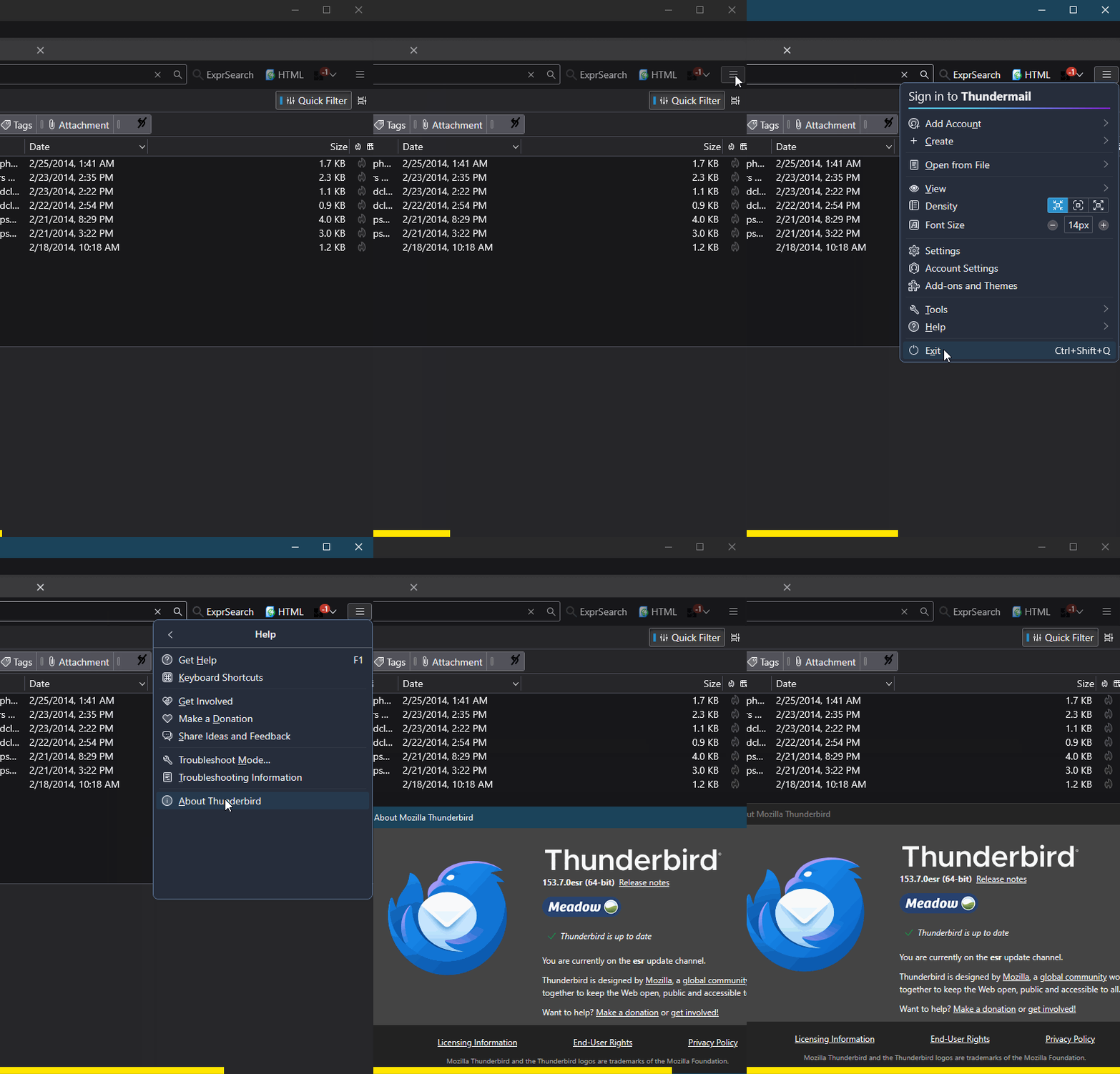
Find your version in Thunderbird App Menu ☰ > Help > About, e.g., 140.8.0esr, 149.0 or 150.0b1. Where? "Help" is no help. Check it and see for yourself.
Find your version in Thunderbird App Menu ☰ > Help > About, e.g., 140.8.0esr, 149.0 or 150.0b1.
Where? "Help" is no help. Check it and see for yourself.
การตอบกลับทั้งหมด (1)

Each account has its own Spam folder, though it could named "Junk" or other depending on the email provider. The folder is found in the Folders list alongside all other folders.
The Help menu is exactly where you describe it. Check the attached animation and see for yourself.