


How do I stop firefox release notes tab opening automatically when I start firefox after an update?

When I download an update and restart firefox, it opens a https://www.firefox.com/en-US/whatsnew/ tab. I want it to not do this.
วิธีแก้ปัญหาที่เลือก
It's actually described here in a help article: support.mozilla.org/en-US/kb/how-stop-firefox-making-automatic-connections#w_whats-new-page
การตอบกลับทั้งหมด (5)
Hello
PostUpdatePage ?
https://connect.mozilla.org/t5/discussions/firefox-132-0/m-p/75856/highlight/true#M29121
If you want to try policies.json
If you want to study Enterprise Policy Generator https://addons.mozilla.org/firefox/addon/enterprise-policy-generator https://connect.mozilla.org/t5/discussions/enterprise-policy-generator-an-open-source-browser-based/td-p/127768
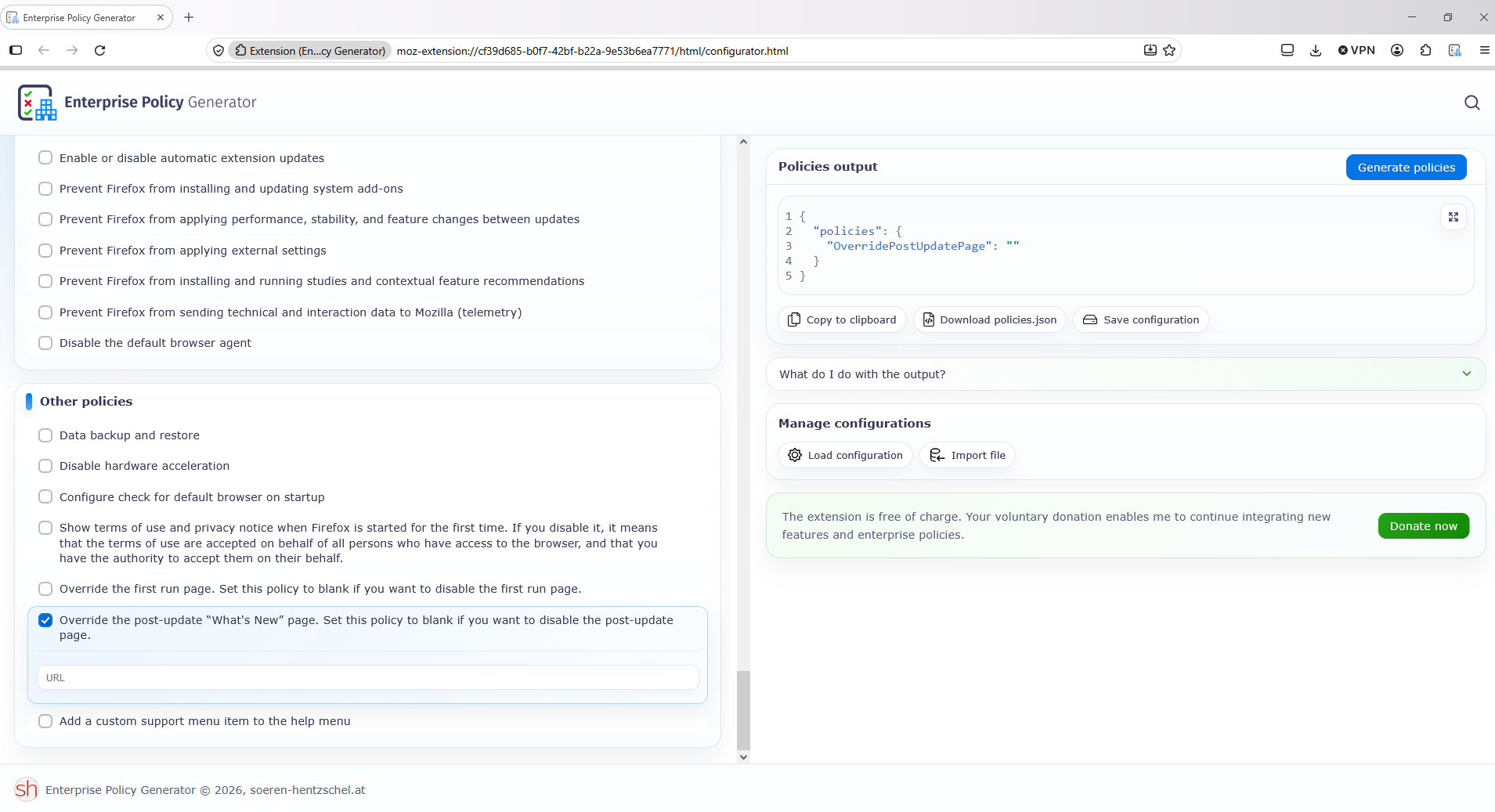
There's a config preference:
browser.startup.homepage_override.mstone
that you can set to "ignore" for skipping What's New pages on updates.
วิธีแก้ปัญหาที่เลือก
It's actually described here in a help article: support.mozilla.org/en-US/kb/how-stop-firefox-making-automatic-connections#w_whats-new-page
Hello
OverridePostUpdatePage https://mozilla.github.io/policy-templates/#overridepostupdatepage
Another way to do it, a test in progress, with the Windows registry.
HKEY_CURRENT_USER\SOFTWARE\Policies\Mozilla\Firefox\OverridePostUpdatePage Or KEY_LOCAL_MACHINE\SOFTWARE\Policies\Mozilla\Firefox\OverridePostUpdatePage
Your browser is being managed by your organization.
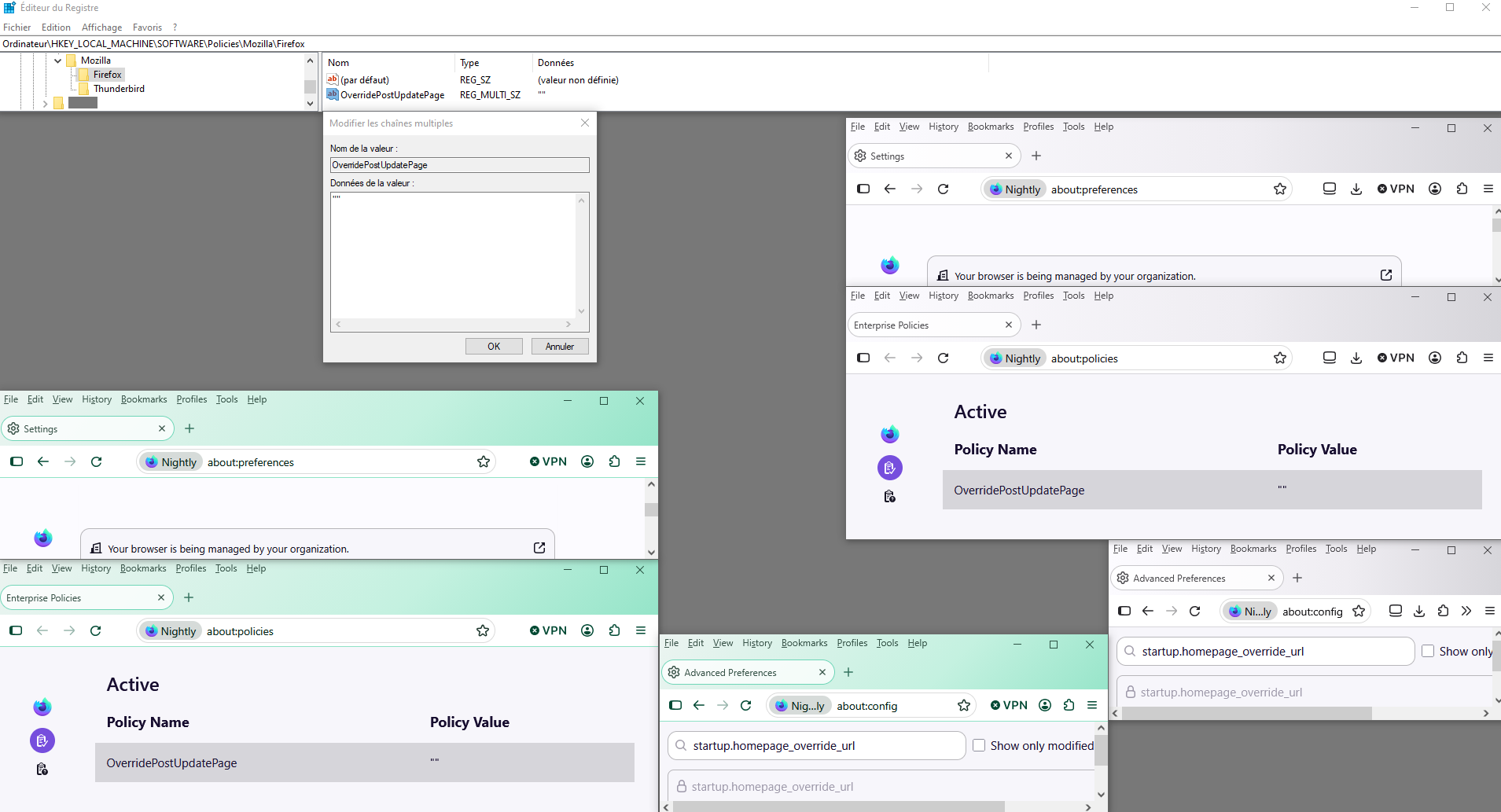
Hello
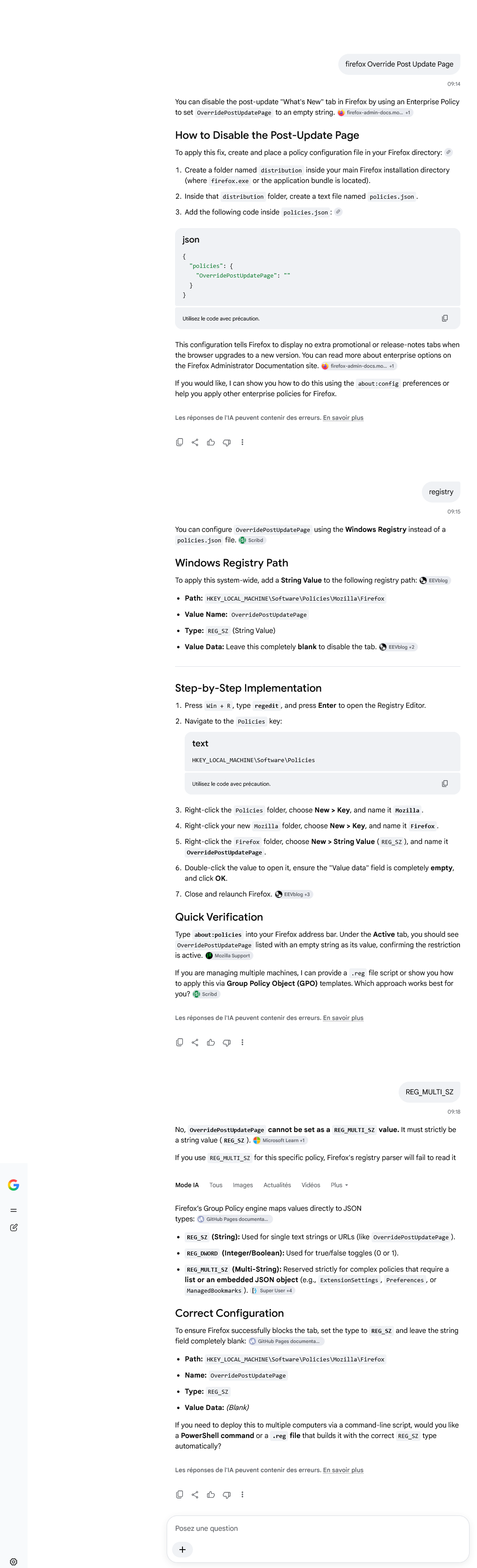
New test in progress.
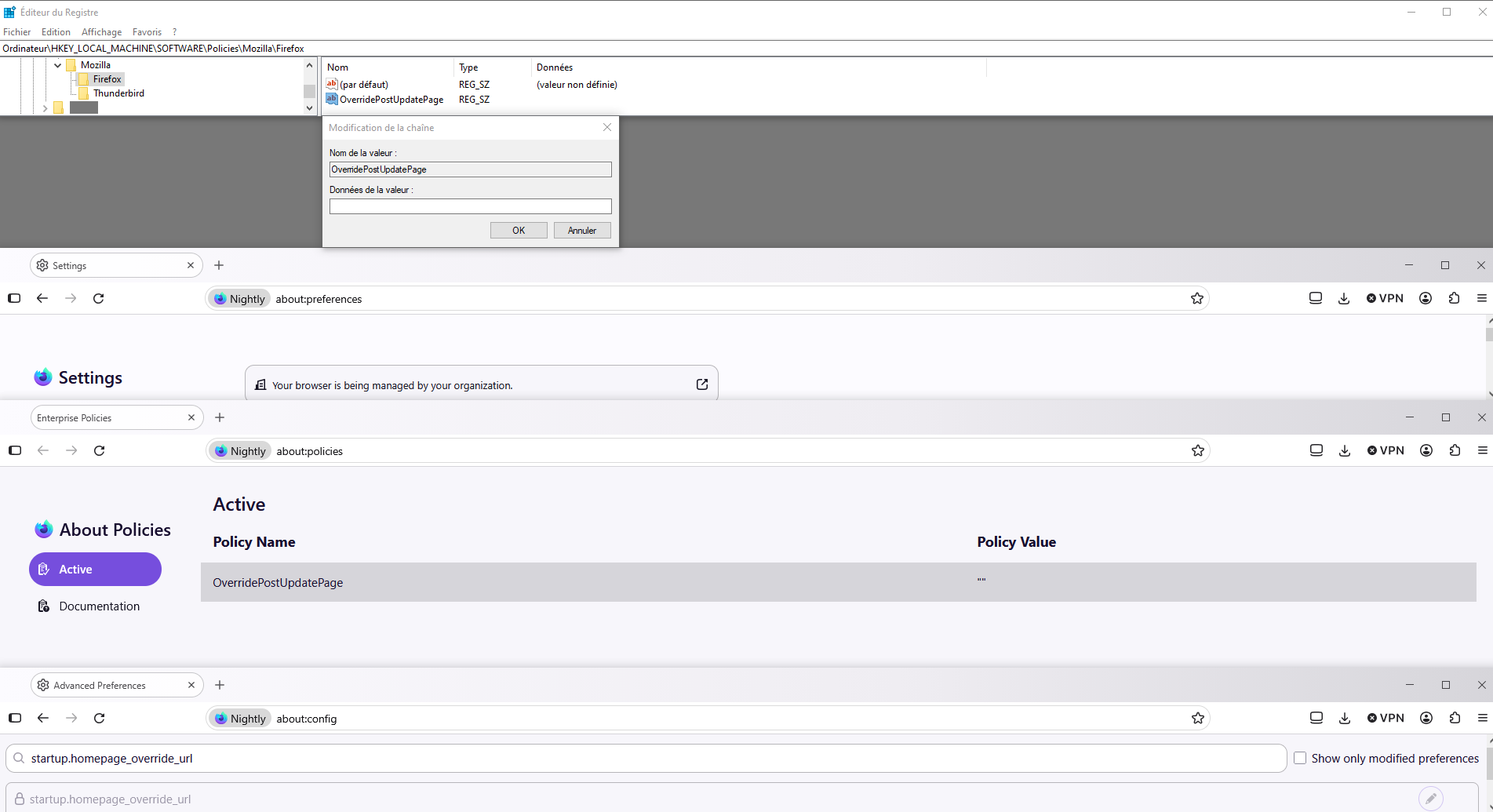
เปลี่ยนแปลงโดย Agent virtuel เมื่อ