


Errors in loading video/images on Firefox

Trying to watch a video on Nebula and it will not load. Receiving the following errors:
NS_BINDING_ABORTED Media resource https://nebula.tv/static/small-video-h265-DaPPbwJq.mp4 could not be decoded, error: Error Code: NS_ERROR_DOM_MEDIA_NOT_SUPPORTED_ERR (0x806e0003) Details: Utility MF Media Engine CDM only support for media engine playback
Just made a new profile and wiped everything from my history following another issue which isn't strictly speaking resolved. I am unable to load image-dense websites with any consistency. Issues do not occur on other browsers. I receive similar errors on Twitch:
The resource at “https://assets.twitch.tv/config/settings.1c614f361eb0408365c5a3fce34f6bf7.js” preloaded with link preload was not used within a few seconds. Make sure all attributes of the preload tag are set correctly. www.twitch.tv The resource at “https://assets.twitch.tv/eppo/api/flag-config/v1/config?sdkName=js-sdk-client&sdkVersion=3.1.2&apiKey=3mv-BKCSZJDyZrwfqK86har6u13NgxRh.ZWg9bTRsZHJnLmUuZXBwby5jbG91ZCZjcz1tNGxkcmc&callback=__setEppoConfig” preloaded with link preload was not used within a few seconds. Make sure all attributes of the preload tag are set correctly.
การตอบกลับทั้งหมด (6)
Twitch preloads JS bundle that then ends up not using. Waste of resources, but hardly an issue. Not related to anything / consequential.
Nebula H265 is something your OS has no codec for. See bugzil.la/hevc-windows-support
The issue with twitch is that it does not load/launch, those are the errors that arrived with that launch. If there is a different error I should be looking for, please let me know.
Also, hello again, I'm the same person from earlier with the Pinterest issues. They started happening again shortly after I set up a new account. I did not import anything from the old account over, so I'm basically at a total loss. The NS_BINDING_ABORTED error is happening on basically every website I visit that has a large amount of visual content and none of them are loading properly.
Thanks much!
Yeah I figured; this starting to reproduce in a new profile is rather unfortunate:/ That basically points at something on the line, either your connection, ISP, proxy, security for your device or bot protection measures applied for your line.
(Normally these would point at a) an OS–level HTTPS scanning appliance like antivirus/phishing/malware protection; b) an addon doing "privacy" or anti–fingerprinting tampering with the sites breaking their functionality — none of which seems logged in your support profile so I'm at a loss where that would be happening.)
The errors you see in console all basically mean "I should have had something running here that I'm not running so random things that depend on it are unhappy" but none of that is a culprit of any issue, just the butterfly effect of something not loading.
If you understand the consumer app enough you can infer the NS_BINDING_ABORTED relation — if that's something they expect and then drop for other reasons, or they're making a request using a wrong method, or just hitting local caches and not ending up requesting that. Some sites apply Service Workers to do that routing in their code instead, see bugzilla.mozilla.org/1658192 or bugzilla.mozilla.org/1673534 from few years ago for context — so you can just go to about:serviceworkers and remove all if that's what's not working in your environment.
I have no idea what would be affecting the network transport to the point where it's caching stale or incorrect/broken data, but apparently the browser has no idea about these coming in wrong or badly timed. I'd suggest next: rebooting and updating your router/modem if there's any firmware updates available, connecting via something else like a mobile hotspot if you can tether to some data plan, changing DNS–over–HTTPS mode and the provider to someone else, disabling HTTP and SSL protocols in settings to force different stack — as a test to see if anything changes the behavior — to help identify the part of the stack that's been giving you the trouble.
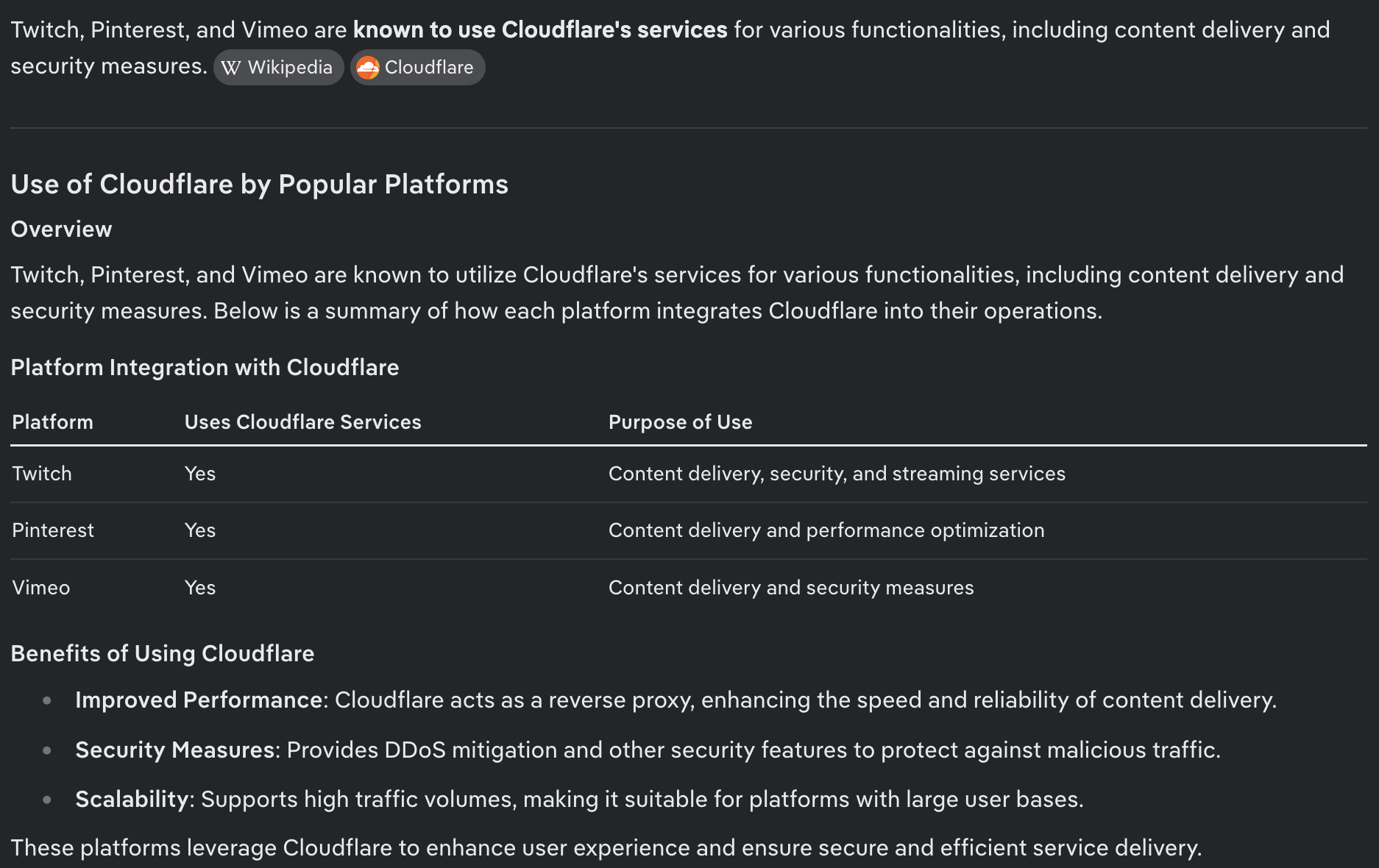
Also look into the services if they have something in common, like a cloud provider — in case you don't appear as too legitimate to e.g. Cloudflare aren't they cutting you off at large? (Unverified quote from search assist below: …)
You are my savior. I don't understand why the modem reboot helped but now everything is loading normally. This is why I stick to hardware.
Have a lovely day, I hope I don't have to bother you again!
Hopefully it last longer than a day or two:/
(My guess? Rebooting router refreshed your lease from your provider potentially assigning you to a different external IP address. That might have alleviated some rate limiting, blocks or bot protections from some of the common cloud providers.) 🤷
After slightly more testing its definitely something with my ISP blocking traffic. I am flying now on VPN. The joys of renting and not being able to chose an ISP.