


How can I set TB 140.12.1 esr (64-bit) Thunderbird Windows MSIX package thunderbird-MSIX - 1.0 to Classic Reader by default?

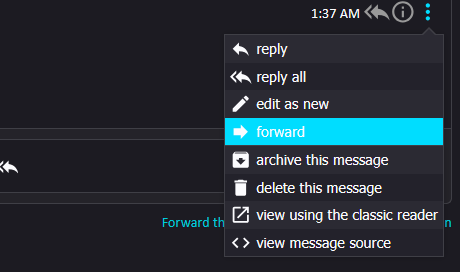
Hello All, The opening email changed to a reader that works, but I'd prefer to use the "Classic Reader" by default. Searching the settings hasn't turned up anything that sounds right. Is there a behind-the-scenes file that I need to edit to resolve this issue?
การตอบกลับทั้งหมด (9)
Are you using an addon? That's my guess as 'classic reader' is not part of the regular THunderbird
Not an add-on; this is the Mozilla Thunderbird client distributed in the Microsoft Store.
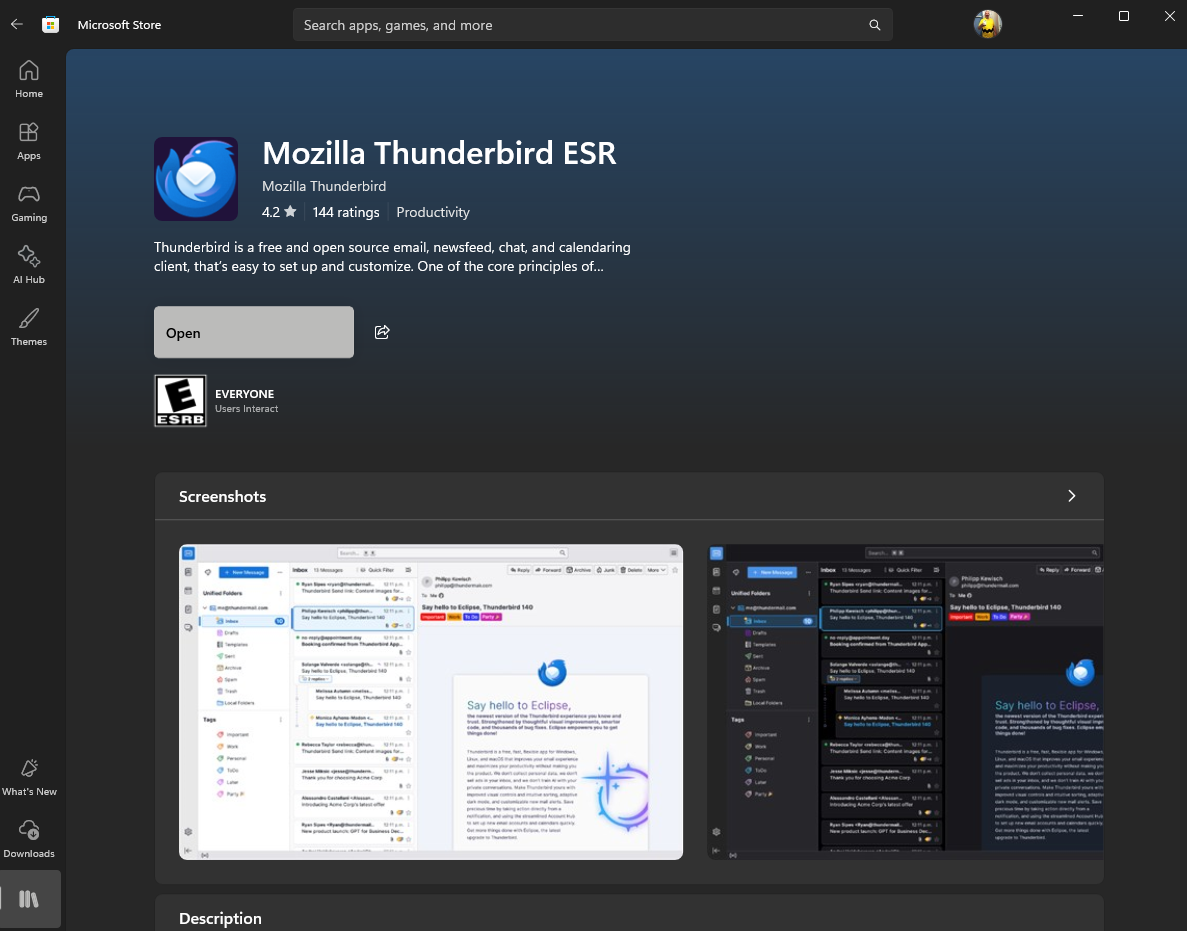
My issue is similar to this unresolved issue from 2023: Viewing messages in Classic Reader by default in Ver 102.8.0 https://support.mozilla.org/en-US/questions/1407392
I know nothing of the MS version, but I would be surprised to find that MS is customizing Thunderbird. If they are, then you are on the wrong forum for answers. I will see if I can get more input on this. Thanks.
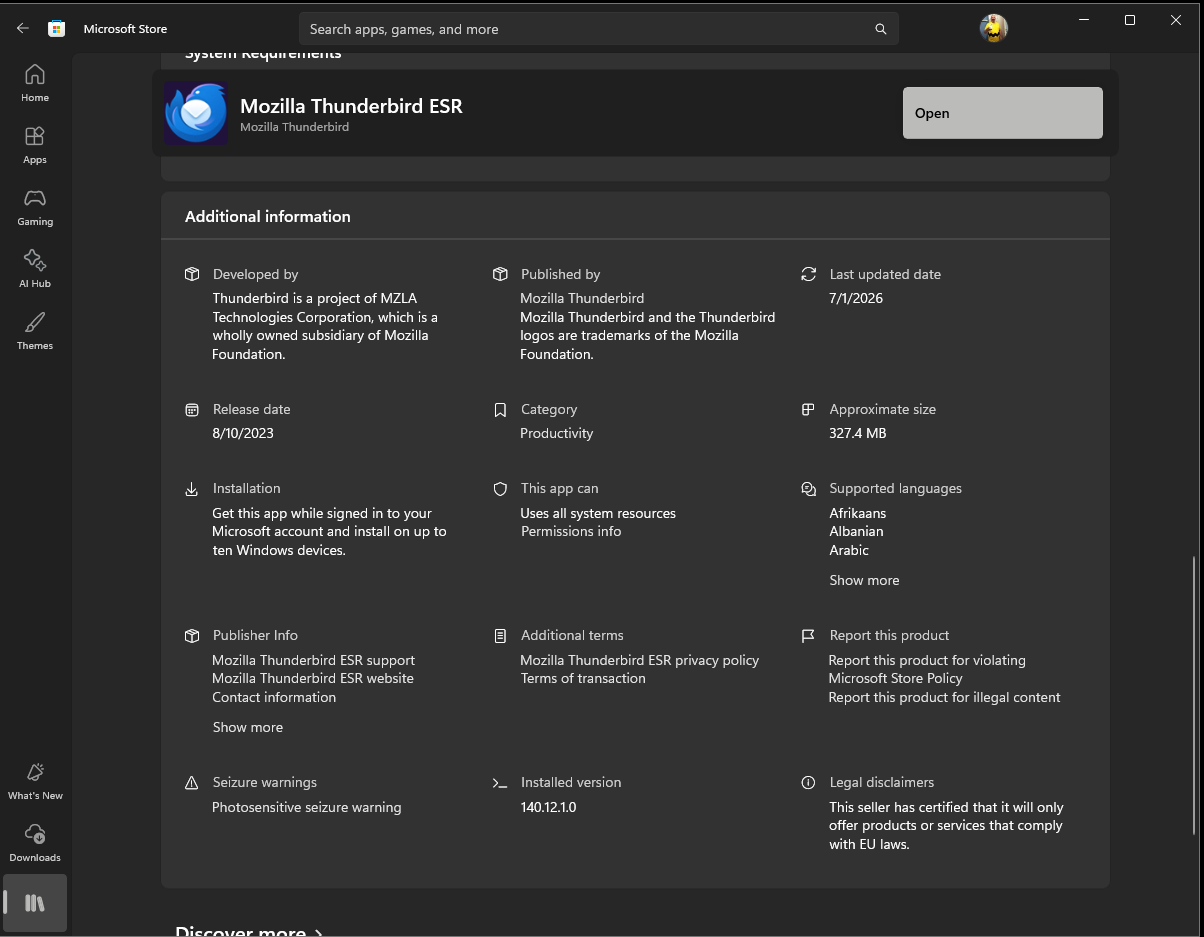
Additional and Contact info:

Are you using the Thunderbird Conversations add-on?
Maybe a screenprint of your addons will help clarify the issue.
HUZZAH!! Thank you, both! I found that the Thunderbird Conversations Extension was installed (Don't remember doing that), but after disabling it, everything is working as I remember it (including Message Pane)

You're welcome. Please mark the issue solved. thank you