


How to repllace a thunderbird profile on linux with a thunderbird profile on window

bold texti have a thunderbird profile on exterior drive I have installed linux mint on my PC but cannot locate the profile to use my old TB profile -either by replacing it or renaming the old profile for the linux one
วิธีแก้ปัญหาที่เลือก
It may help to know what you were attempting to do on the Windows PC. With that information, maybe we can give better information
การตอบกลับทั้งหมด (21)
Try this:
- click help>troubleshootinginformation
- click to 'profiles' and click 'about:profiles'
- in upper left is 'create profile' button click it
- click next
- on this screen, enter shortname, e.g., Dprofile
- , second, click the browse button at bottom and locate and select the profile on drive D
- click finish and launch and see if that works .
many thanks David for that, Unhappily for something I did (installing a new thunderbird) I did manage to find with tb -p the profile and substituted my Win10 TB profile. This resulted in "unable to find Porfile or unacceptable profile error message - hence no help list. Trued to delete TB but command line said TB not installed but I am able on Place>internet 2 Thunderbirds on list but neither of them lead to TB opening. One had a red print list in a box ending with an http// address which can't be copied, The other give the profile not found or unacceptable.
I am grateful for your suggestion D Watson
วิธีแก้ปัญหาที่เลือก
It may help to know what you were attempting to do on the Windows PC. With that information, maybe we can give better information
Hi David,
Having accumulated emails from way back there are a number I wish to keep. Moving to Linux Mint on a new PC I wished to move my old TB profile to the new PC. I opened a thunderbird mail account of one my email accounts which worked fine and received new emails. TB profile on windows is a static name. I was expecting to find that on Linux but failed, because I used my name as the profile name. I also failed to find a method of installing my TB profile from windows in Linux TB. I assume the TB -p is not tb's true profile but my name for it.
If I could locate the true location of tb linux profile file and its true name I could change my windows tb file name to the linux tb profile name and believe I would have all those saved emails displayed on Linux?
Doug
Thanks David that did resolve the issue and I am now able to see old emails on Linux.
What I hadn't appreciated was that each email account needed setting up on the new TB Linux to access the old profile.
hanks again.
Doug
On review I discovered hundreds of emails missing. There appears to be some sort of fundamental non compliance between linux TB and win10 TB. The only emails one can see on moving installing TB on linux are the emails still on the webmail NOT the emails on the Win10 profile. It baffels me why the same software refuses to recognise itself on different operating systems. I thought TB was external to Windows and Linux
TB versions linux 142.12 - window version 152 but there does not seem to be a method of changing either to make them the same version. I get notifications, such as TB version update has made changes to the newer version,
dwatson1
You are correct: the TB data is compatible with both Linux and Windows. Lacking details, it is difficult to advise next steps. Copying profile from PC to linux uses the OS file manager, copying every character. If you have the PC profile on the media you copied from, you should see all of the message folders intact. I have never encountered that, copying from/to Linux, so I encourage that you revisit the exported profile, as whatever was not copied can still be salvaged. If yu post screenshot of what was not copied, I think we can assist in resolving that.
david - I am most grateful for your answer. I would love to be able to send you a screenshot of what isn't copied BUT the issue is that only the emails residing on the webmail server are present after trying to move win10 profile to Linux Mint- none of the emails that were on TB Win10 make it to Linux Mint.
My suspicion is that there exist, in the win10 TB profile (there are around 25 files), one or maybe more files prevent Linux TB from seeing them, using them or transferring them to Linux - my view, some sort of instruction to gather the emails from the webmail only and not the win10 profile. From the size of the profile (7.5 gb, I believe all the emails are on the external drive (although it is impossible to know). I am equally sure that there is some sort of block, either by a single file instruction or a refusal to recognise or even a file instruction to pick up the emails from the web server not the external hard drive. Example there is a file called 'saved telemetry-pings', 'handlers,jason', 'bounce-tracking-protection' and 'AlternateServices.bin'. If I knew which ones were unimportant I could try not transferring those files or not including those on the win10 profile.
Lastly - like some email copying, and resending, the content received the other end as email is full of digits,letters and characters that make no sense to be able to read.
dewatson1
When copying profiles, the IMAP online messages are automatically repopulated, irrelevant to the copy. In fact, for persons doing backups to transfer to new PC sometimes (per my suggestion) they DELETE the IMAP message folders on PC prior to the transfer since they will be repopulated. That is a significant feature for persons transferring multi-gigabyte profiles. So, the issue for you are the non-IMAP folders. There is nothing in Thunderbird that prevents their migration as, from a file copy process, they're just another set of files. If you do a screenshot of your exported profile, they will be visible if they were part of the copy process. I do not understand your last paragraph.
Looking back to your earlier post, you stated you had to setup the accounts on Linux after the transfer. That is never required if the profile was properly transferred. My inference is that, in setting up the accounts again, you overlaid the imported data or the email account wasn't there. That's just a guess, as some process prevented the data being visible. That you had to set up the account again causes me to think that is why you are not seeing prior data. Again, if the exported profile is available, those messages can be salvaged. I regret you have had these problems.
Again David, many thanks. Have attached 3 files the length of files are that long!
IMAP - is the suggestion to delete emails on the webmail? Or is the suggestion to use POP to receive emails?
Should I go through exactly how I transfer? On the reception linux (having installed TB from command line (sudo apt install thunderbird) i locate the name of the profile through Help>Troubleshooting information>about profile. I open that profile, delete all files to replace them with the files on the Win10 TB open profile.
My wife has a win10 so I am used to backing up for her win1o by renaming my win10 file, copying that profile to that location where my wife's profile exists, then rename my win10 profile name with her profile name, which works.
My request of asking if some profile files could be the blockage to linux was just a query as to whether that might be the cause.
I really appreciate your efforts David - hopefully together we can arrive at a solution.
dwatson
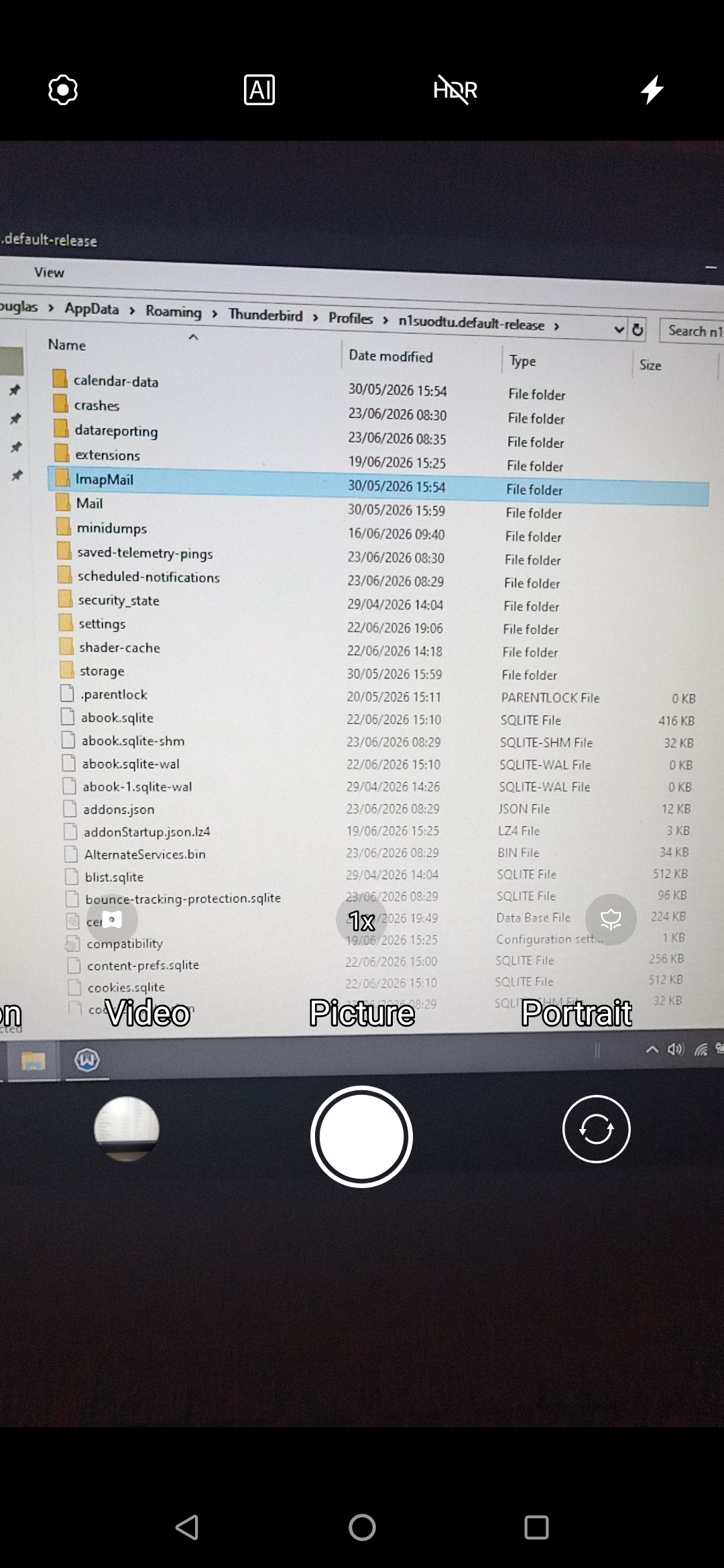
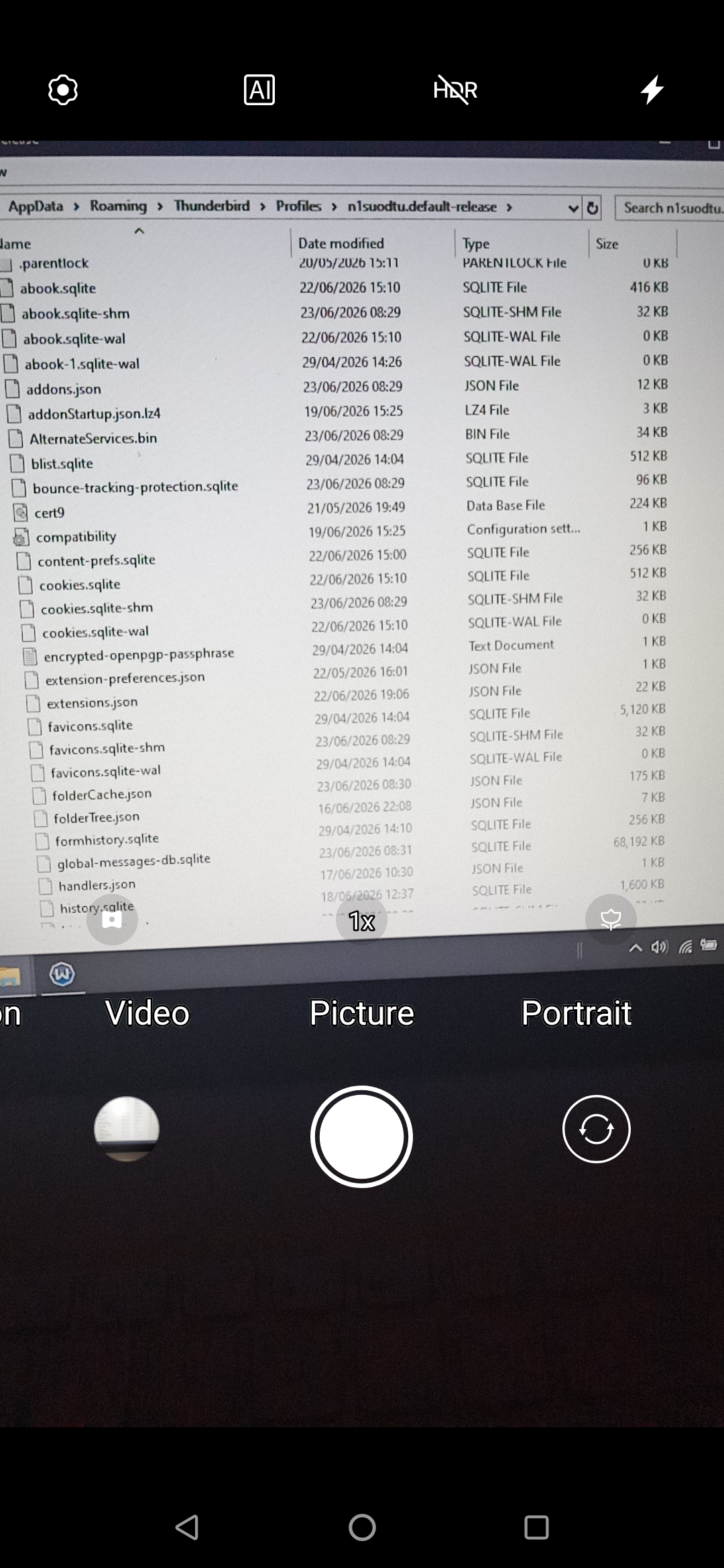
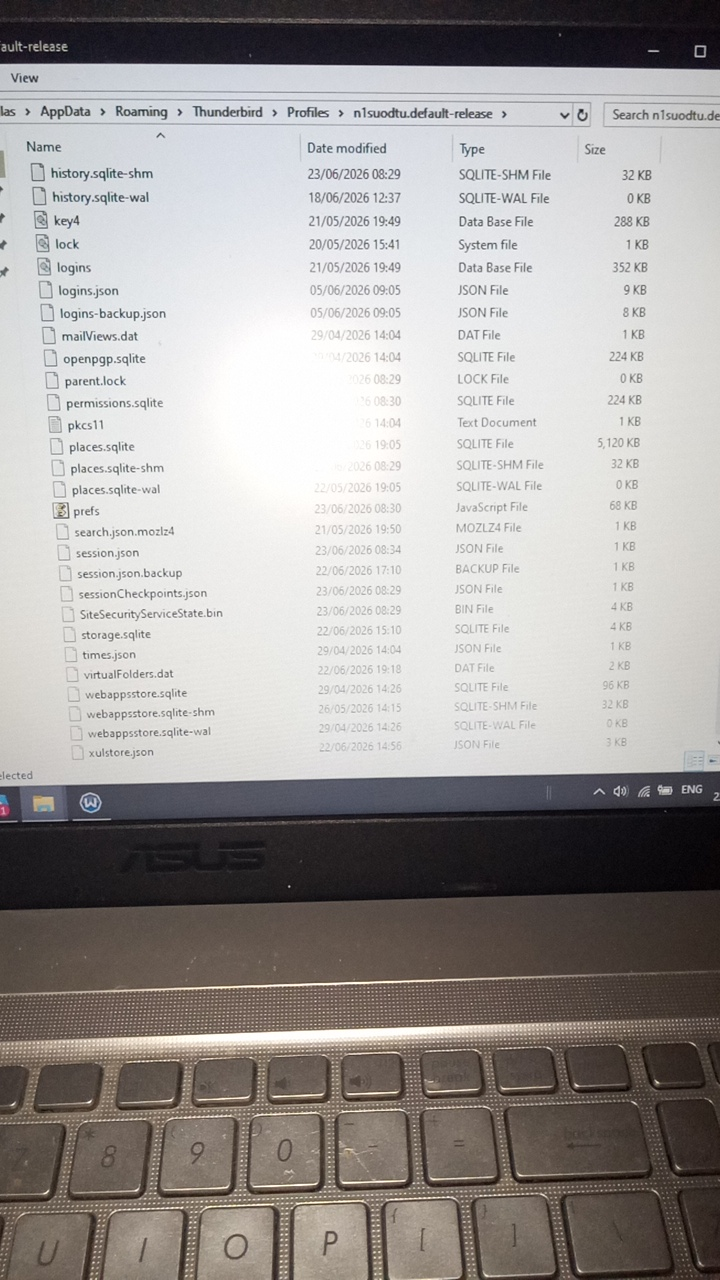
Well, your screenshots showed some of what is there, but not of what was exported. I use the same steps that you described. My inference is that the POP accounts were not copied, and that you had to set those up after the import. If there are messages that did not come across, they would be in the Mail folder of the exported profile from old machine. If I am correct, that you have POP messages that are not on new machine, then post screenshot of the Mail\<POPaccount> folder from the export. Thank you
Thanks David,
The screenshot xxxxxxxxxxxlinuxImp is the win10 profile received by linux but not usable in TB Linux.
There is a TB which has a single dewatson email which works but only has the IMAP emails still on the webmail. xxxxxxxxxxxxxxxxxxxxxLinuxLive
dewatson
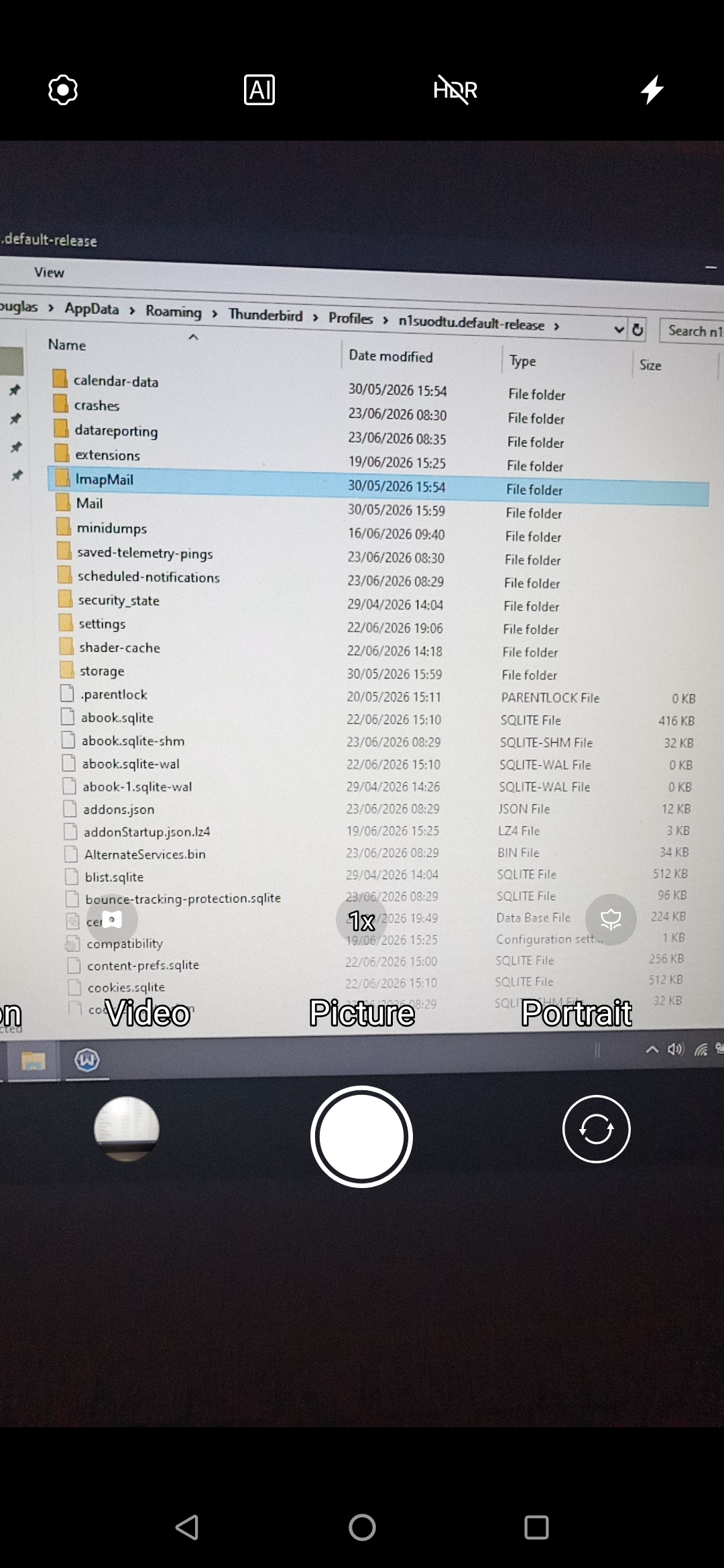
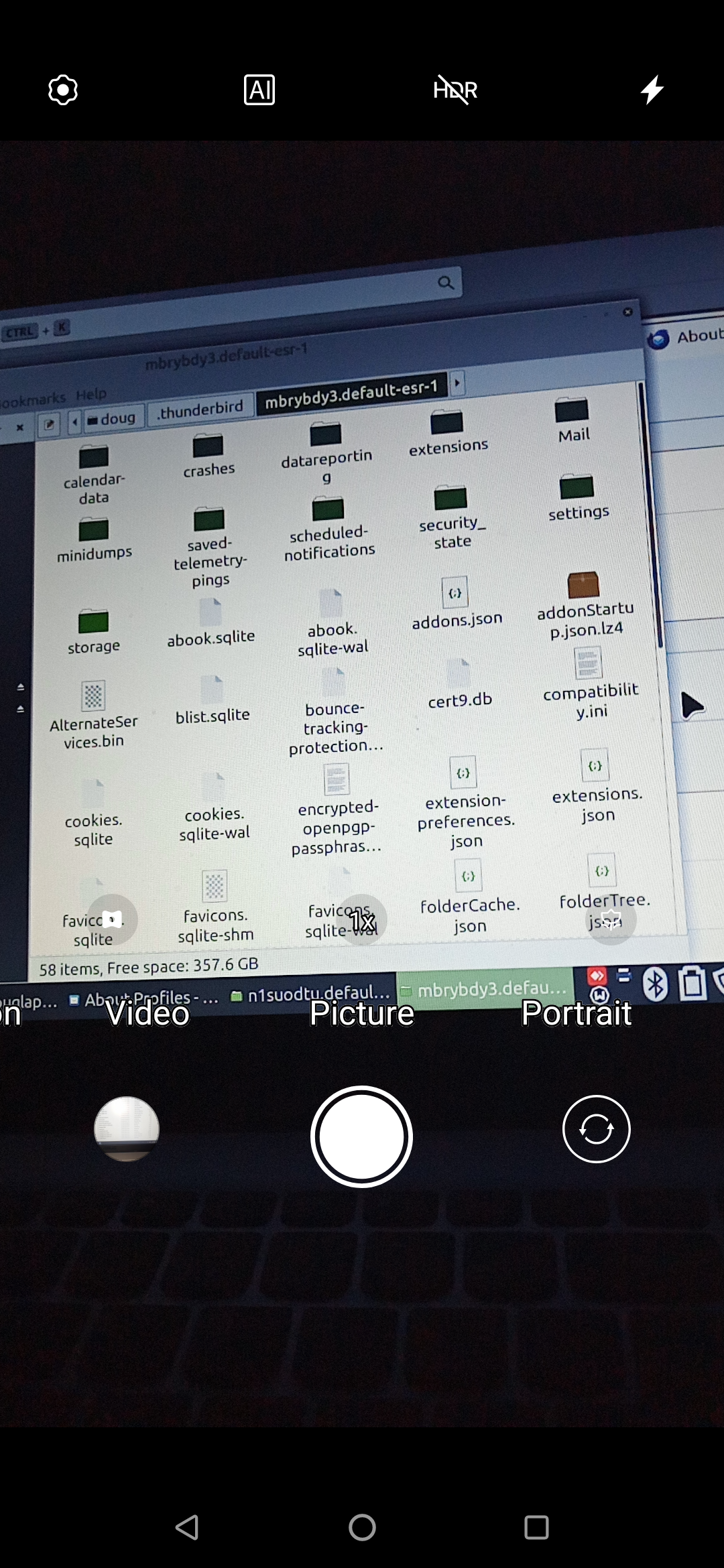
Hope these are helpful David
Let's clarify status. My understanding is that you lost messages from POP account when you transferred. Please confirm. Your screenshot shows the mail folder, but not it's contents. If you did lose the POP account messages, we can extract from old profile and copy to new profile. Please open the mail folder, then open the POP folder, and do a screenshot of that. But please confirm my assumptions thanks
morning David, thanks for your continued efforts to resolve this.
Please find contents of one pop orange email - there are 5, I think..
Sorry if there has been confusion. No, the pop orange emails are not lost. They reside on my Win10 PC. The issue has always been the impossibility to store them on linux machine as, for some bizarre reason, linux TB either does not accept the win10 profile copied to replace the linux TB profile.
I did have a partial success reinstalling, email account, by email account on a new linux TB installation BUT the only emails it sees are those on Orange webmail but not those on the Win10 profile. TB has been an essential part of my present day 21st century living.
The purpose of being able to use TB linux, is as a backup but I wish to use both my win10 and linux as backups for these hugely important email history. I would like to become more experienced with linux to eventually only have linux for my admin. This will be impossible if really old emails cannot be migrated to linux so that Mrs Watson can equally become familiar with linux. BUT she also needs to access to her old music emails (she has been in a local choir for many years), if this year's concert contains music from long ago.
dewatson
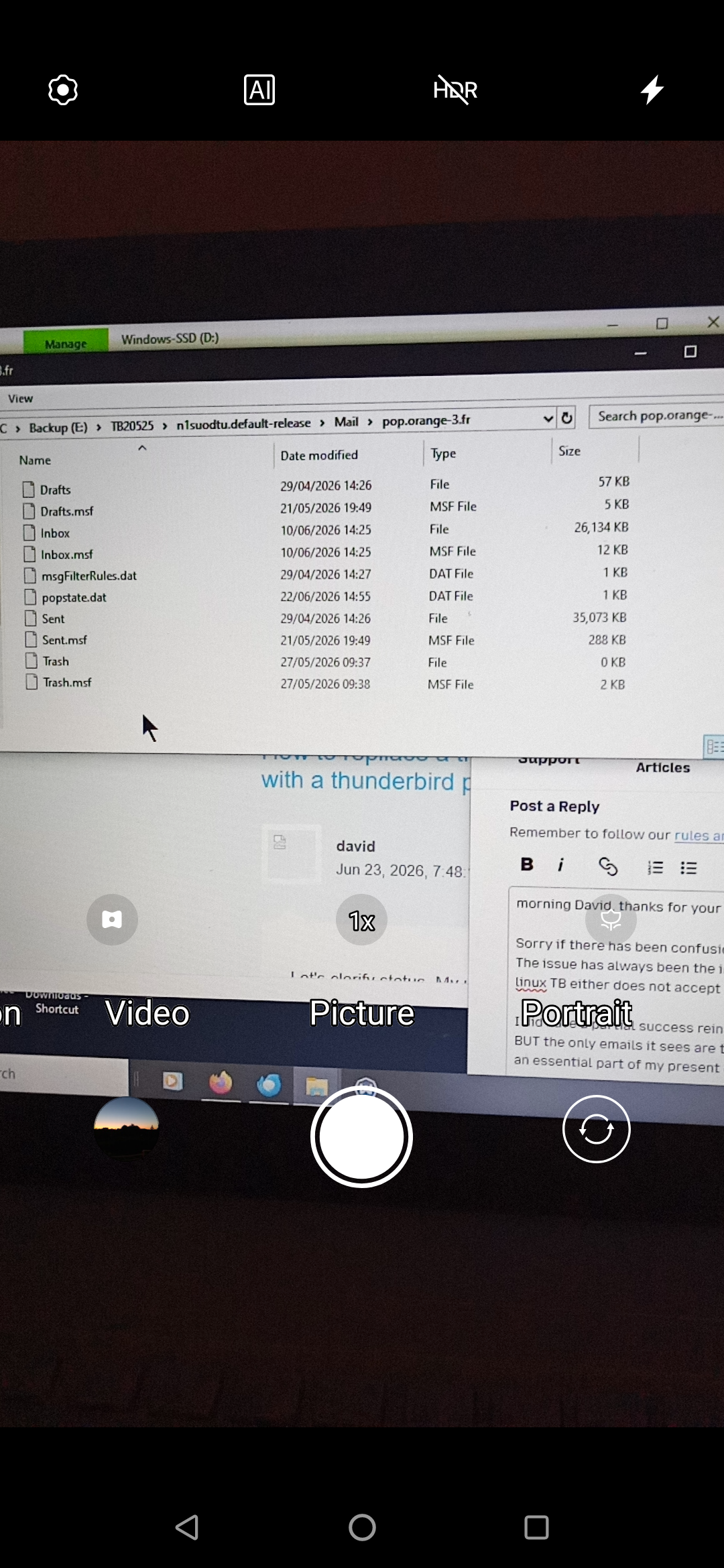
On Windows PC,
- copy the inbox and sent files (ignore the msf files) to external media
On linux pc
- install importeporttools NG addon
- highlight Local Folders and rightclick
- select the importexport option to import mbox file
- select the inbox file on the external media
- repeat the process to import the sent file
- rename as desired.
I am idly curious why they were not part of the original transfer, but it's history now.
Sorry to be so dumb - please find the latest screen shot which is of the Win10 TB profile pop.orange expanded to show the inbox and sent boxes are included in the transfer to the linux TB profile, However, I am as equally curious why Linux does not accept them to provide them in the emails.
I tried the import process for the mail folder, having tried just the inbox and sent folder but it still left me with NO emails. It refuses to import files greater than 2gb. How could the TB pfile be sent in smaller than 2gb lumps?
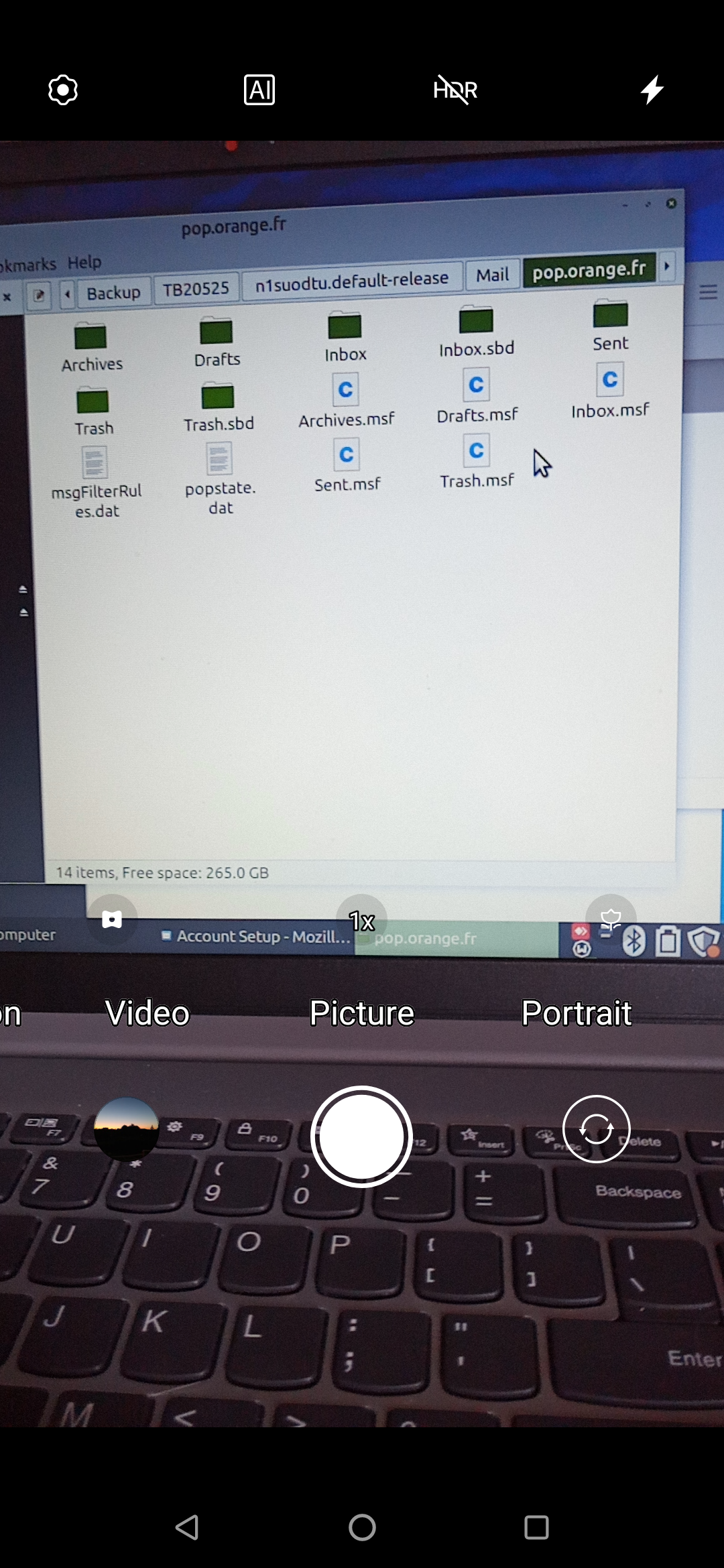
your inbox is just 26meg, so I am puzzled why you report a 2gb limit? Did the folder appear in Local Folders? Please describe, in detail, the exact steps you took. That may help.
Hi David, I have tried multiple things - importing the whole win10 profile, importing just the inbox and sent box, moving the inbox/sent box into the win10 'recorded profile'. I have even asked my Linux guru to assisdy and although he regains some of my emails from Orange webmail there appears no method of installing the win10 profile as a whole, or as highlighting existing files in TB Linux profile with separate files or the inbox and sent box separately - Linux will not show the whole of those emails in the win10 profile. Something weird is going on which seem unsolvable. Sorry to disappoint.
dewatson
I will let this go. This is not a Linux problem, as I regularly move profiles around Linux and Windows. I hope all works out for you.