หัวข้อนี้ถูกเก็บถาวรแล้ว
โปรดถามคำถามใหม่หากคุณต้องการความช่วยเหลือ

เก็บถาวรแล้ว
my firefox refresh circle is missing

my firefox refresh circle is missing
my firefox refresh circle is missing
การตอบกลับทั้งหมด (1)
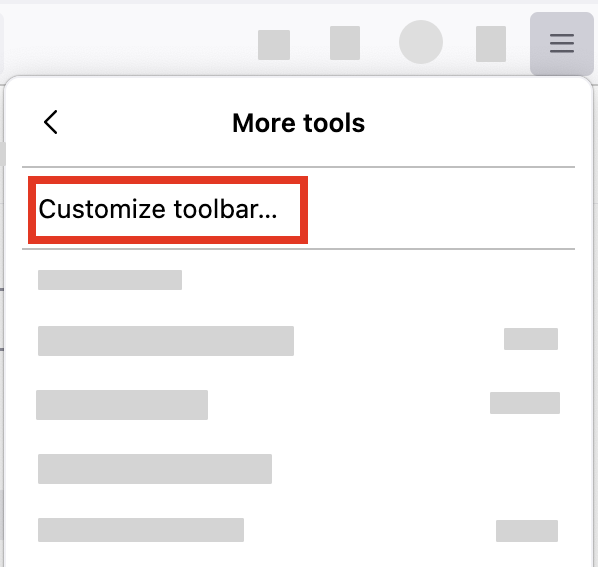
- Click the menu button
 in the top-right corner, click More tools, and choose the Customize toolbar… option.
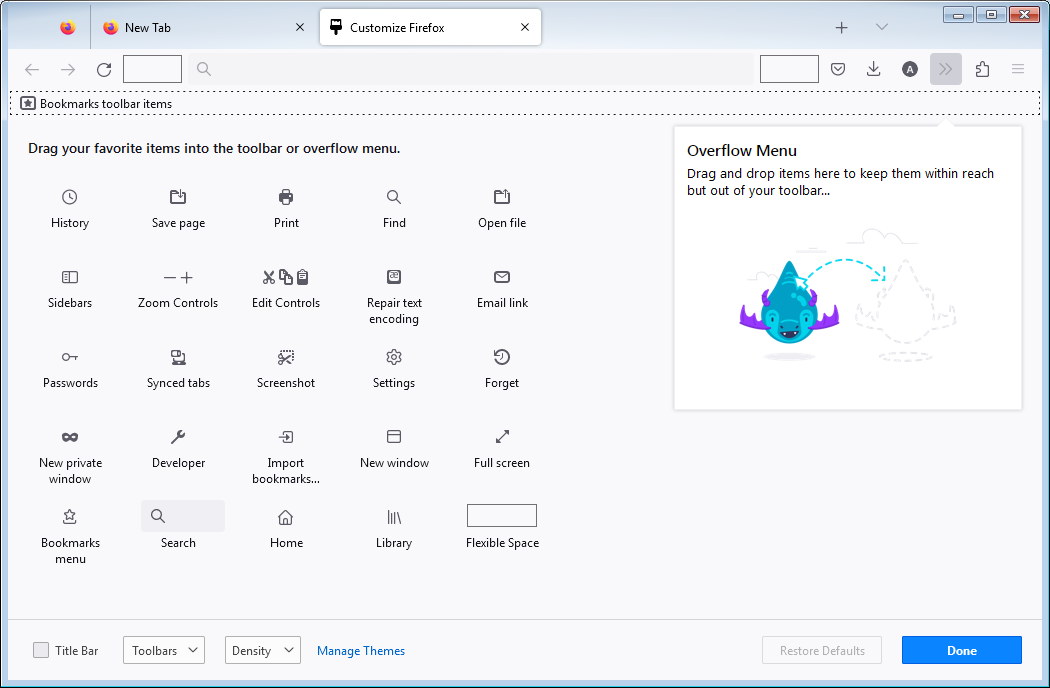
- A special tab will open that allows you to drag and drop items in the toolbar.
- Click the Restore defaults button, or find your refresh circle.